Access the Web UI
If you know your device's IP address, type it into your web browser to Web UI.
Alternatively, you can access the Web UI via wired Ethernet or Wi-Fi.
1. Connect your device to your LAN and power it up.
2. Open Web UI:
To ensure a smooth video, you are recommended to connect to a
wired network.
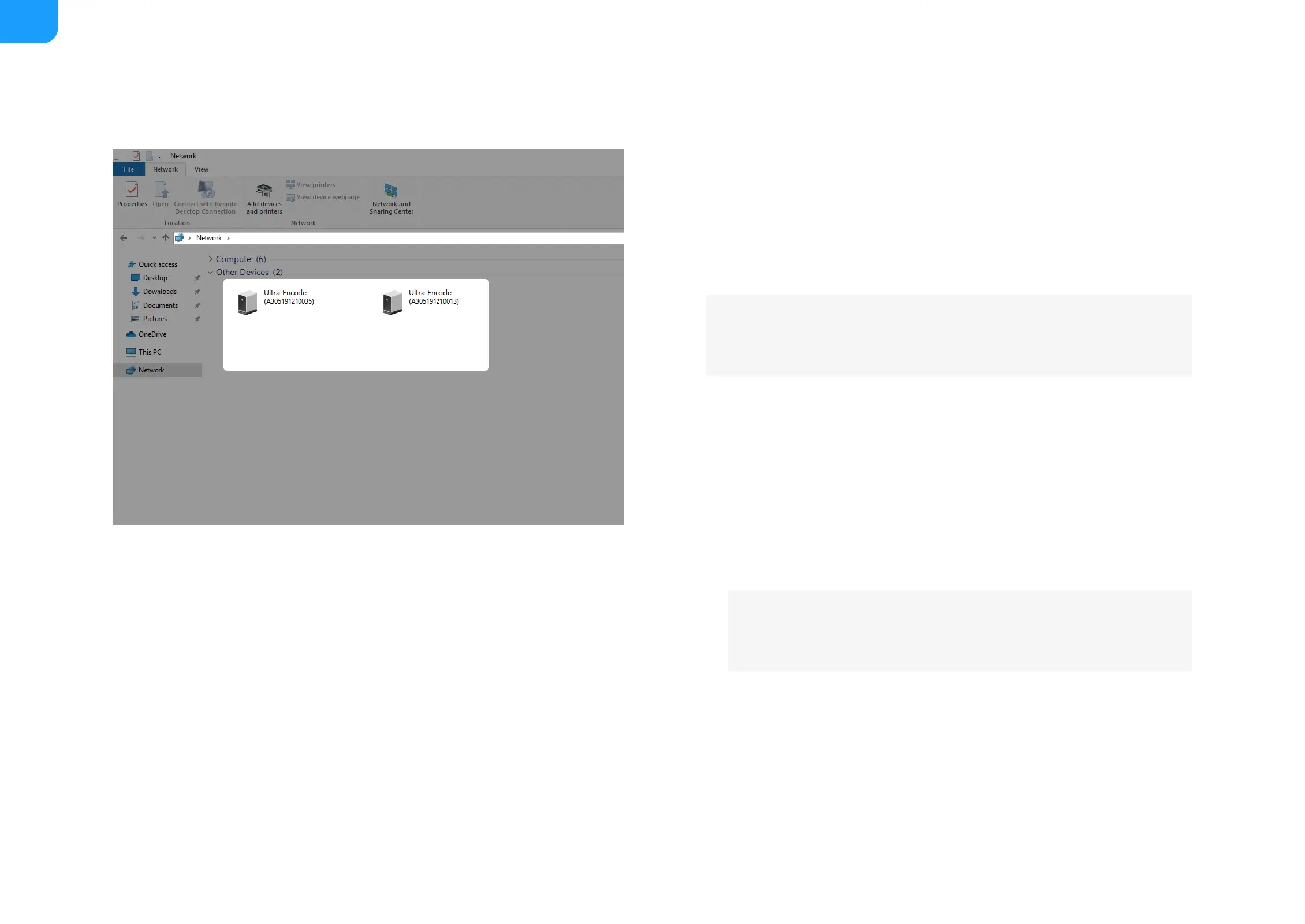
Via File Explorer on Windows 7/8/8.1/10
i. Open File Explorer in your PC, then locate your device in Network
> Other Devices.
ii. Double click the device icon to open the sign page of Web GUI.
■
Via device Wi-Fi AP, IP Address: 192.168.48.1
i. In your smartphone/pad/laptop, turn on WLAN, search for and
join the device AP named Ultra Encode + (Serial number).
The AP names after your gear's Serial number, and the password
is the last 8-number of the serial number by default. For example,
a serial number A304210101001 indicates the initial AP password
is 10101001.
■
Plug included Wi-Fi antenna when you want to connect to a
wireless network.



 To Next Page