Create/Remove General User Accounts
After signing in with default admin account, you may need to add general
users to give them permissions to do basic operations, like monitoring the
device, or setting some of the parameters.
1. Access the Web UI, and sign in as administrator.
2. Go to User Admin tab.
3. Click Add user.
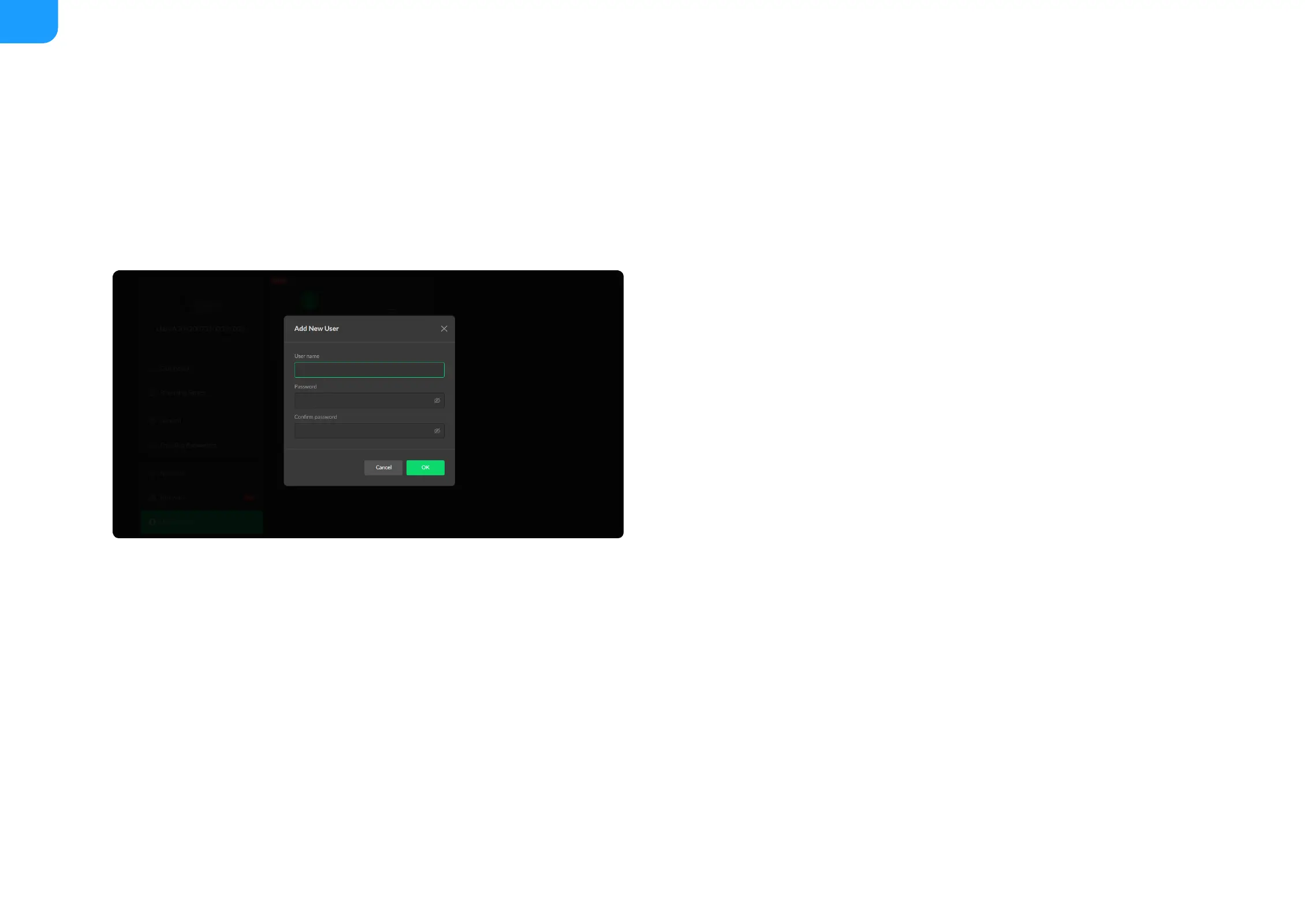
4. Enter username, password, and confirm your password.
5. Click OK.
You can add up to 15 general users.
6. To delete a user: Click Delete in the username card. When prompted, click
Yes.
User Admin
Administrator is allowed to perform the following tasks. The User Admin tab is invisible when you log in as a general user.
Create/Remove General User Accounts
■
Modify User Password
■
The username is a string of 3 to 12 characters, which contains the
letters A-Z, a-z, numbers 0-9 and underline.
■
The password is a string of 1 to 32 characters, which contains the
letters A-Z, a-z, numbers 0-9 and special characters _~!@#$%^&*-+=.
■



 To Next Page