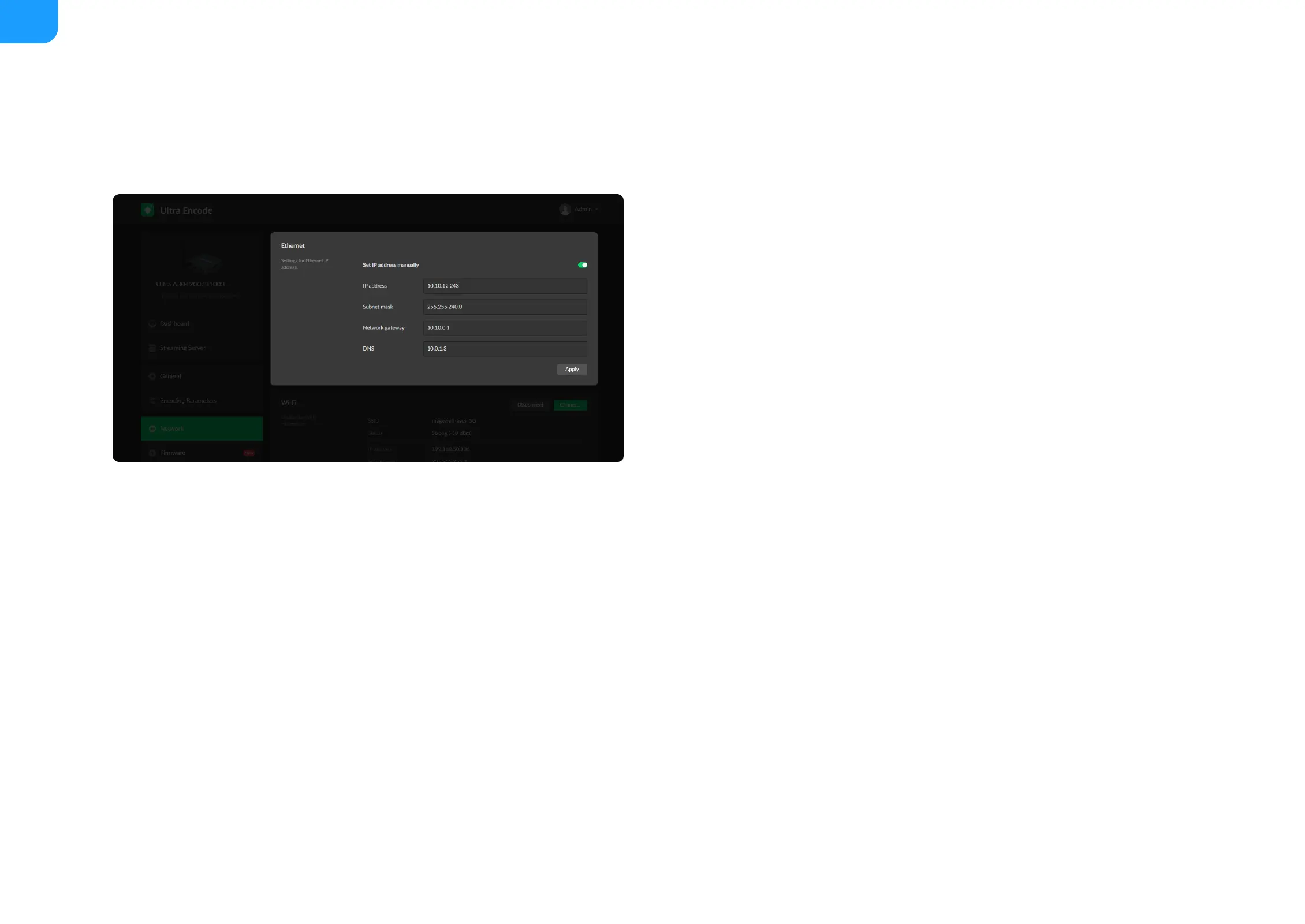
Set Ethernet
The device automatically detects and connects to the Ethernet when
networking to a DHCP-enabled LAN. Or you can set the IP address manually
for a fixed IP address or an auto-networking failure.
Network
Networking information, including Ethernet, Wi-Fi and AP, can be set in the Network tab.
Set IP address manually: turn on the switch to modify current network
setting or when being connected to a non-DHCP network.
■
IP address: device IP address.
■
Subnet mask: device subnet mask.
■
Network gateway: device gateway.
■
DNS: DNS server IP address.
■
Apply: make current configuration effective. When prompted, click Yes.
■
Verify: input new IP address to open the Web UI.
■



 To Next Page