Dashboard
On Dashboard page, you can:
preview the thumbnail of the encoded video
■
check device hardware information
■
check system performance status
■
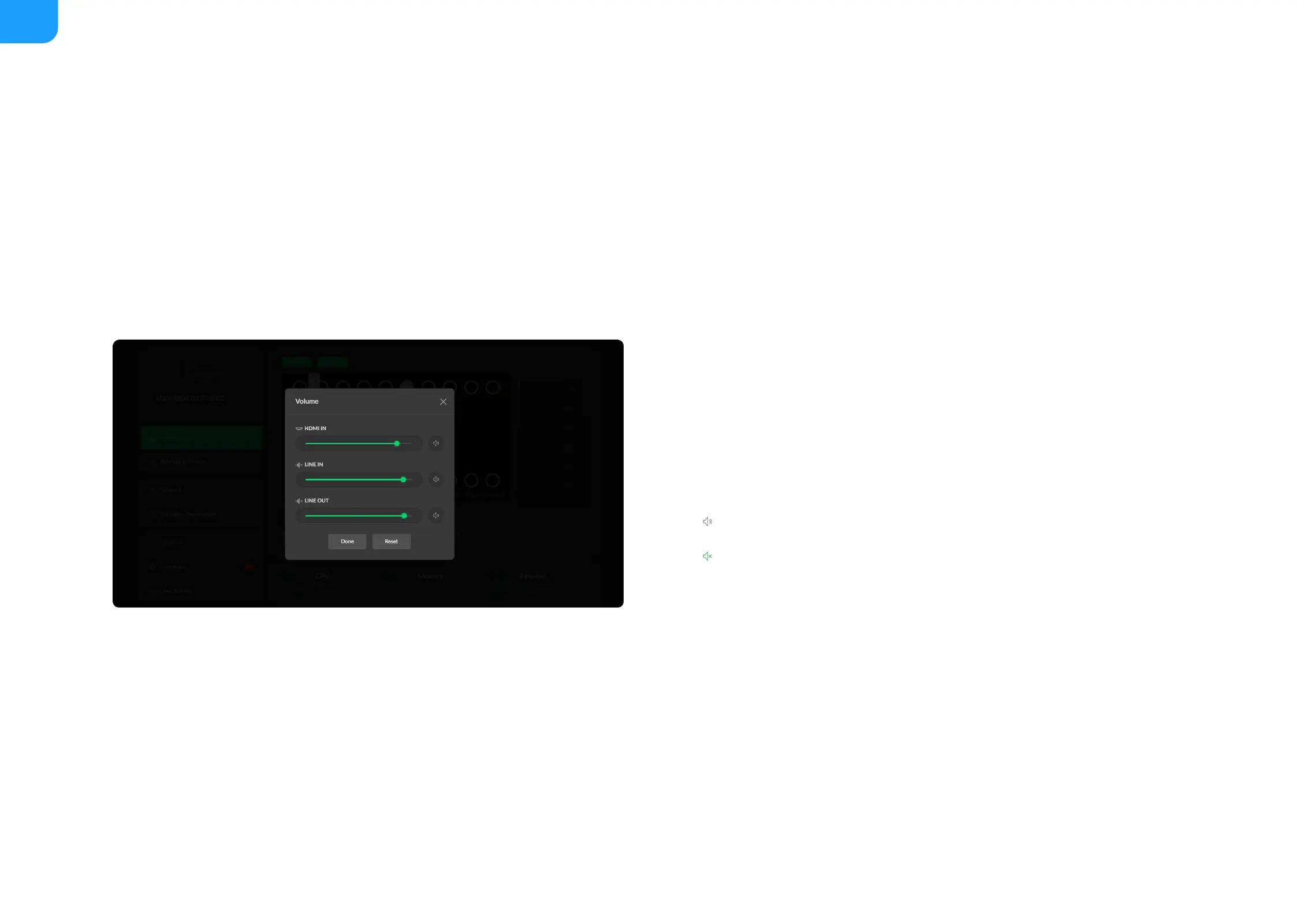
set global volume and color
■
HDMI/SDI IN: adjust input signal volume
■
LINE IN: adjust the audio connected to the LINE IN
■
LINE OUT: adjust the LINE OUT audio which remixes audio embedded in
input signal and LINE IN
■
: mute current channel
■
: restore current channel to default value
■
Reset: restore all settings of the volume to default settings
■
Done: click to save your configuration
■



 To Next Page