EasyManua.ls Logo

Magewell Ultra Encode - Video Color Settings; Set Color Properties; Thumbnail Preview; Configure Preview Thumbnails

Magewell Ultra Encode
63 pages
Print Icon
To Next Page IconTo Next Page
To Previous Page IconTo Previous Page
Loading...
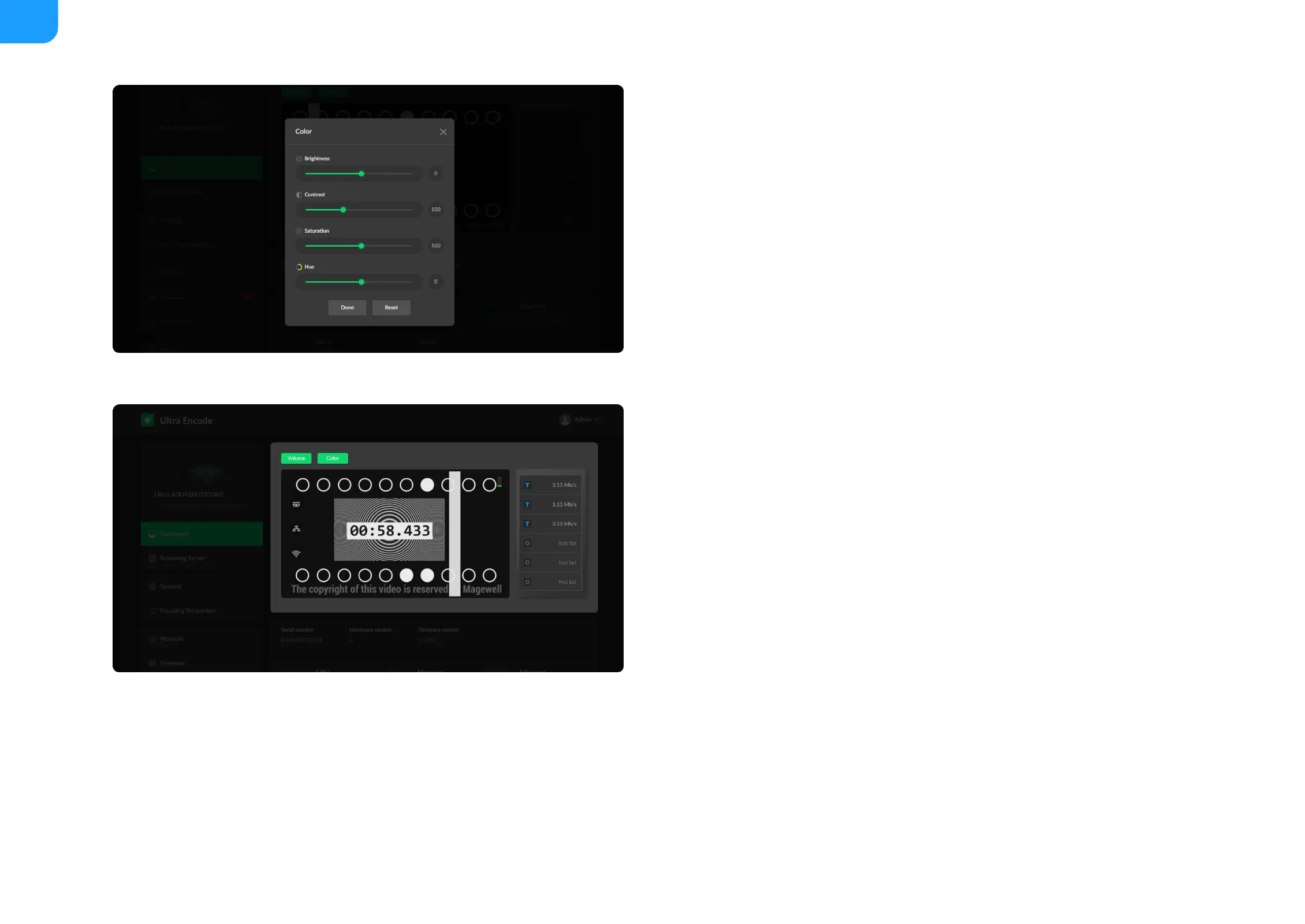
Set Color
Set color format of preview and stream video.
Preview Thumbnails
Thumbnails give you a quick snapshot of your video as they’re browsing on the
target video platform.
Brightness: range from -100 to 100, the default value is 0.
Contrast: range from 50 to 200, the default value is 100.
Saturation: range from 0 to 200, the default value is 100.
Hue: range from -90 to 90, the default value is 0.
Reset: restore all settings of the color to default settings
Done: save your configuration
20

Related product manuals