Cloud
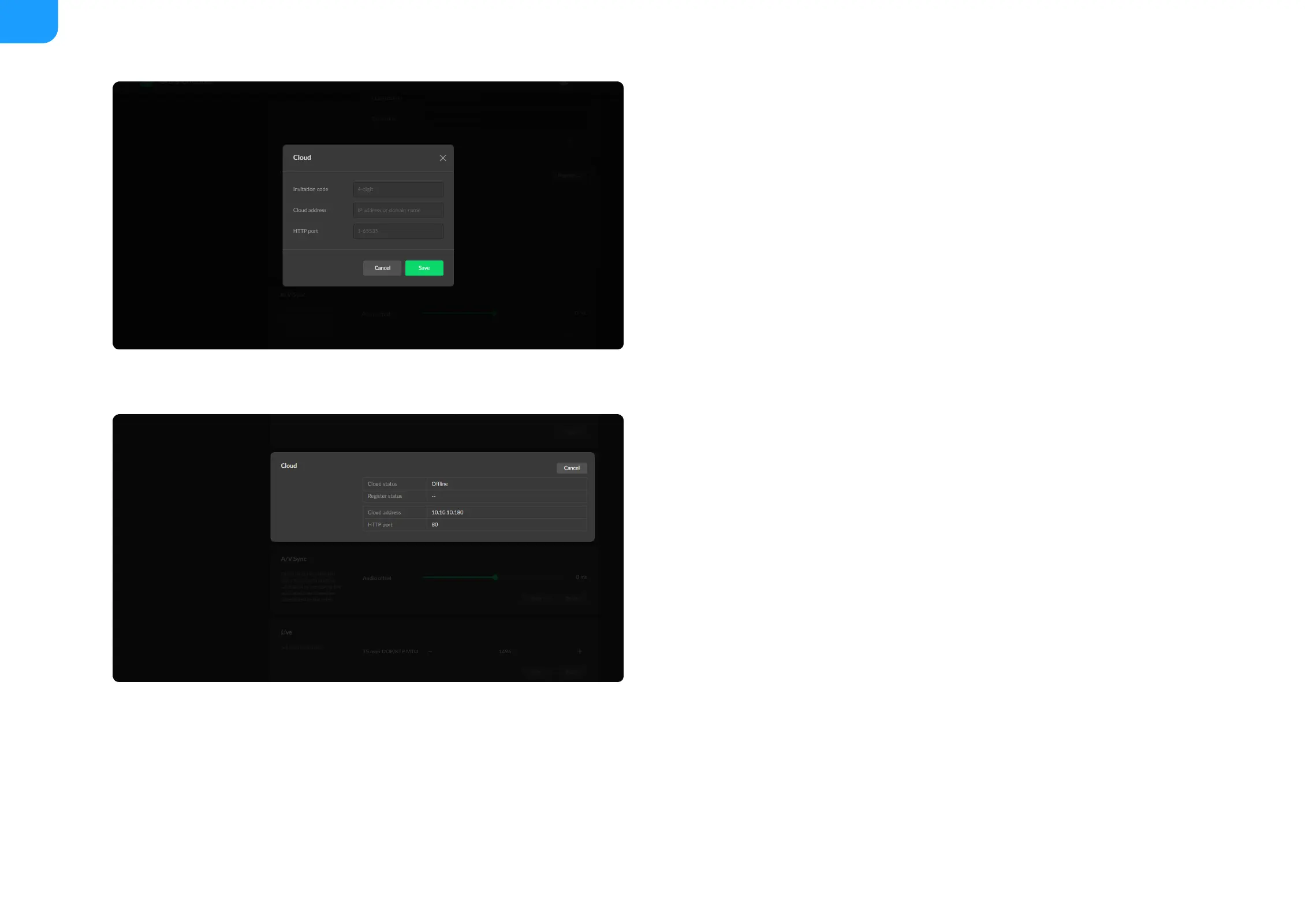
You can apply for remotely control using Magewell Cloud.
Click Register...: and input parameters in the prompted window. And save
after configuration.
■
Invitation code: a 4-digital numbers security code obtained from
Magewell Cloud. If not leave it empty.
■
Cloud address: input IP address or domian name of Cloud.
■
HTTP port: input HTTP port number, which should be consist with that
of Cloud.
■
Check parameters related to Cloud management.
■
Cloud status: Online or Offline. Online indicates that the
communication between device and Cloud platform goes well. On the
other hand, Offline indicates the communication is interrupted.
■
Register status: shows current status of cloud-join permission, including
■
Incorrect invitation code: you need to change your registration with
correct code.
■
Waiting: registration is successfully submitted to Cloud plarform.
■
Approved: registration is approved. This device can be remotely
controlled.
■
Rejected: Registration is denied.
■
Deleted: Registration is deleted, you can re-apply for joining the
Cloud.
■



 To Next Page