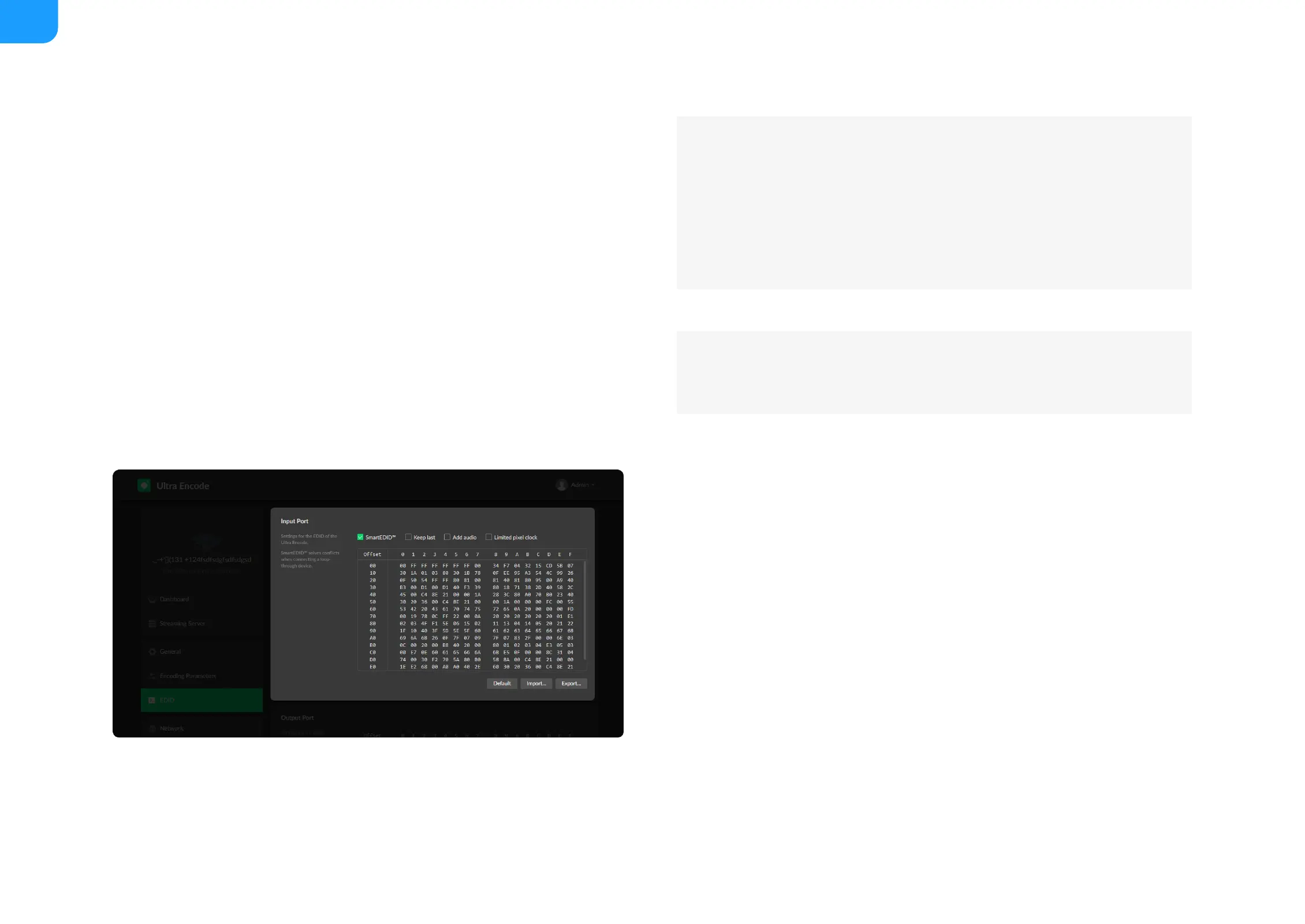
Add audio
■
Force the source device to output audio.
■
If users connect a monitor which doesn’t support audio to the loop-
through output, the source device will decide not to output audio. As a
result, the device will not get any audio input. If Add Audio is enabled,
the device will communicate with the video source device, forcing it to
output audio.
■
Limited pixel clock
■
If enabled, when the pixel resolution of the loop-through device is
beyond the capability of the device, a lower pixel resolution will be used
in order to avoid the output producing a blank screen.
■
Default: Click Default to reset the current EDID to default values.
■
Import: Click and select an EDID file to import a local EDID file.
■
Export: Click and set the file name to export the current EDID as a .bin file.
■



 To Next Page