What to do if I forget the Web UI password?
Forgot admin password:
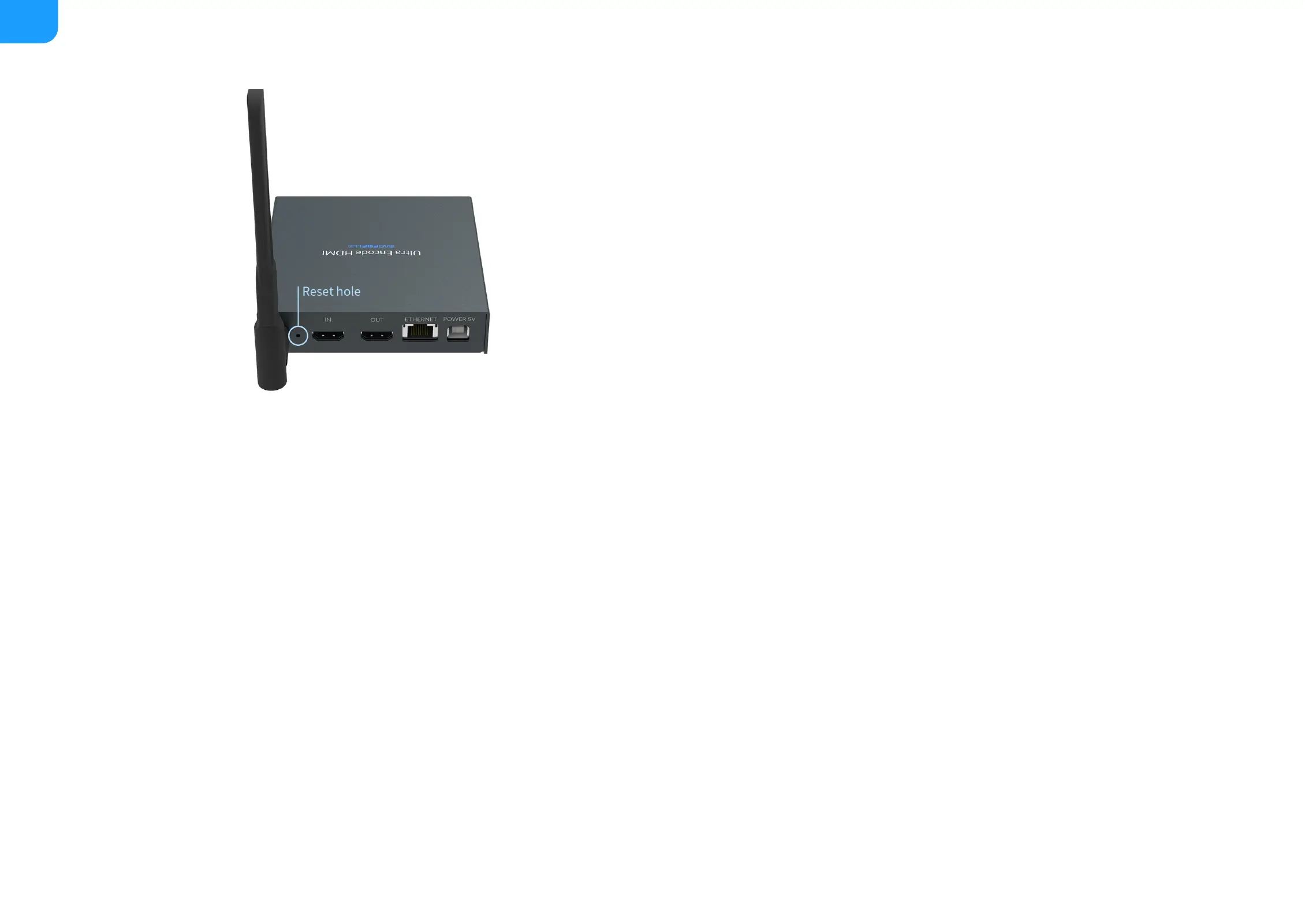
Press a paperclip or similar object into the hole shown in the figure. Hold
the paperclip in place until all indicators but power flash twice, then remove
the paper clip.
Be cautious that resetting would lose all your configuration data.
■
Forgot a general user's password:
Sign in Web UI with the administrator account, then go to User Admin tab,
then you can change the specific user's password.
■



 To Next Page