8.4 PROBLEMS WITH TICKET DISPENSING, GAME CRASHING/FREEZING, SETTINGS ARE
NOT SAVED
Caution: This will erase your game settings/electrical counters and stats! Game will need to be configured
if default settings does not fit your requirements
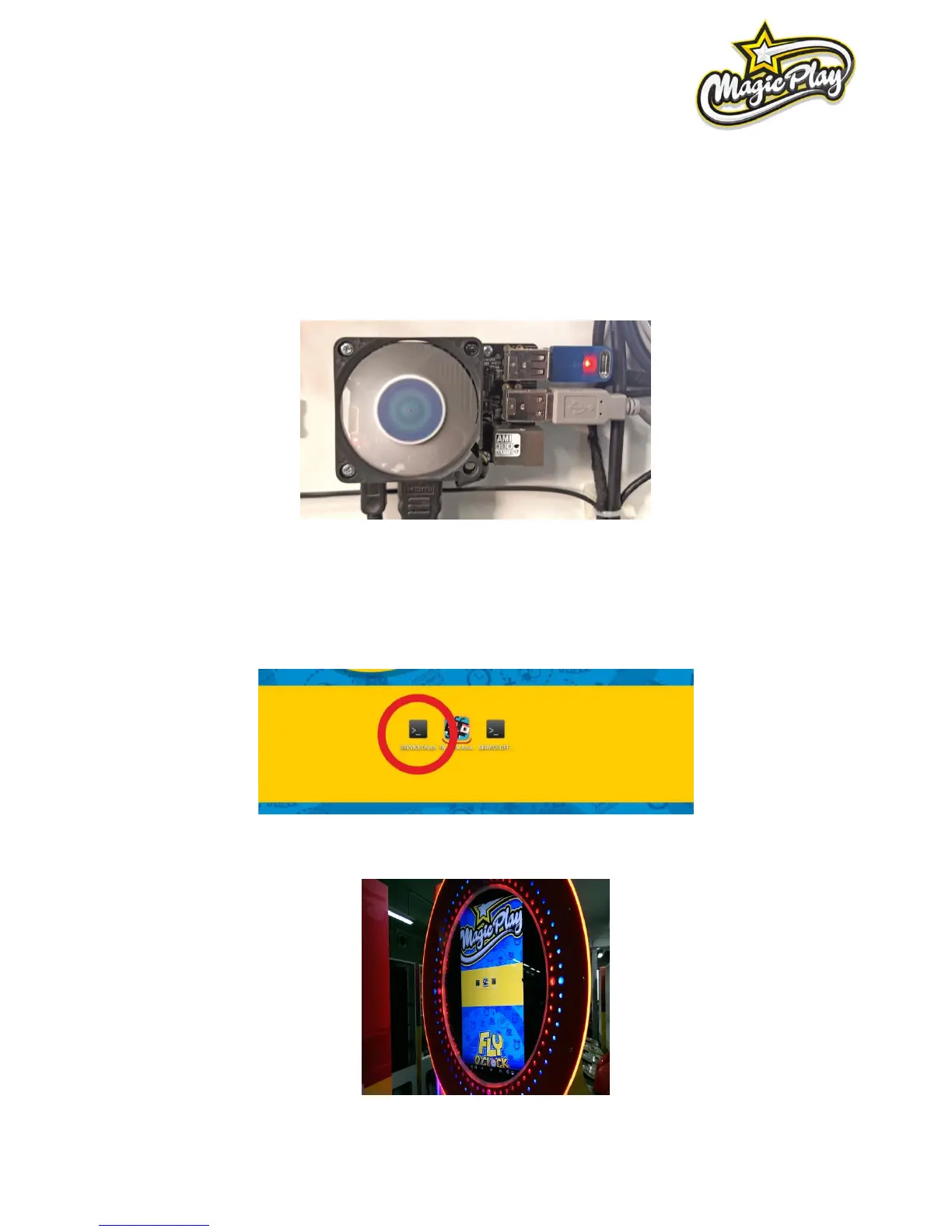
1. Open the lower rear service door, locate the CPU board (see picture) and plug USB mouse.
2. Leave the Fly O’Clock application by clicking the right mouse
button. Tip: Game will propably exit after disconnecting one of USB plugs in 3rd step.
3. Click on SERVICE_ON app (see picture), confirm by clicking Execute on confirmation pop-up to run
machine in Service Mode (wait for restart and Leave again Fly O’Clock app).
Now you are in service mode, the screen is fitted in to the game clock.



 To Next Page