8.8 MICROSD CARD REPAIR TUTORIAL for Windows OS
1. Download Win32 Disk Imager (link)
https://sourceforge.net/projects/win32diskimager/files/Archive/Win32DiskImager-0.9.5-
binary.zip/download
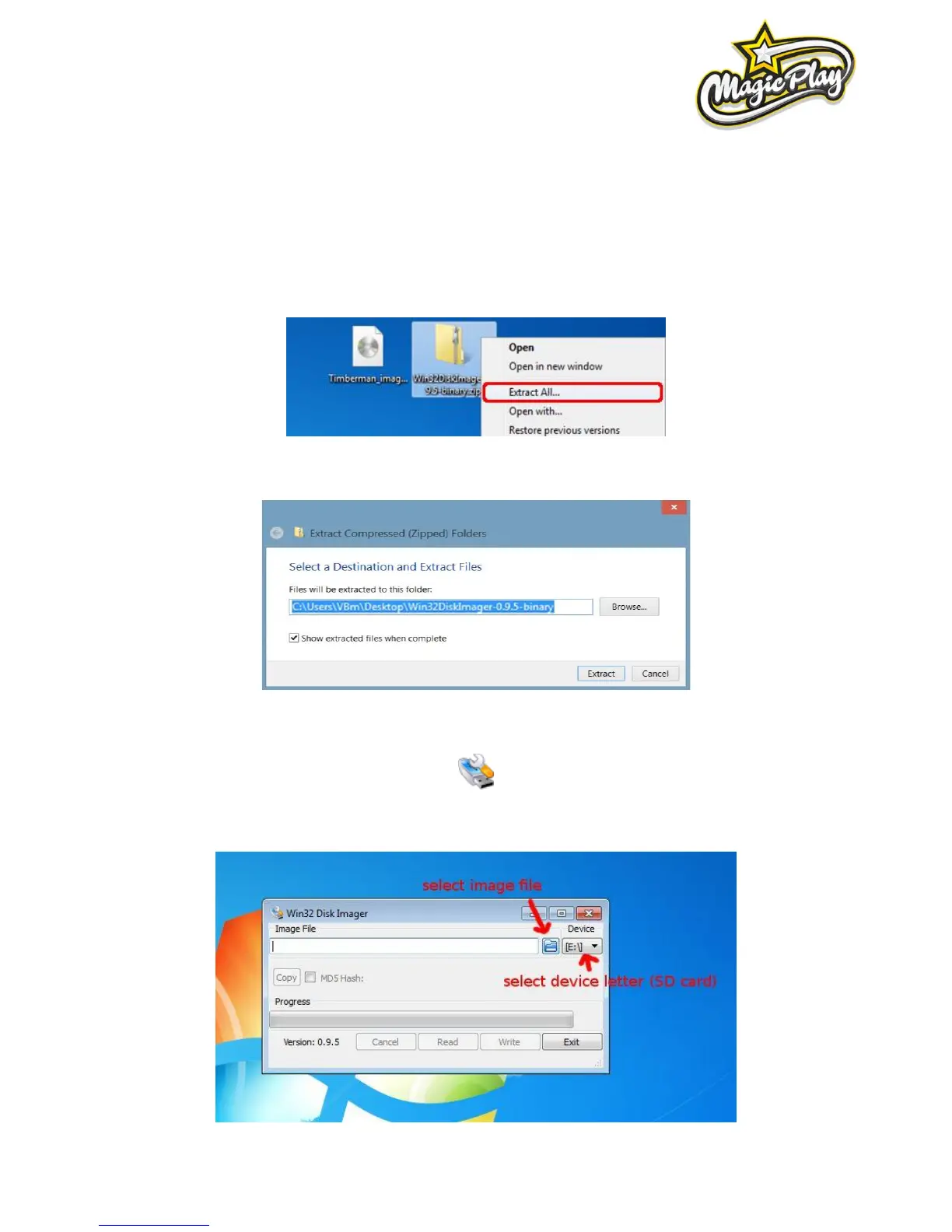
2. Extract downloaded program
3. Select extract location and click extract
4. Insert Micro SDCard (8GB SDHC Class 10) from your CPU board or new into your card reader and run
Win32DiskImager
5. Select provided image file and select proper device letter (CPU board Micro SD card)



 To Next Page