34
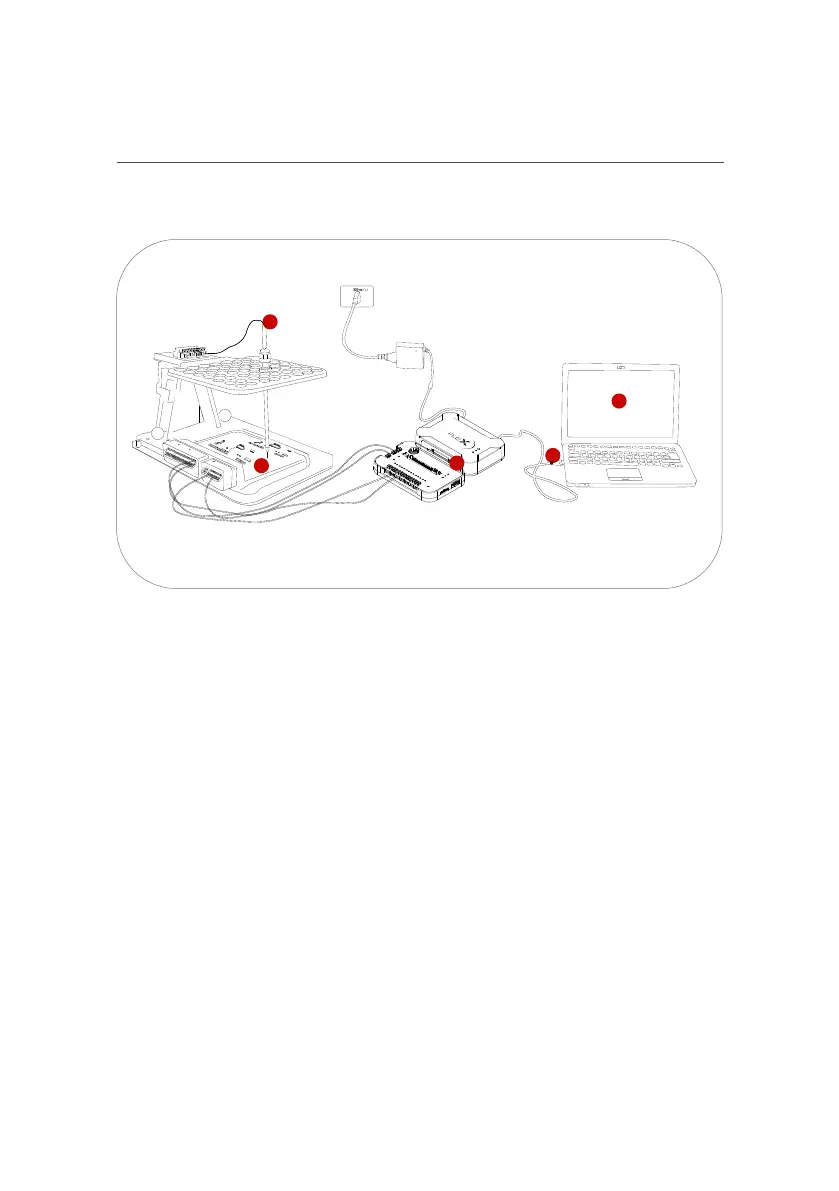
1
2
3
4
5
BOOT with probes
• 1. Connect FLEX to the PC using a USB cable and a suitable power supply
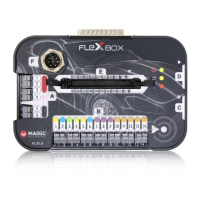
• 2. Connect FLEXBox to FLEX
• 3. Place the ECU in the FLEXible Bench
• 4. Position the pogo pin probes (as per the dedicated connection manual)
• 5. Start the software and proceed with programming
4.3.1 BOOT CONNECTION
4.3.2 BDM CONNECTION
Fig.17 connection illustration



 To Next Page