47
FLEX is equipped with a hardware diagnostic system that allows it to monitor its
correct operation but also to report any anomalies.
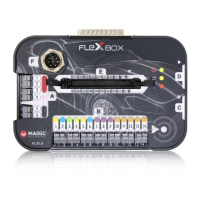
This is guaranteed by the implementation of an electronic board, which must be
positioned in the E port of FLEX, and by the software through which it will be necessary
to start the “diagnostic session”.
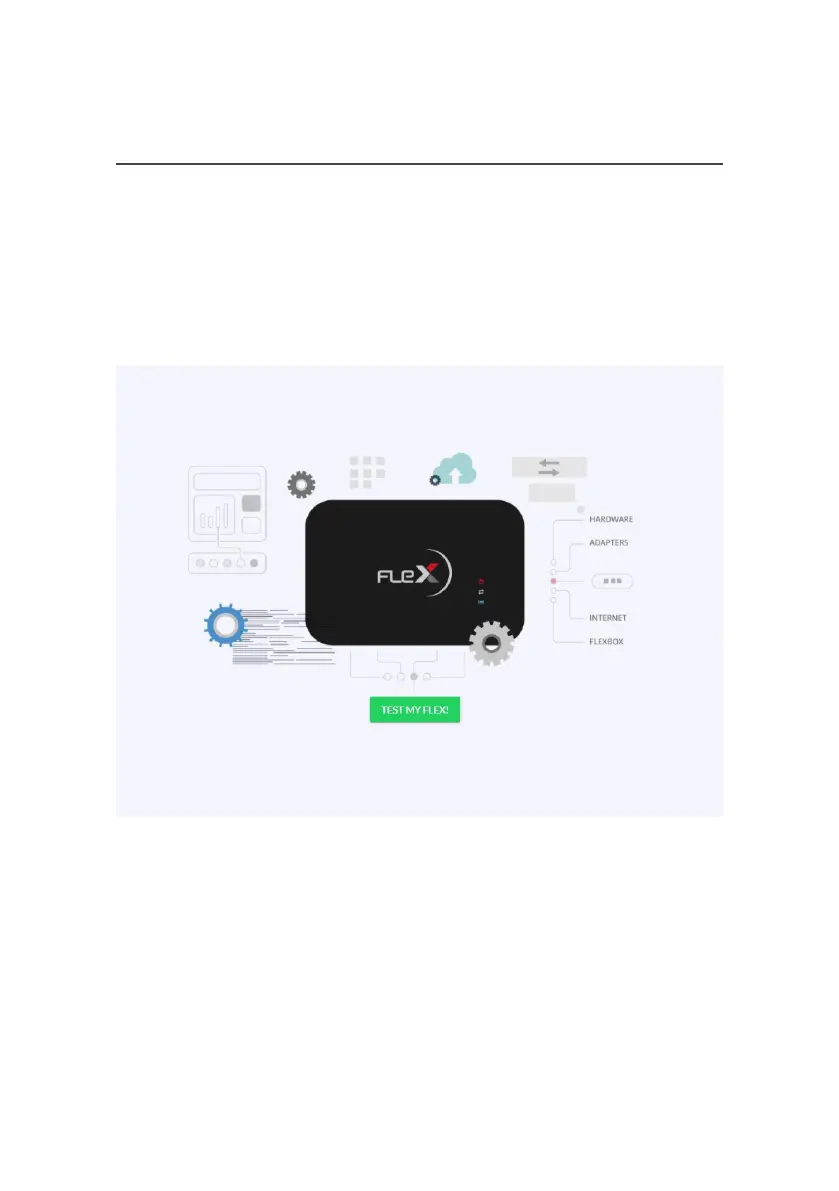
Once the diagnostic session has begun, the software will show the following screen:
By clicking on the “TEST MY FLEX!” Button, FLEX and the software will start the
diagnosis session, showing any errors and/or anomalies on the screen.
The steps to follow, for a correct diagnosis, are as follows: supply power to FLEX,
connect FLEXBox to FLEX and click on the “TEST MY FLEX!” to start the procedure.
6.1 FLEX TEST



 To Next Page