33
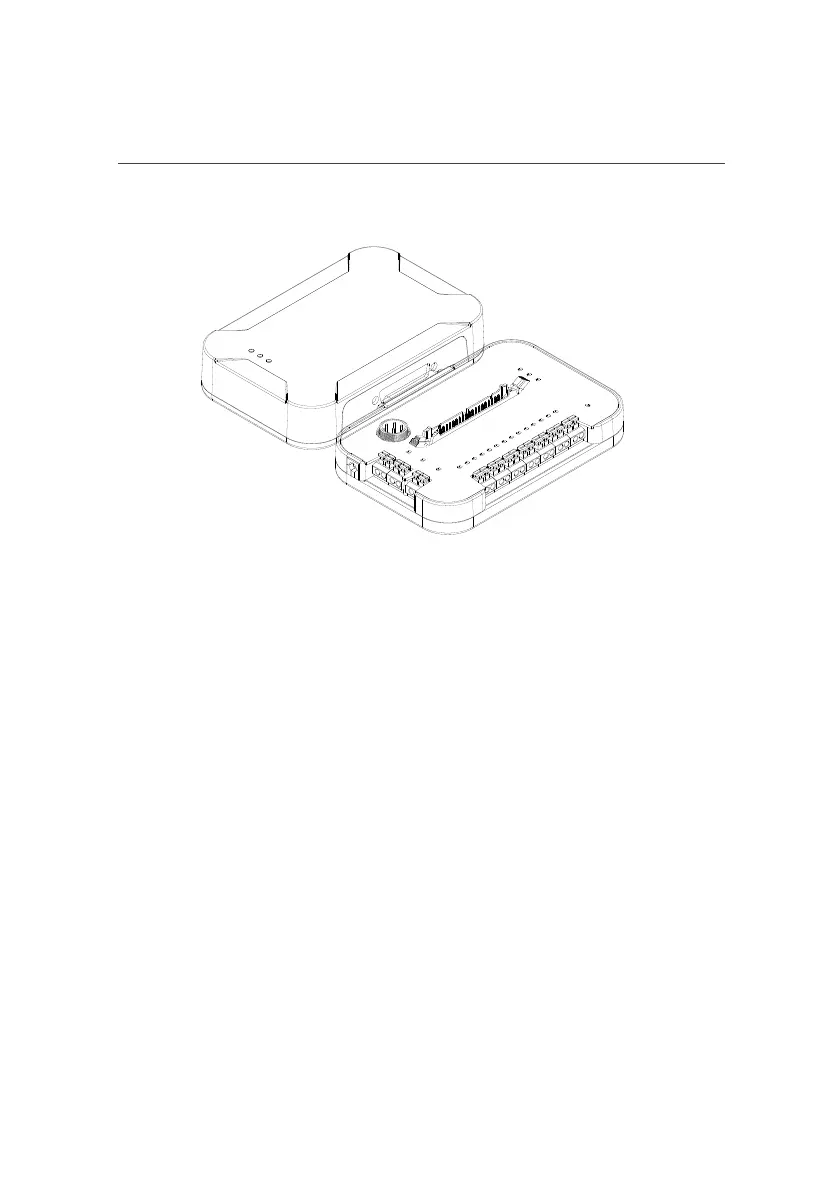
Fig.14 . FLEXBOX FRONT VIEW Fig.15. FLEXBOX REAR VIEW
4.3 COMMUNICATION BETWEEN FLEX AND
FLEXBOX
Fig.16 . FLEX connected to the FLEXBox interface
FLEX interfaces with FLEXBox as shown in the illustration.
FLEXBox facilitates work in: BENCH, BOOTLOADER, BDM and JTAG.
FLEX provides the correct power supply to the control units to be programmed
and avoids short circuits and overloads thanks to an automatic locking system that
analyzes the electrical connections and reacts before the tools or the control unit is
damaged.



 To Next Page