44
At the end of the download, launch the software in the PC.
Please be sure to strictly follow these instructions:
Use Google Chrome as an Internet Browser:
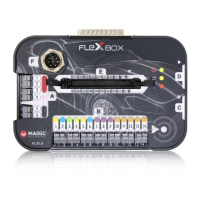
• Connect FLEX to the laptop using a USB cable and to the original
MAGICMOTORSPORT power supply
• Enjoy working with FLEX!



 To Next Page