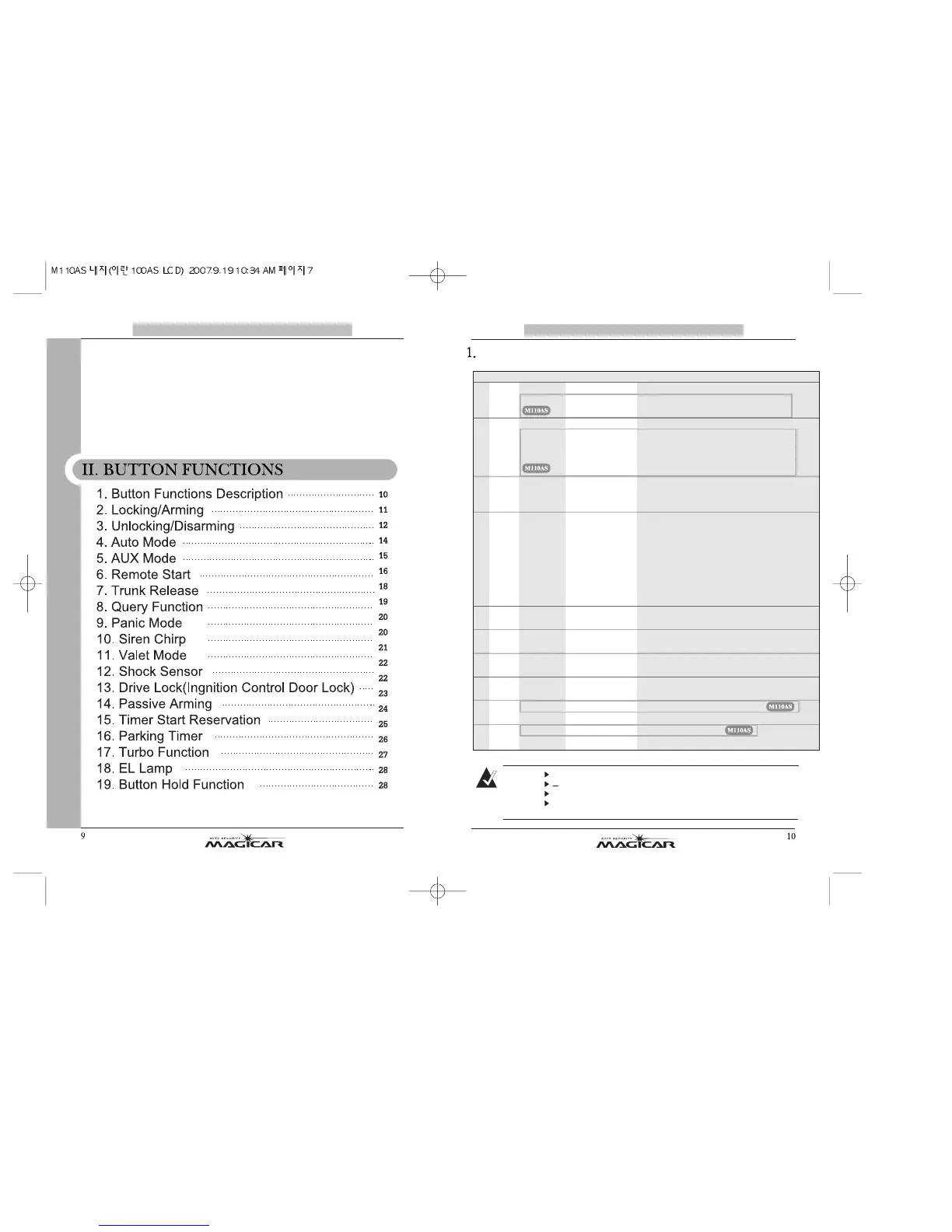
Button Functions Description
0.5 sec: press shortly (between 0.5 and 1.0 sec.)
: press until a car responds (longer than 2 sec.)
+: Press two buttons at the same time.
Performing the same button functions again will
toggle the various modes between on and off.
Note
sno
i
t
cnu
Fsno
t
tu
B
1 I
0.5Sec ARM/DISARM Arming(Locking)/Disarming(Unlocking)
2 I
I 0.5Sec AUX #1 Activates AUX #1 output
2Sec START/STOP If the remote start availability icon is on,
this will start the remote start process
If the remote start was running, this will
stop the remote atart process.
3 III 0.5Sec AUX #2 Activates AUX #2 output
2Sec Trunk Trunk release.
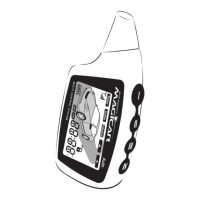
Tap Twice Back Light On The backlight of remote is turned on for 10Sec
4 IV
0.5Sec Query Car Check function
-1st tap:Vehicle temperature
-2nd tap:Voltage of vehicle battery
-3rd tap:Voltage of remote battery
In valet mode, it shows valet.
2Sec Button HOLD Button hold on/off
4Sec Panic Panic mode (for 90sec)
Tap Twice Parking Timer Paking timer on/off
5 (I+II) 0.5Sec MUTE Siren chirp on/off
2Sec PROGRAM #1 Main controller option #1
6
(I+III) 0.5Sec VALET Valet mode on/off
2Sec
SHOCK ON/OFF Shock Sensor on/off
7
(I+IV) 0.5Sec DRIVE LOCK Drive lock(lgniion door lock) on/off
2Sec PROGRAM #2 Main controller option #2
8
(II+III) 0.5Sec
PASSIVE ON/OFF
Passive arming on/off
2Sec MENU Entering into Remote menu
9 (II+IV) 0.5Sec TIME ON/OFF TIME starting reservation on/off
2Sec AUTO ON/OFF Auto door on/off
10 (III+IV) 0.5Sec TURBO ON/OFF Turbo function on/off
2Sec AUX ON/OFF AUX mode on/off
2Sec Extension If the vehicle is remote started or turbo
operated, the runtime will be extended.



 To Next Page