LCD Icons
6
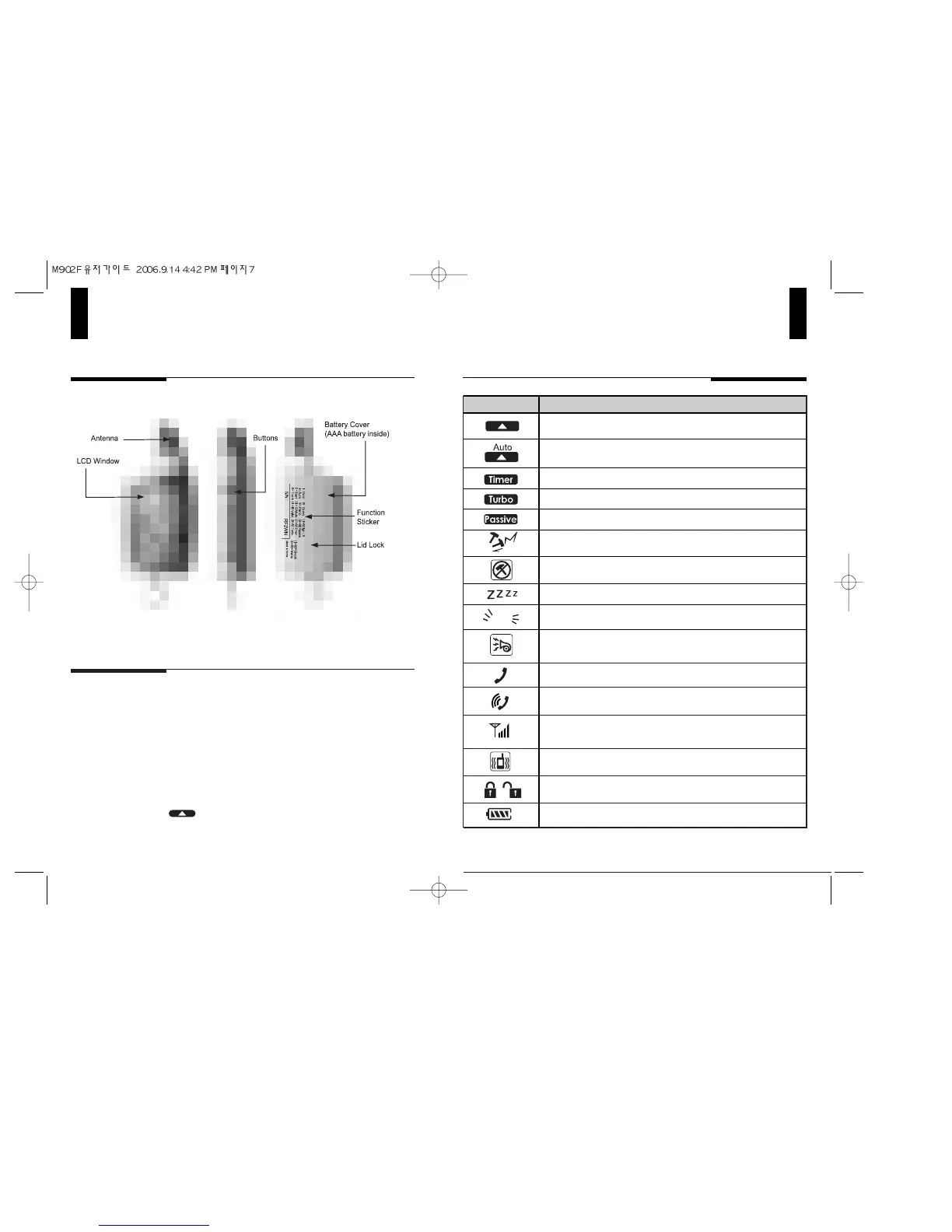
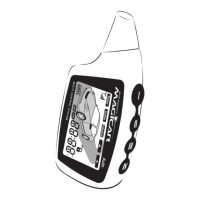
Description of Remote Appearance
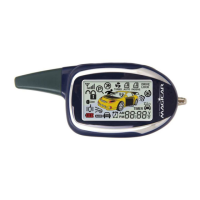
MAGICAR COLOR LCD
5
Front Side Rear
The model name, RF2WN, stands for
2 Way FM 4 Button Remote.
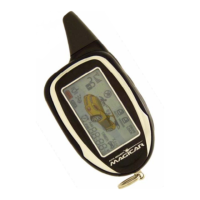
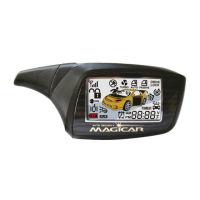
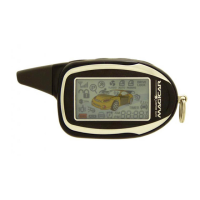
The remote-pager comes with Magicar which is a unique color LCD display
that visually tells the vehicle owner the security status of your car at all times.
There are differing icons that will appear on your Magicar LCD indicating what
your vehicle is currently doing.
Auto
Indicates that someone is paging you from your vehicle.
Display if your car is lock or unlcok
Indicates that your remote-pager is transmitting signals to
the controller unit.
Indicates if Vibrator is on or off.
Indicates if RPS is on or off.
Displays remaining battery life.
Indicates if Recording & Play on Voice Moduole (Optional)
are on or off.
Indicates if the Auto Lock/ Unlock mode is on or off.
( Icon flashes for longer range.)
Indicates if Timer Mode is on or off.
Indicates if Turbo Start Mode is on or off.
Indicates if Passive Arming Mode is on or off.
Indicates that the Shock Sensor has been triggered.
Indicates that Shock sensor is turned on or off.
Icon Explanation
Indicates if you are in Valet Mode.
Indicates if your car parking lights are flashing.
Indicates that your car siren is turned on or off when you
lock or unlock the vehicle.


 To Next Page