ID Card Printer – User Manual
8
Installing the Dye Film
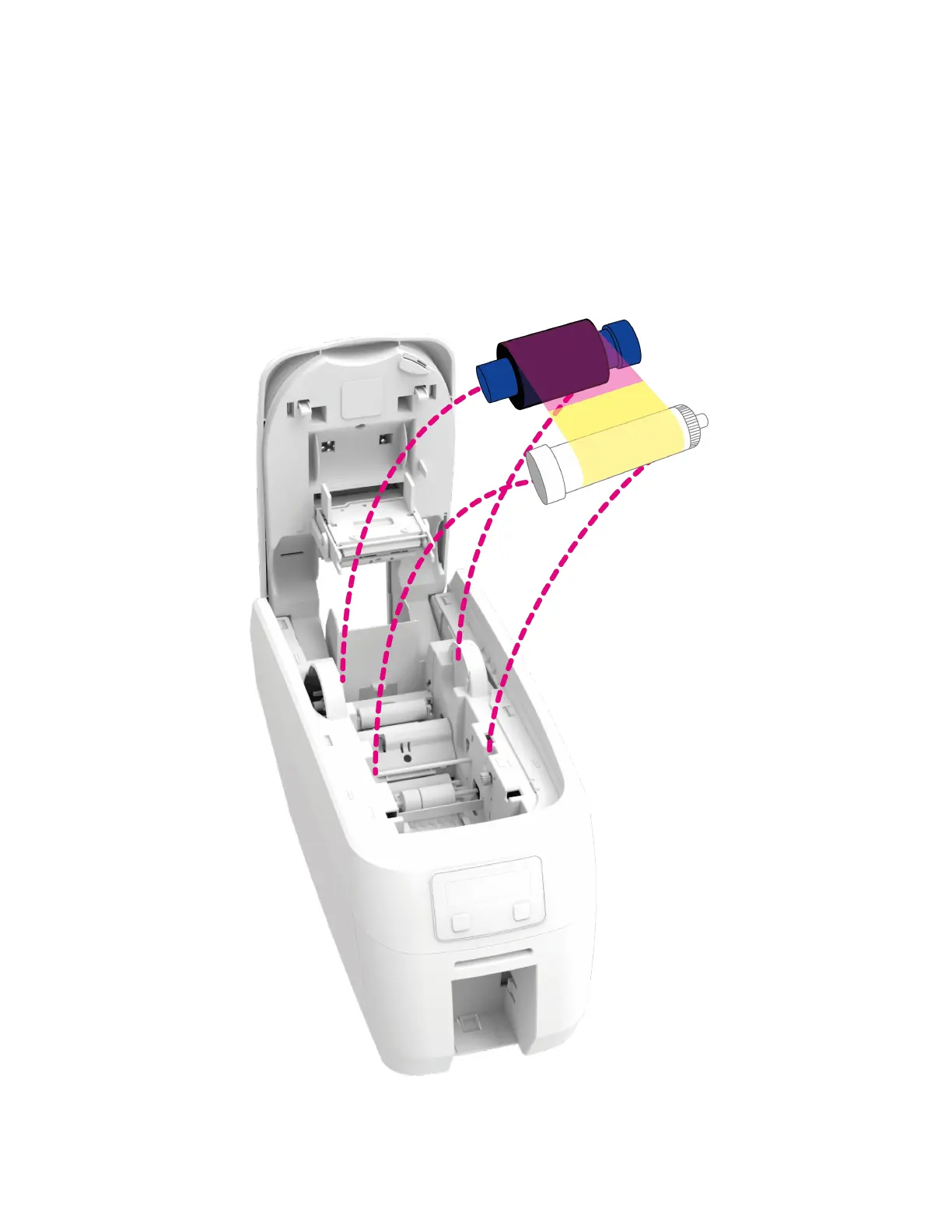
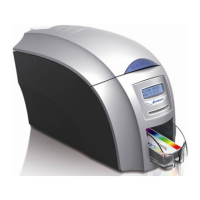
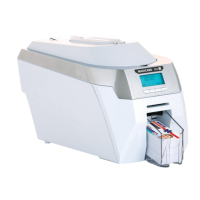
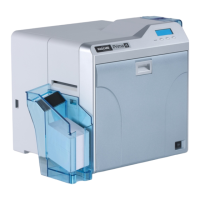
Open the printer’s Lid and insert the dye film as shown in the diagram below.
If the printer’s lid is closed (with the printer powered on and the dye film fitted), the printer will
begin to initialise. As part of this process, the printer will read an identification tag in the Film
which contains information about the film type and capacity.



 To Next Page