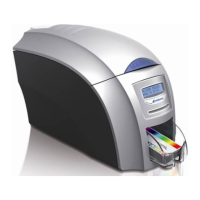
ID Card Printer – User Manual
ID Card Printer – User Manual
- 5 -
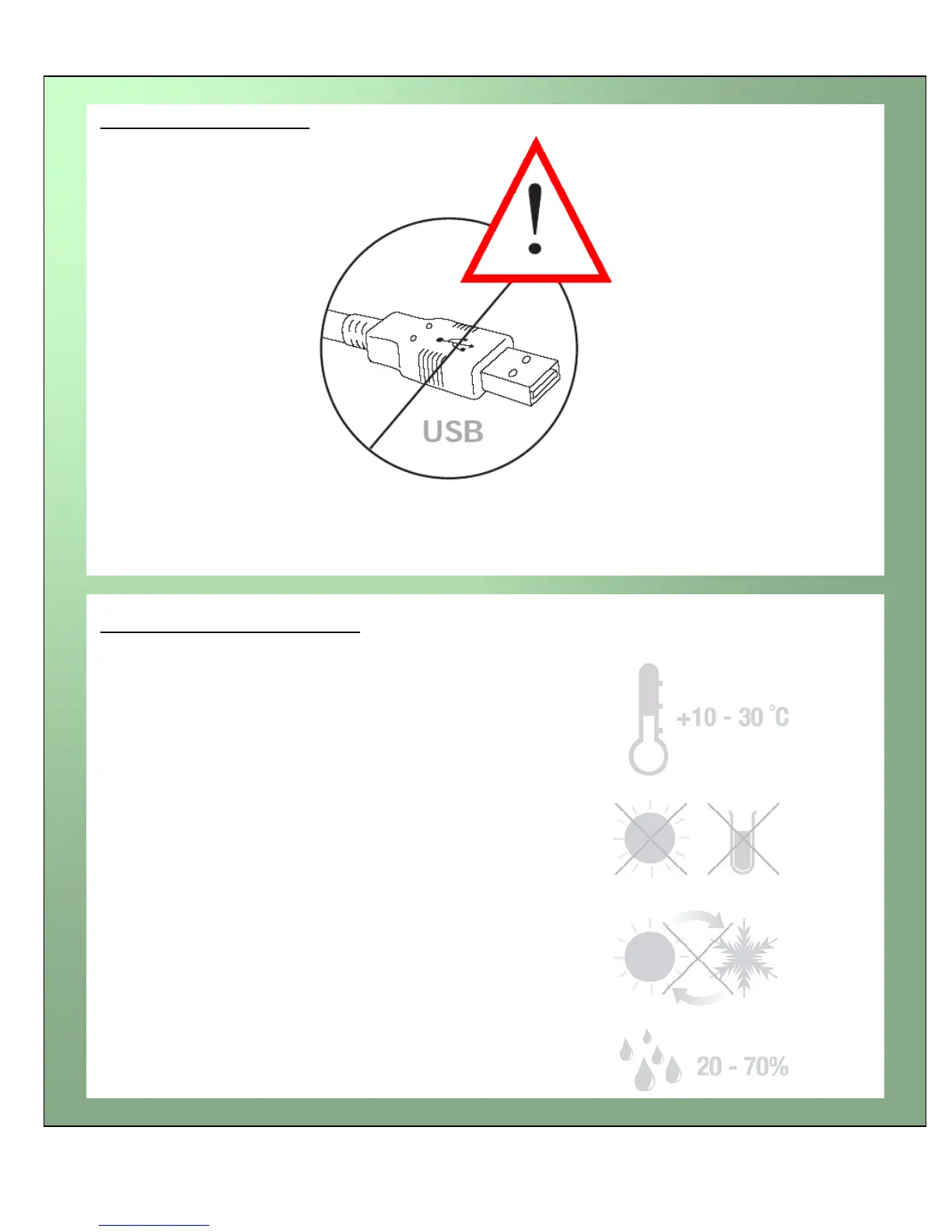
It is important to install the printer’s Driver CDROM first, before connecting the USB cable between
your PC and ID Card Printer.
IMPORTANT – do not connect USB yet
Normal office environment with:
A properly grounded power supply
Ambient temperature +10 to 30OC (50 to 86OF)
Protection from direct sunlight and chemicals
Protection from abrupt temperature changes
Relative humidity 20 - 70%
Sufficient space for:
- opening the top cover
- cable access at the rear
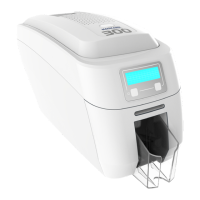
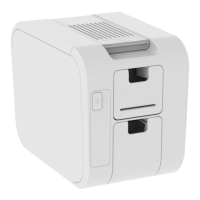
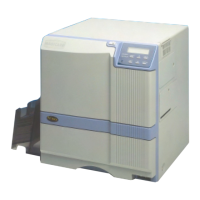
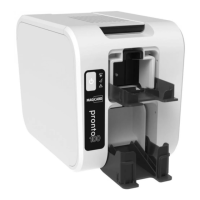
Printer location requirements:



 To Next Page