ID Card Printer – User Manual
ID Card Printer – User Manual
- 8 -
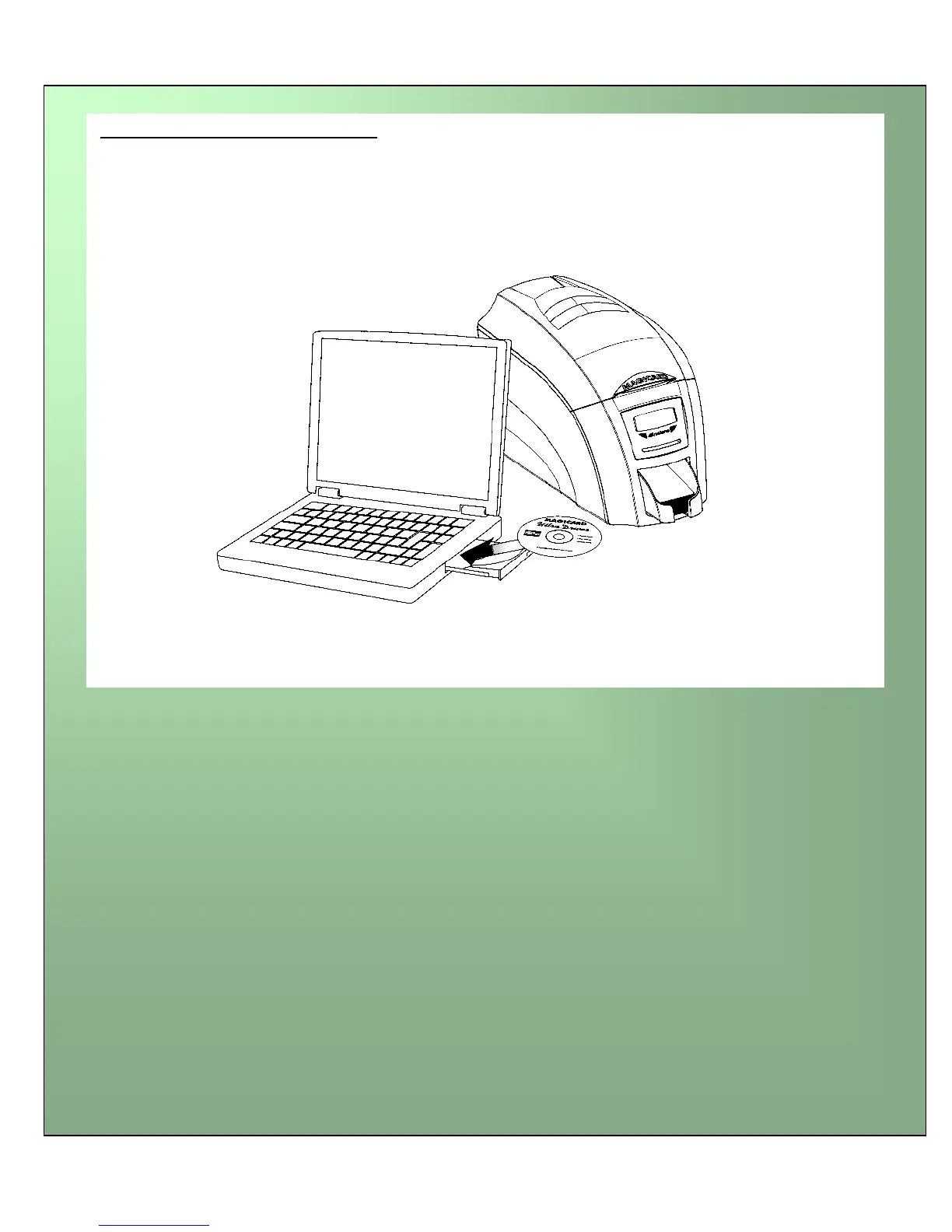
1. Load the driver CD ROM into the PC.
Note : If the CD does not run automatically, click the start button, then click on “run”. Type
“D:\autorun”, where D is the drive letter for your CD drive, then press the return key.
2. Now follow the on screen instructions to install the printer driver.
3. On completion of installation, connect your printer to the PC with the USB cable.
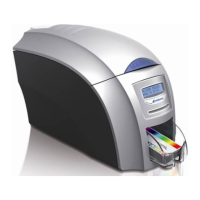
Now your ID Card Printer is ready to print.
Load the Driver CD in to your PC



 To Next Page