EasyManua.ls Logo

Magicard Rio 2e - User Manual

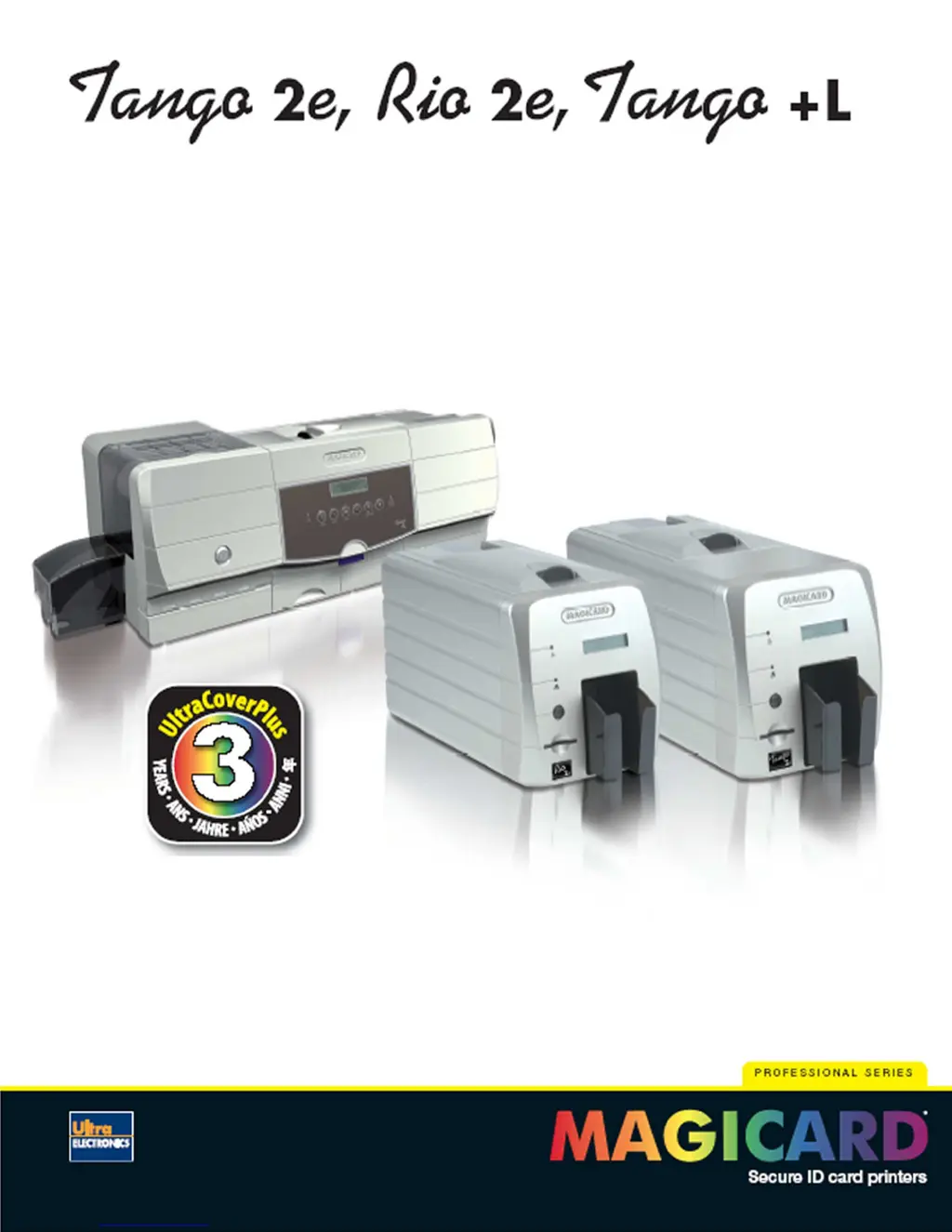
Magicard Rio 2e
33 pages
Print Icon
To Next Page IconTo Next Page
Loading...
Page 1 of 33
Professional series
ID card printers
3 year warranty
User Manual
Document No: 687 Issue 6.00

Questions and Answers

  • Y
    ybrownAug 25, 2025
    What to do if Magicard Rio 2e Printer shows 'Card not found' error?
    • R
      Rebecca FowlerAug 26, 2025
      If cards are failing to travel correctly through your Magicard printer, resulting in a “Card not found” error message, it might be due to dirty rollers or an incorrect card size. Clean the rollers. Also, ensure you are using the correct card size.
  • E
    elizabethmarshAug 23, 2025
    Why are cards printing incorrectly after switching film on Magicard Rio 2e?
    • P
      Pamela McculloughAug 25, 2025
      If your Magicard printer is printing cards incorrectly after switching between YMCK and black film, it could be due to a failure to reset the driver settings or a used roll of dye film being fitted. To fix this, ensure that you set the correct driver settings for Colour Format and replace the dye film with a new roll.

Summary

Before Use

Safety Instructions

General safety precautions for operating the printer.

1. Installing the Printer

Test Printing and Driver CD

Procedure to print a test card and load the driver CD for installation.

2. Installing the UltraDriver

Installing via USB Connection

Detailed steps for installing the printer driver using a USB connection.

Installing via Parallel (LPT) Port

Instructions for installing the printer driver through a parallel port.

Installing via Ethernet Network

Steps to install the printer driver for network connectivity over Ethernet.

3. Choosing the Right Dye-Film Ribbon

4. Loading the Dye-Film Ribbon

7. Choosing the Right Cards

9. Loading the Cards

10. Cleaning your Printer

Cleaning Importance and System Components

Explains why cleaning is vital and introduces the printer's cleaning system components.

Cleaning Supplies and Procedures

Details available cleaning supplies and outlines step-by-step cleaning processes.

11. Printer Driver Settings

13. Magicard Support Utility

14. Troubleshooting

15. Warranty

16. Technical Support, Service, and Warranty Enquiries

Magicard Rio 2e Specifications

General IconGeneral
Print Resolution300 dpi
Card Capacity (input)100 cards
Print TechnologyDye Sublimation
Print SpeedColor: Up to 150 cards per hour (single-sided)
ConnectivityUSB
Encoding OptionsMagnetic stripe
Card Thickness0.76 mm
Weight6.5 kg
Operating System CompatibilityWindows
Print CapabilitySingle-sided or dual-sided
Card Types SupportedPVC, Composite

Related product manuals