3 - Operation
tDynamo| Three-way Secure Card Reader Authenticator | Installation and Operation Manual
Page 33 of 39 (D998200257-20)
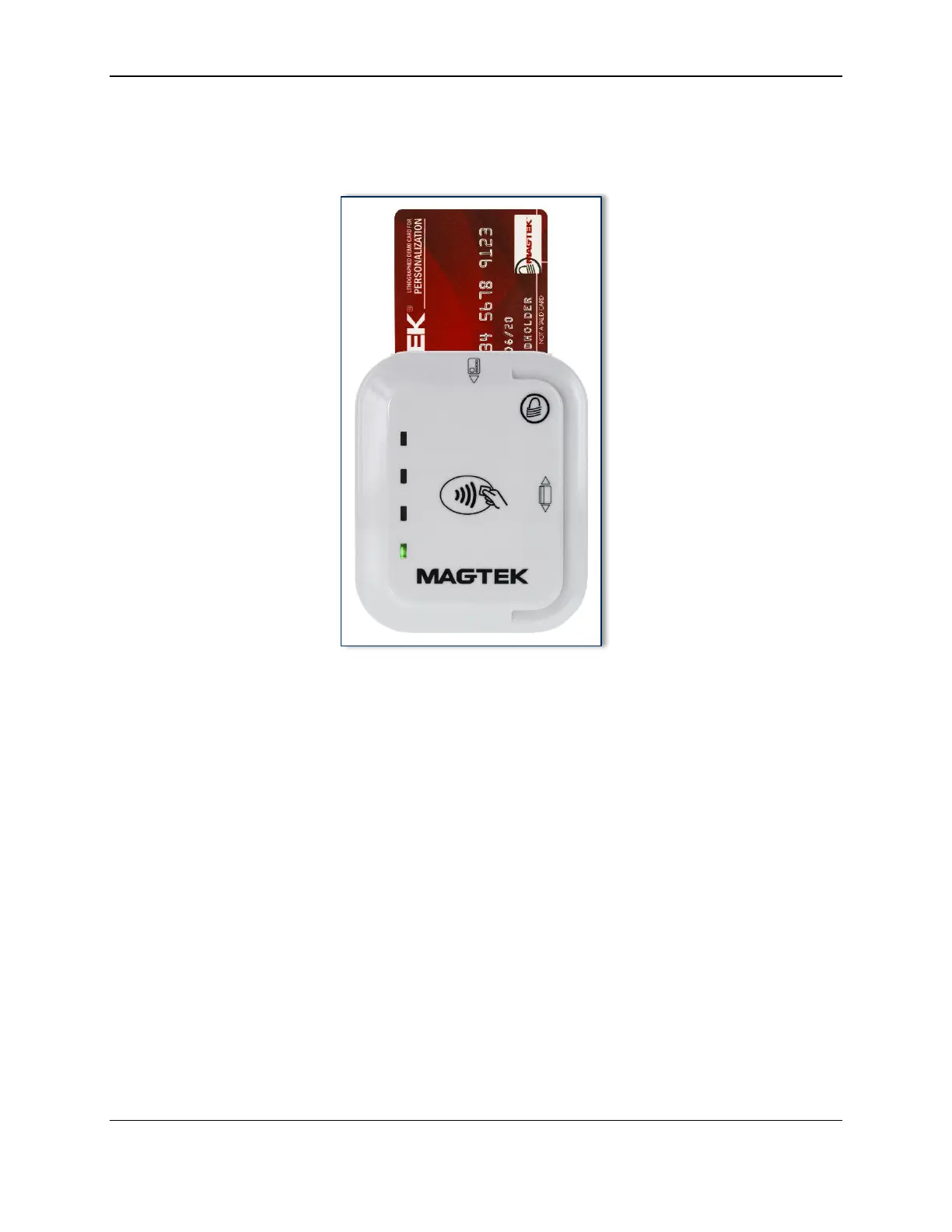
3.5.3 How to Insert Contact Chip Cards
Cardholders should insert chip cards into the chip card slot, indicated by the chip card orientation symbol
shown on the device’s face. See Figure 3-3.
Figure 3-3 - Inserting a Chip Card Into tDynamo



 To Next Page