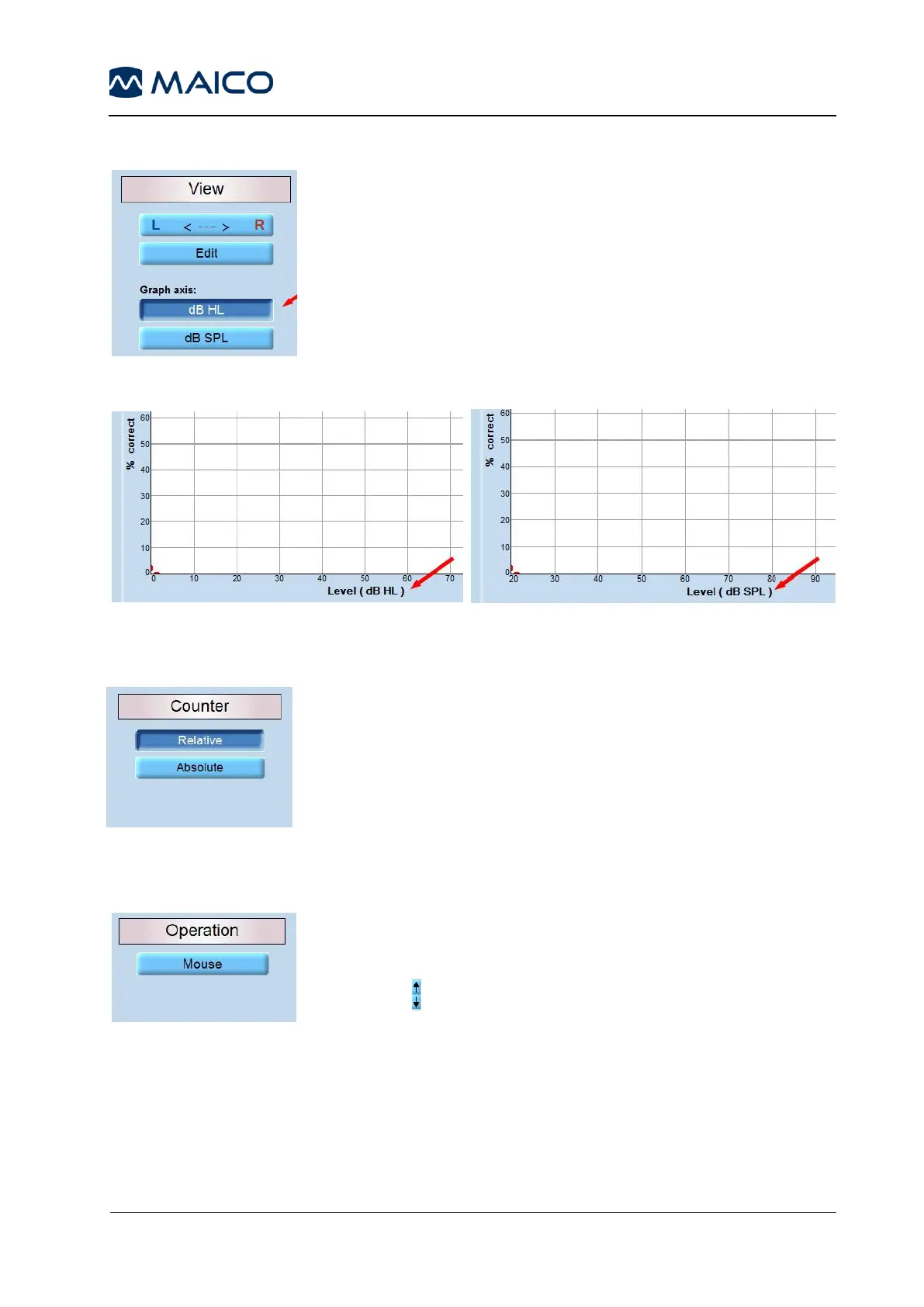
5.6.4.2 View
R <---> L: Choose on which side of the screen the right and left
channel are to be displayed.
Edit: Activates the Edit button on the display.
Graph Axis: Choose between dB HL and dB SPL (Figure 87).
See also Figure 88 and Figure 89.
5.6.4.3 Counter
Relative: Displays the correct score result of a word list as a
percentage, relative to the number of words presented to the
patient.
Absolute: Displays the correct score result of a word list as a
percentage, in reference to the absolute (i.e. total) number of
words (Figure 90).
5.6.4.4 Operation
Mouse: once activated, enables the user to control volume
setting by using the mouse. Volume is adjusted per mouse by
either: clicking on the level in the corresponding audiogram or by
pressing the arrows in the top left-hand corner or top right-hand
corner of the screen, depending on the channel (Figure 91).



 To Next Page