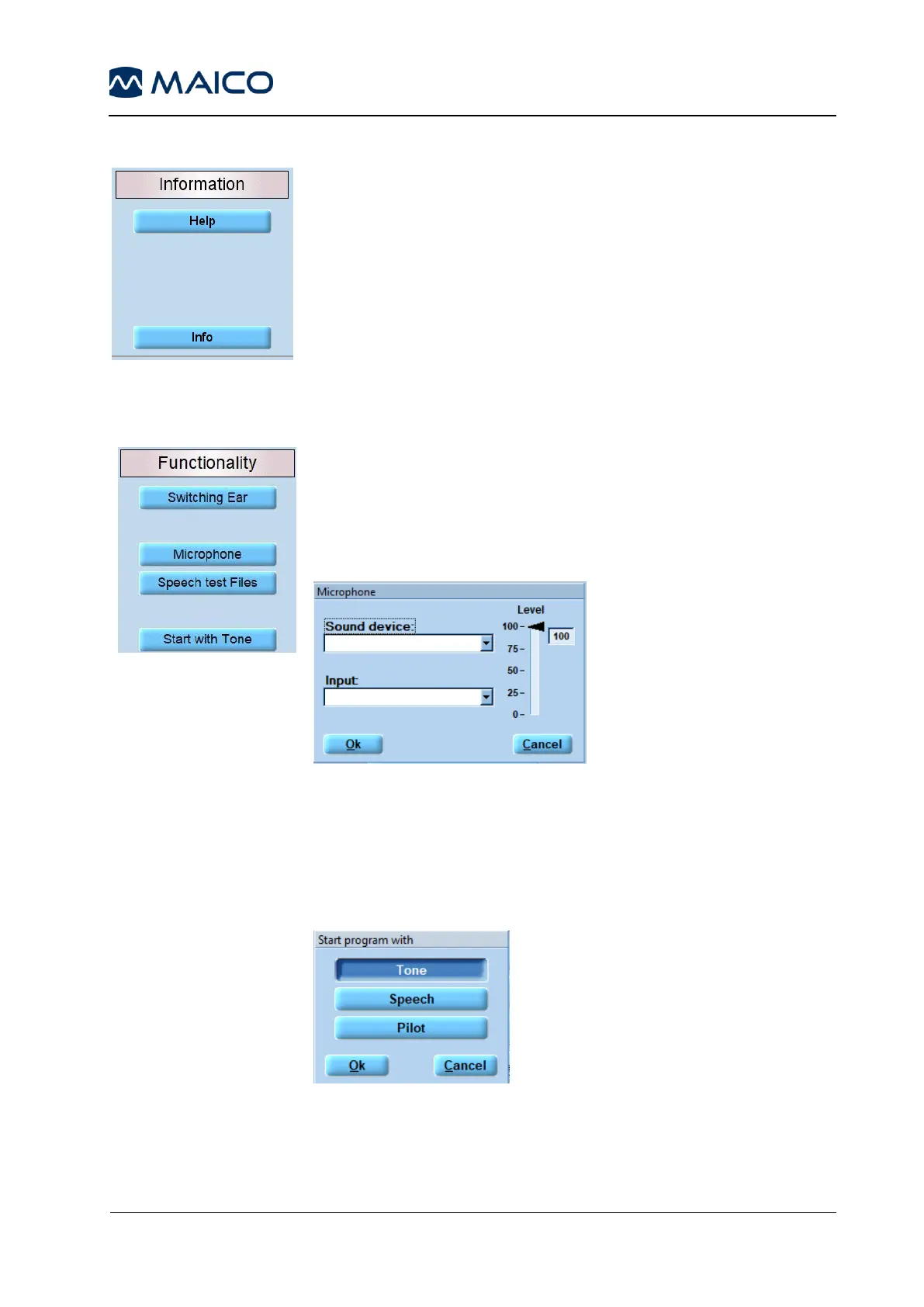
Switching Ear: Activate to Keep Level + Noise or deactivate to
Reset Level – Switch Off Noise (default) when switching ears
(Figure 93).
Microphone: Select a Sound device and Input via the drop-
down menu and adjust the Level (Figure 94).
Figure 94
Speech test Files: Opens C:\Program Files
(x86)\MAICO\MA33 for selection of a speech test.
Start with Tone: Start with Tone: Pressing the Start with Tone
button opens a message box that allows for the selection of the test
the programm shall start with (Figure 95).
Figure 95



 To Next Page