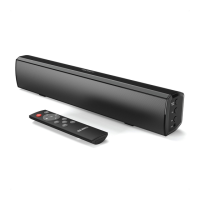
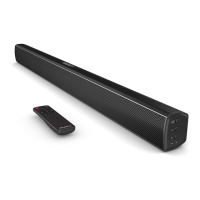
Remote Control
1. Soundbar Power On/Off
Short press the button to turn on/off
2. Saterliter Power On/Off
Short press the button to turn on
Long press the button to turn on
3. S.VOL (Volume + for Wireless Surround)
Press to increase the volume for wireless surrounds
4. CEN.VOL (Volume + for Center Tone)
Press to increase the volume for center tone
5. F.VOL (Volume + for Front Tone)
Press to increase the volume for front tone
6. SUB
.VOL (Volume + for Subwoofer)
Press to increase the volume for subwoofer
7. F.VOL (Volume - for Front Tone)
Press to decrease the volume for front tone
8. S
UB.VOL (Volume - for Subwoofer)
Press
to decrease the volume for subwoofer
9. S.VOL (Volume - for Wireless Surround)
Press to decrease the volume for wireless surrounds
Press to decrease the volume for center tone
4
10. CEN.VOL (Volume - for Center Tone)
Controls And Functions



 To Next Page