EasyManua.ls Logo

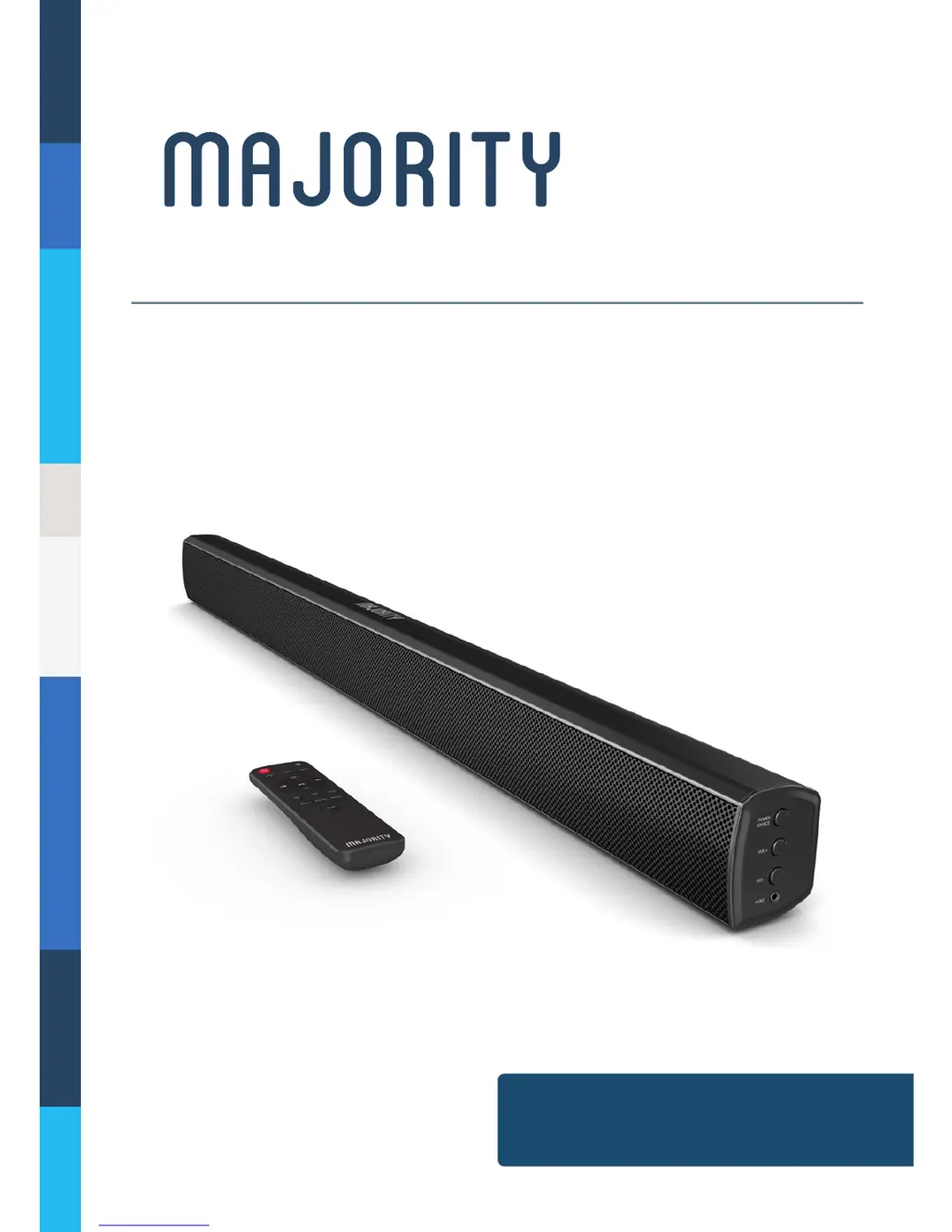
MAJORITY Skiddaw II - User Manual

MAJORITY Skiddaw II
21 pages
Print Icon
To Next Page IconTo Next Page
Loading...
SKD-BAR-BLK-2
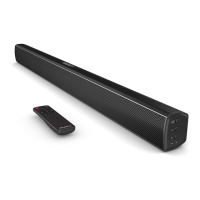
SKIDDAW II
Wireless Audio Soundbar
Instructions Guide

Questions and Answers

  • R
    Robert ReyesAug 11, 2025
    Why is there no sound from my MAJORITY Speakers when connected via optical input?
    • J
      Jennifer ChavezAug 11, 2025
      If you're not getting any sound when using the optical input, make sure the audio setting of your device (TV, game console, DVD player, etc.) is set to PCM mode. This is required for digital connections like Optical, HDMI, and COAXIAL.
  • M
    Melissa MooreAug 15, 2025
    What to do if there is no sound from my MAJORITY Skiddaw II?
    • M
      meghanwebsterAug 15, 2025
      If you're not getting any sound, first check if the unit is muted. Next, verify that you've selected the correct MODE. Finally, ensure that all cables are properly installed.
  • C
    Christine CarsonAug 20, 2025
    Why is there no sound from my MAJORITY Skiddaw II via Bluetooth connection?
    • J
      John CookAug 21, 2025
      If you're experiencing no sound over a Bluetooth connection, make sure you pressed the PAIR button before attempting to pair your device. Some devices may also require a password; if prompted, try entering “0000”.
  • D
    Dawn JonesAug 26, 2025
    What to do if my MAJORITY Speakers remote control does not work properly?
    • A
      aholmesAug 26, 2025
      If your remote control isn't working, first check if the battery is dead and replace it if needed. Also, make sure there's nothing blocking the remote sensor on the front of the unit.
  • W
    Whitney ThompsonAug 30, 2025
    How to fix function disturbance on my MAJORITY Skiddaw II Speakers?
    • A
      Angela WebsterAug 30, 2025
      To resolve function disturbances, switch off and unplug the unit. Leave it unplugged for 2 minutes, then switch it back on. If a specific mode is causing issues, try using a different connection to your TV, such as Optical, AUX, or Bluetooth.
  • M
    Michelle WattsSep 4, 2025
    How to troubleshoot MAJORITY Skiddaw II Speakers with no power?
    • B
      Barbara ShawSep 4, 2025
      If your device has no power, check if the power is switched on at the wall. Also, ensure the power adapter is properly connected to the power outlet.

MAJORITY Skiddaw II Specifications

General IconGeneral
BrandMAJORITY
ModelSkiddaw II
CategorySpeakers
LanguageEnglish

Related product manuals