21 | P a g e
I. Connect Servos, Sensors and Motors
These blocks are found in the mBot2 Extension Port group.
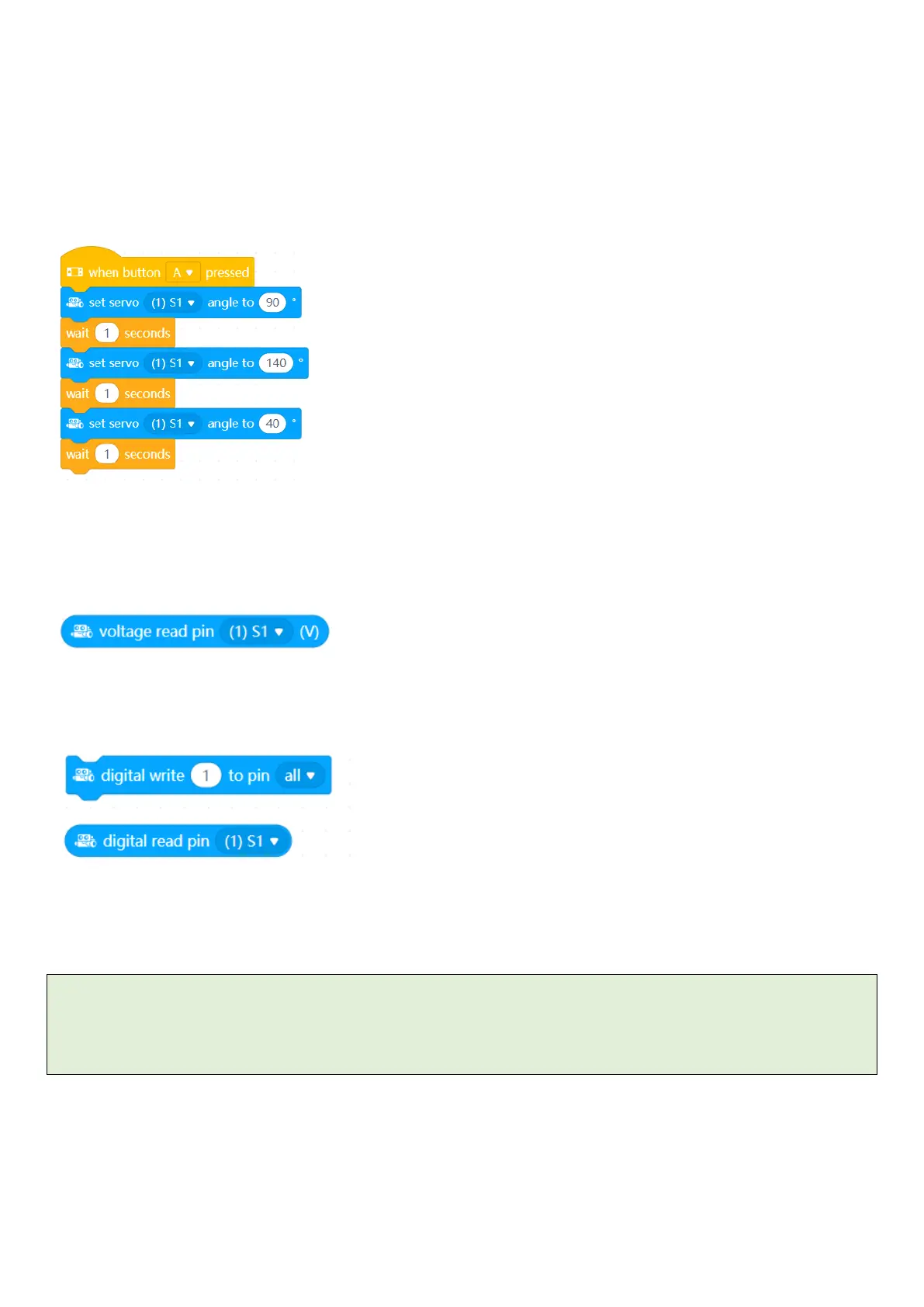
Servos
Up to 4 servos can be plugged in the servo ports on the right-hand side (S3 and S4), or the general IO ports on the
left (S1 and S2).
Read Analog Sensors
Read analog sensors (such as potentiometers or soil moisture sensors) using ports S1 and S2
Read and Write Digital Sensors
Run DC motors
Additional motors can be run from the M1 and M2 ports.
cpi.mbot2.motor_set(power, port) #power is -100 to 100
cpi.mbot2.motor_stop(port)
cpi.mbot2.motor_drive(power1, power2) #set the power to M1 and M2



 To Next Page