UDD-SD-110/ Release Date: 19.12.2014/Rev No: 1/Rev. Date: 30.07.2015
5.3 Connect the Loads
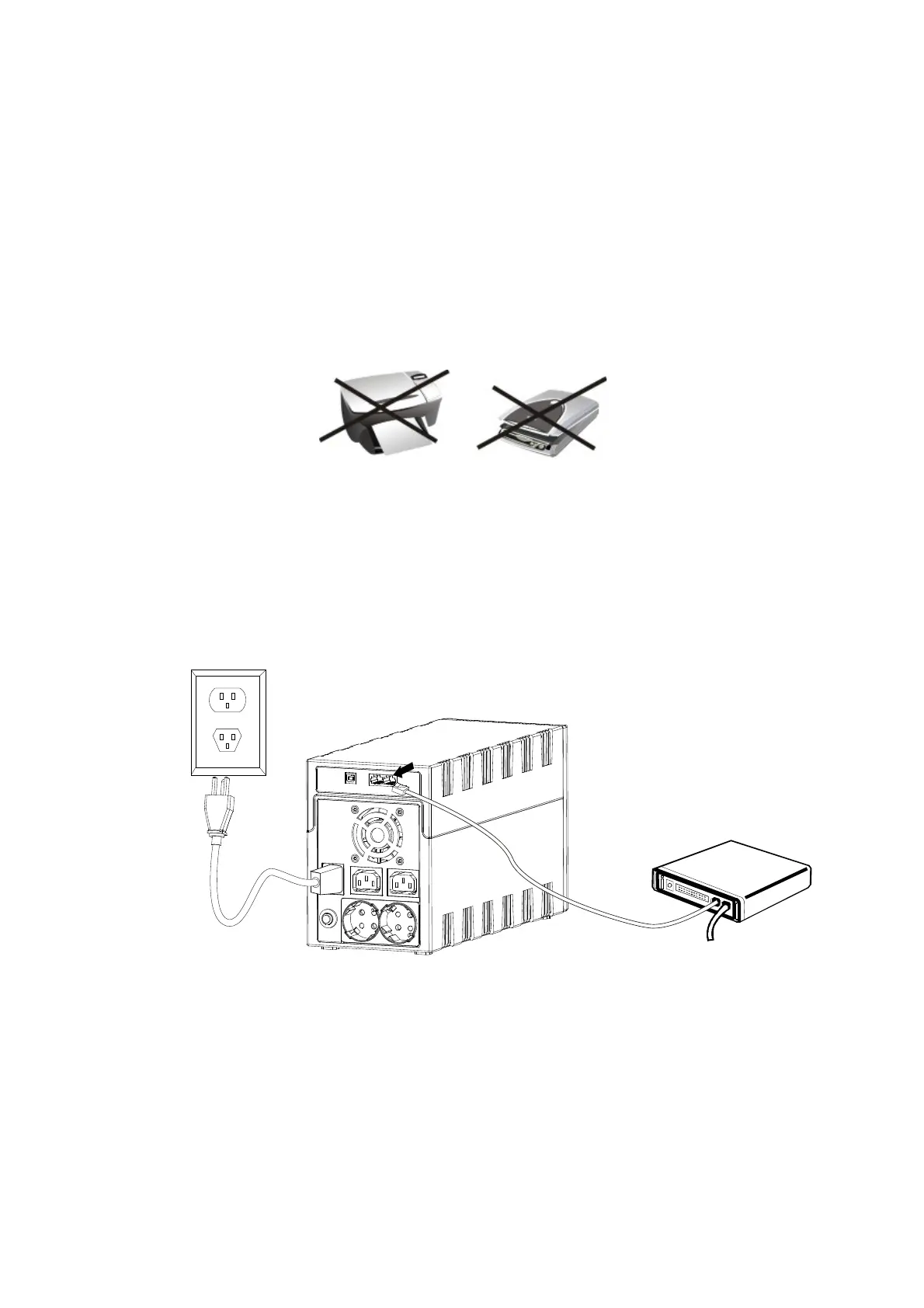
Plug in the loads to output receptacles on the rear panel of the UPS. Simply turn on the power switch
of UPS unit, and devices connected to the UPS will be protected by UPS unit
COUTION: Do not attach a power strip or surge suppressor t the UPS.
COUTION: Never connect a laser printer or scanner to the UPS unit, because in-rush current
generated by motor’s devices may cause the damage of the unit.
5.4 Connect LAN Cable, Modem or Phone Line for Surge Protection
Connect for example a single modem or phone line into surge-protected “IN” outlet on the back panel
of the UPS unit. Connect from “OUT” outlet to the computer with another phone line cable.









 To Next Page