UDD-SD-110/ Release Date: 19.12.2014/Rev No: 1/Rev. Date: 30.07.2015
5.5 Connect USB Cable
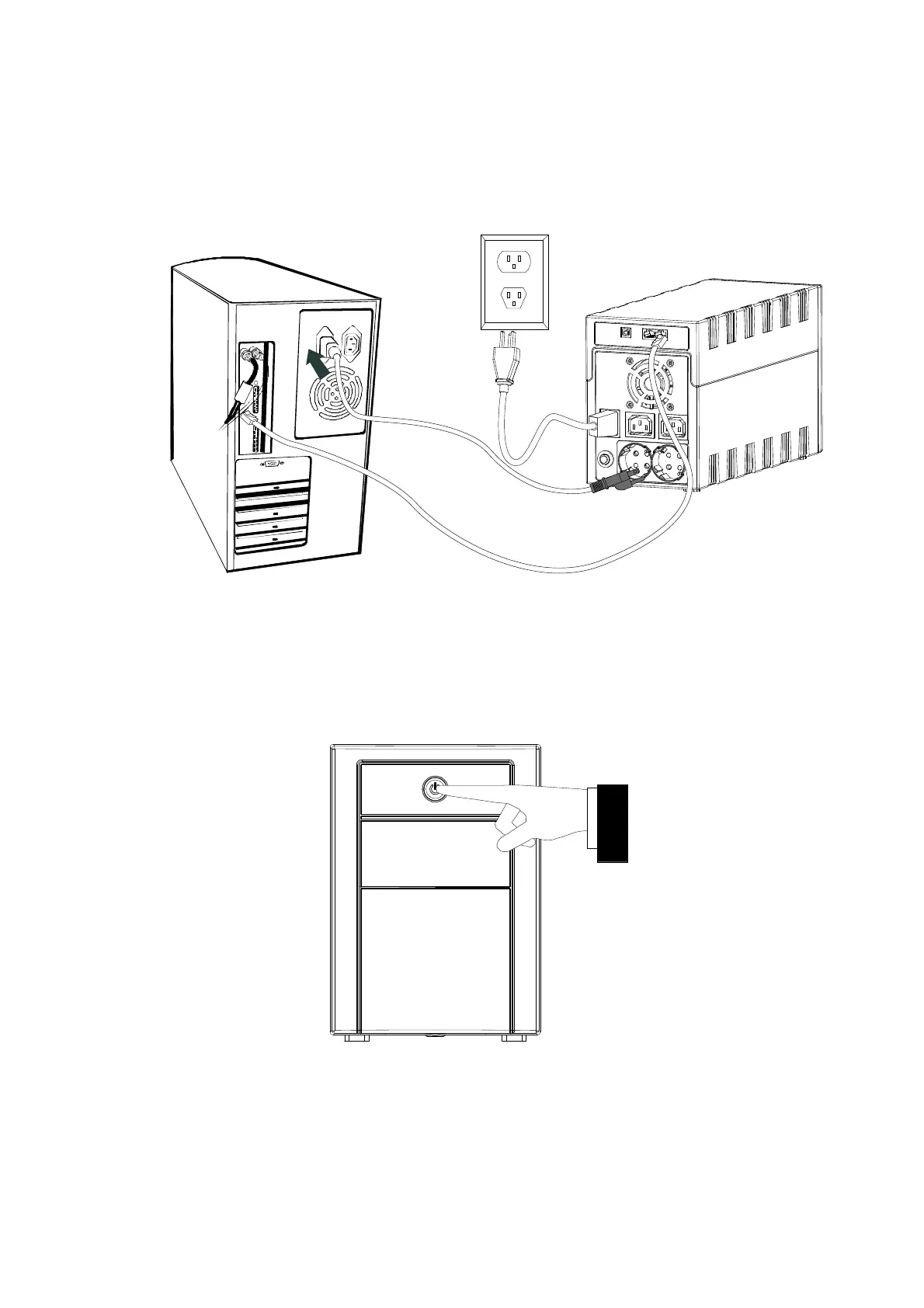
To monitor the UPS status, such as unattended UPS shutdown and start-up, by using bundled software,
please connect the UPS and PC with USB cable included.
5.6 Turn On / Off The Unit
Turn on the UPS unit by pressing the power switch. Turn off the UPS unit by pressing again the power
switch









 To Next Page