28
UDD-SD-112/ Release Date: 25.12.2014/Rev No: 1 /Rev. Date: 18.05.2015
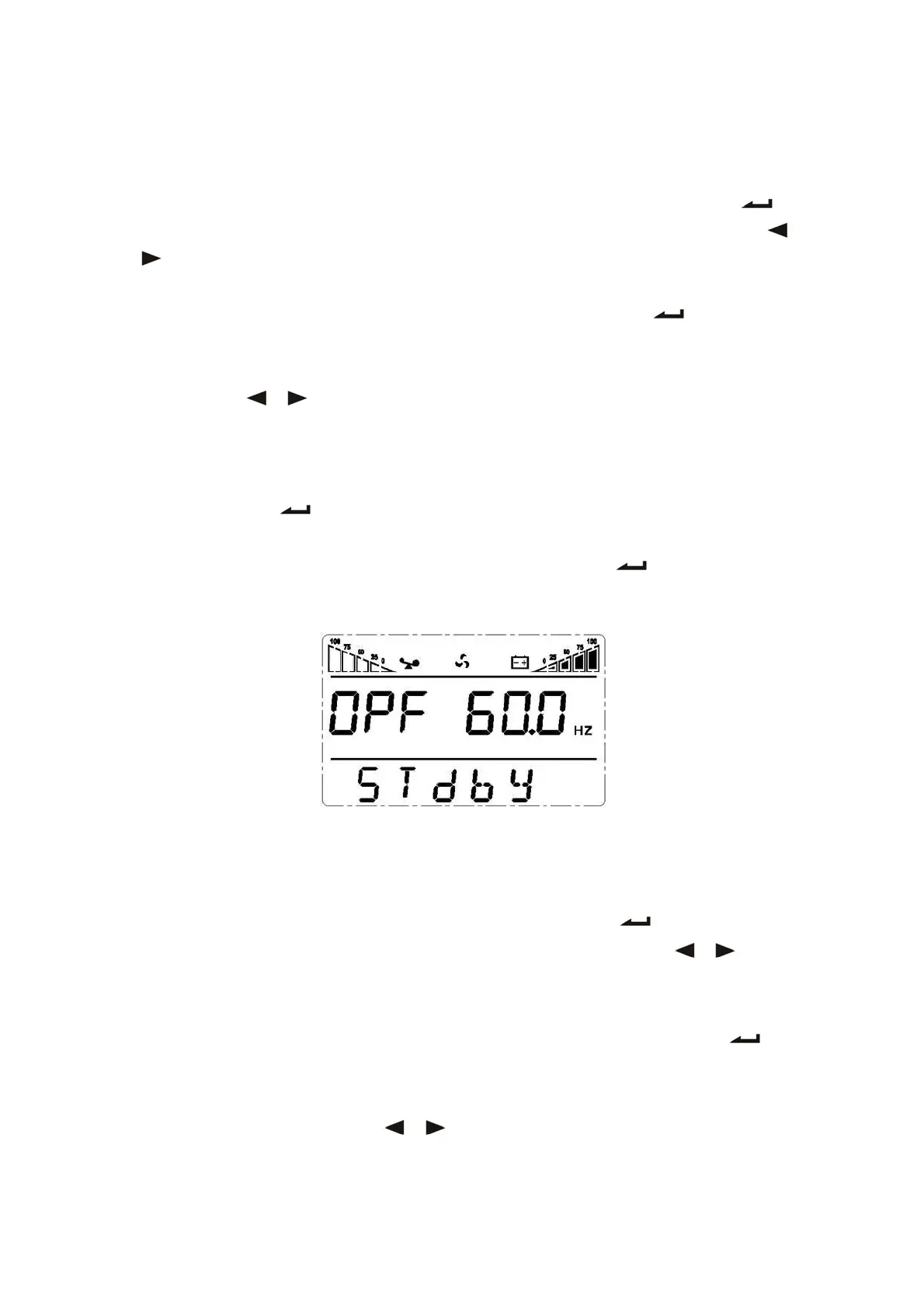
4.6.6 Output Frequency Setting in CUCF Mode
1. Output frequency only can be set when CUCF mode is ON.
2. In STDBY mode, enter the setting interface. Press and hold the function setting key for
more than 2 seconds, then come to setting interface, Press and hold the inquiring key ( ,
) for more than half a second(less than 2 seconds), select the function setting, choose
battery voltage setting interface, at the moment, the letters “OPF” will flash.
3. Enter the OPF setting interface. Press and hold the function setting key for more than
half a second(less than 2 seconds), then come to setting interface of OPF, at this time, the
letters “OPF” will not flash any more. The “OFF” (or 50HZ, 60HZ) will flash. Press and hold the
inquiring key ( , ) for more than half a second (less than 2 seconds) to determine
whether the CF function is used or not. If used, select 50HZ or 60HZ according to you. It is
determined by yourself, the default value is 50HZ.
4. Confirm the OPF selecting interface. After selecting 50HZ or 60HZ, press and hold the
function setting key for more than half a second (less than 2 seconds). Now, the OPF
setting function is completed and the “50HZ” or “60HZ” will light without flash.
5. Exit from the setting interface. Press and hold function setting key for more than 2
seconds, exit from the setting interface and return to main interface.
4.6.6 ID Setting
1. Enter the setting interface. Press and hold the function setting key for more than 2
seconds, then come to setting interface, press and hold the inquiring key ( , ) for
more than half a second(less than 2 seconds), select the function setting, choose output
voltage setting interface, at the moment, the letters “Id” will flash.
2. Enter the output voltage setting interface. Press and hold the function setting key for
more than half a second(less than 2 seconds), then come to setting interface of ID, at this
time, the letters “Id” will not flash any more. The numerical value next to the “Id” will flash.
Press and hold the inquiring key ( , ) for more than half a second (less than 2









 To Next Page