14
UNPACKING YOUR MAKERBOT REPLICATOR 2
1a. Place the MakerBot Replicator 2 box on
the ground and open it.
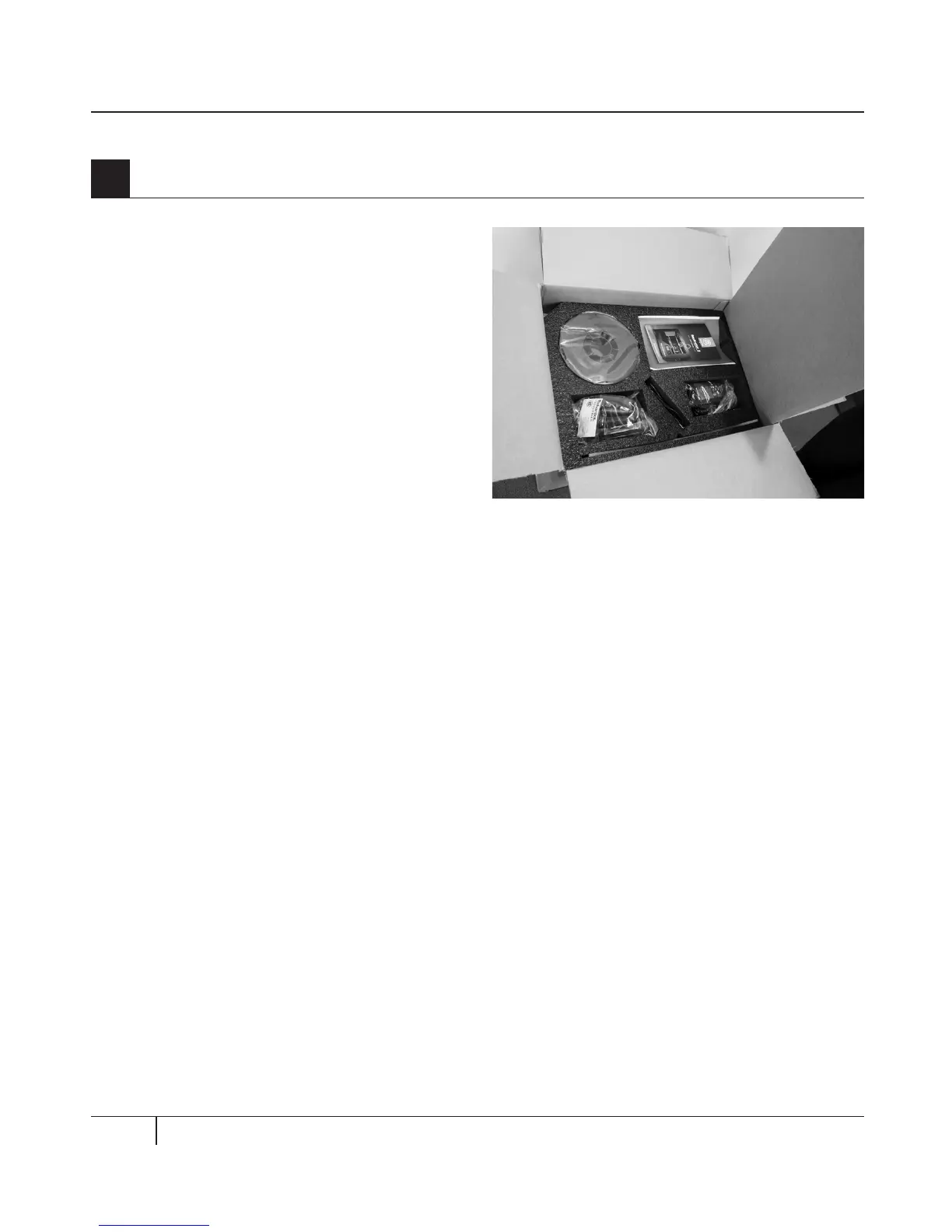
1b. The foam tray at the top of the box
contains everything you need to get started
with your MakerBot Replicator 2. Make sure
you have everything listed on the Accessory
Checklist on page 12.
If you find that any of the items pictured in
the Accessory Checklist are missing, please
email us at support@makerbot.com
1c. Remove the foam accessory tray and the
sheet of cardboard underneath.
1d. Remove the two protective foam pieces
from the sides of the MakerBot Replicator 2.
NOTE: You can download a PDF copy of this manual
at makerbot.com/support/replicator2.
1
Opening the Box 1



 To Next Page