38
Minimalist NYC buildings
Design By: JonMonaghan
Thingiverse: 12762
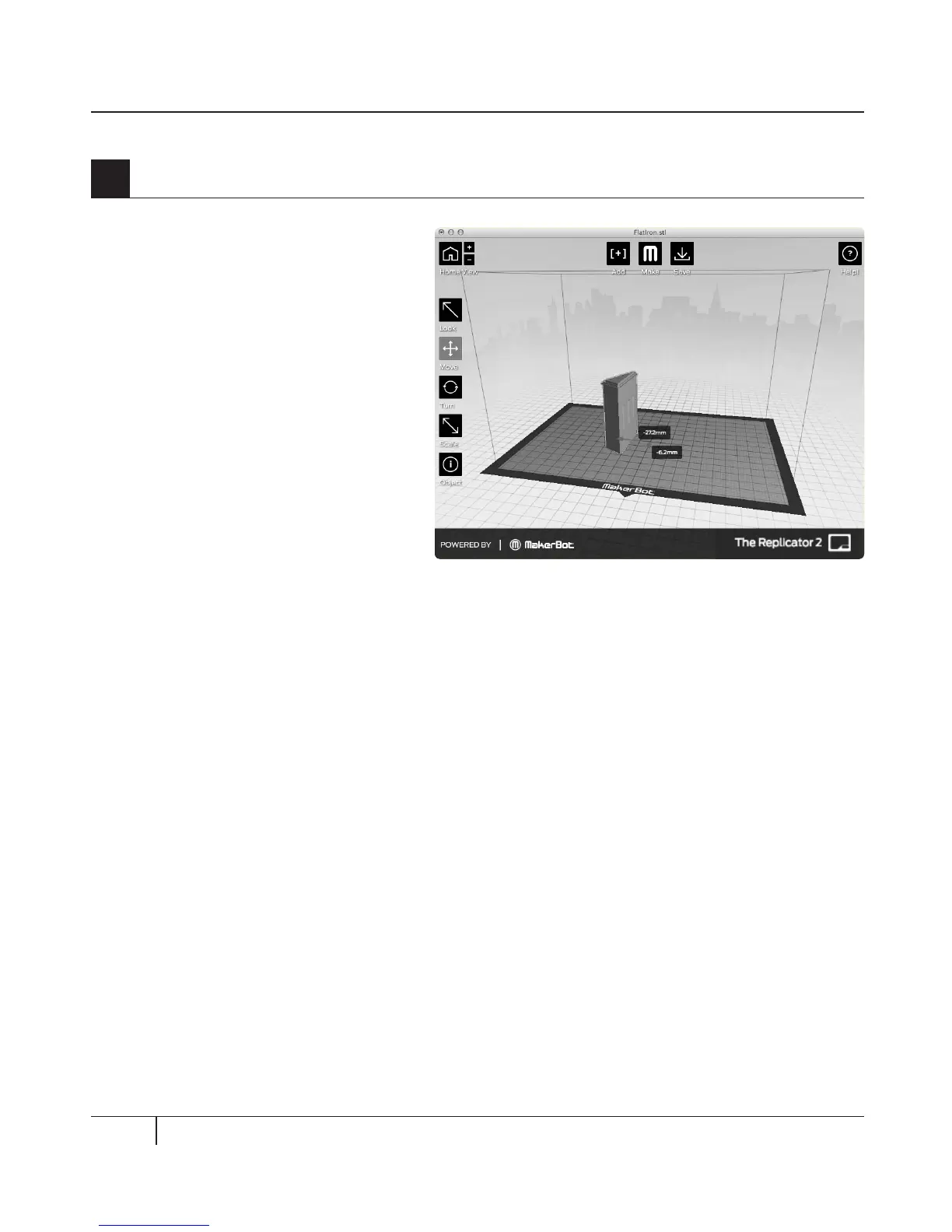
4a. Click on the Add button.
Navigate to the location of the file
FlatIron.stl and select it. The file will
open at the center of the build plate.
4b. Select the Move button and
click and drag the Flatiron Building
to the le.
4c. Click on the Add button again.
Navigate to the location of the file
Woolworth.stl and select it. Now you
should see both the Flatiron Building
and the Woolworth Building models
in your virtual build space.
4d. With both models open, you
can manipulate them separately or
together. Select one of the models,
then click the Turn button or use the
T key and rotate it.
4
Open the .stl files in MakerBot MakerWare
USING MAKERBOT MAKERWARE CONTINUED
TIP: You can also duplicate objects by using the Add button. Select the object and use Ctrl/Command+C
to copy and Ctrl/Command+V to paste.



 To Next Page