On the control panel, select Filament > Unload Filament.
The Smart Extruder+ will now start to heat up. Remove the filament from
the extruder only when prompted by the control panel. Attempting to
remove the filament prematurely will damage the machine.
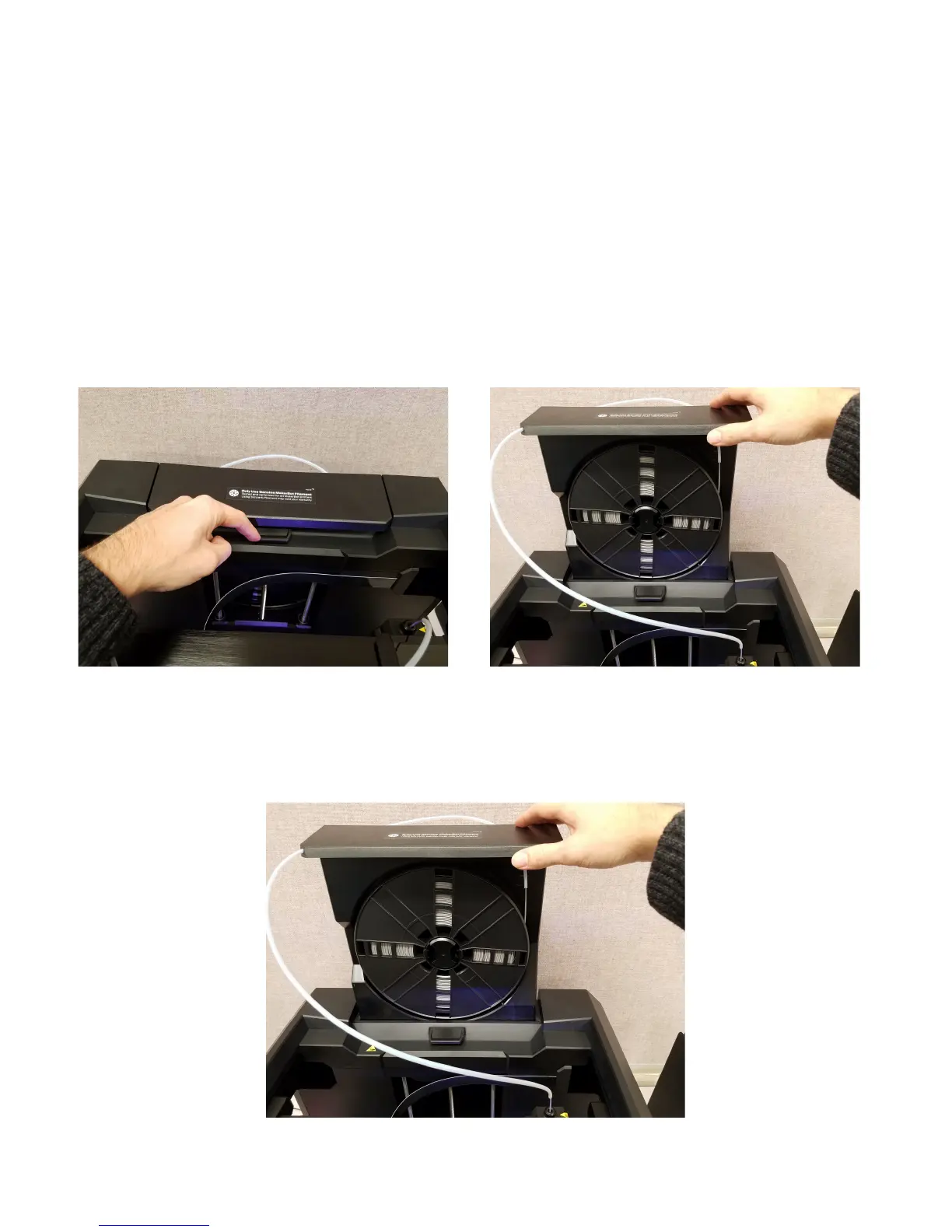
4. Open the filament drawer by pushing down on the tab in the photo
below and pulling up on the drawer.
5. Once lifted up as shown in the photo below, the drawer will stay in
place.



 To Next Page