EasyManua.ls Logo

Makita DUR365U - User Manual

Makita DUR365U
20 pages
Print Icon
To Next Page IconTo Next Page
Loading...
1
ENGLISH (Original instructions)
INSTRUCTION MANUAL
IMPORTANT: Read Before Using.
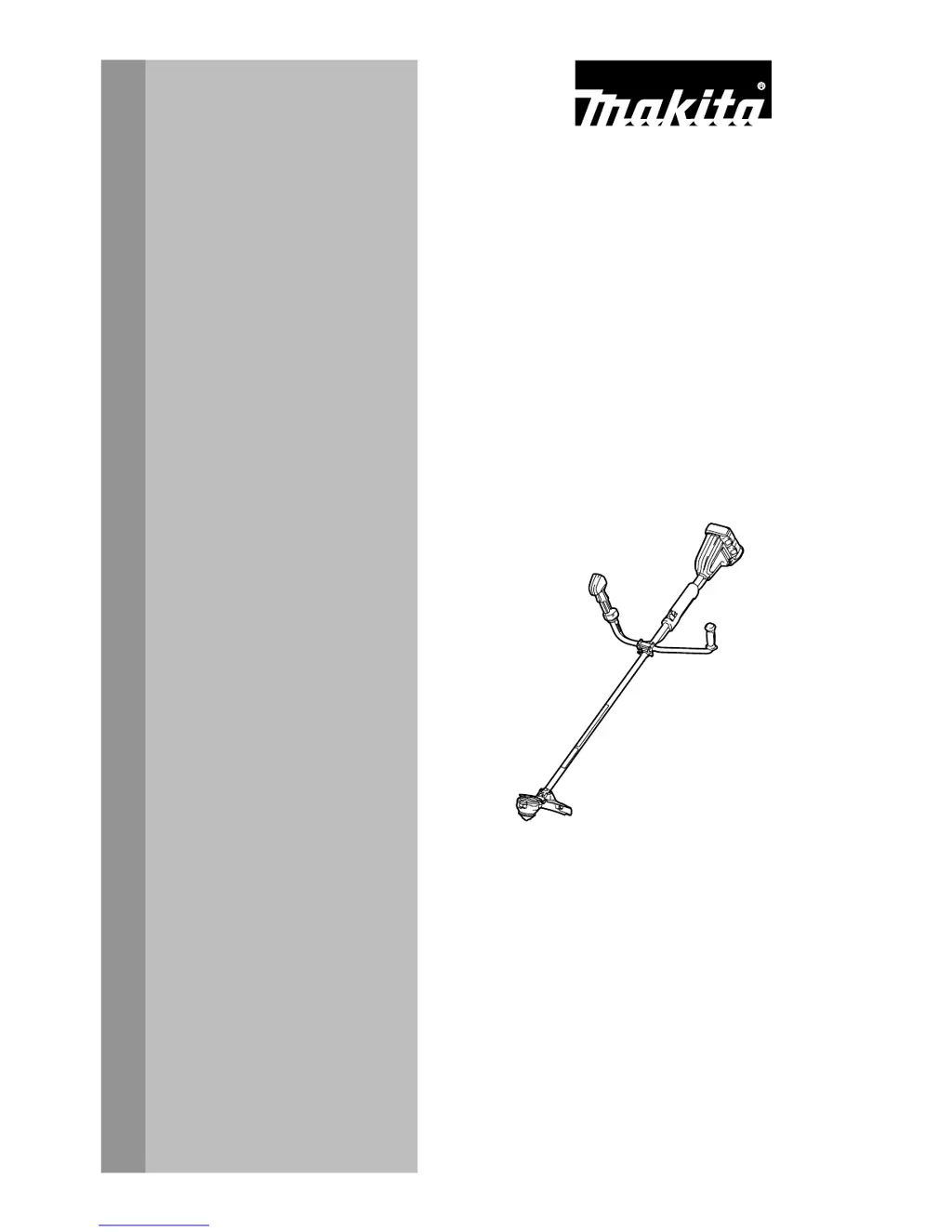
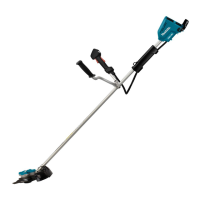
Cordless Grass Trimmer
DUR365U
015571

Questions and Answers

  • A
    Anthony TorresAug 20, 2025
    Why Makita DUR365U does not reach maximum RPM?
    • J
      Jennifer SmithAug 20, 2025
      Your Makita Trimmer might not be reaching maximum RPM due to a few potential issues. Ensure the battery is installed properly as described in the manual. Also, the battery power may be dropping, so recharge the battery cartridge, and replace it if recharging isn't effective. If these steps don't help, the drive system may not be working correctly.
  • S
    Shannon ThorntonAug 22, 2025
    What to do if the cutting tool does not rotate on my Makita Trimmer?
    • B
      brendapayneAug 22, 2025
      If the cutting tool of your Makita Trimmer does not rotate, stop the machine immediately. This could be due to a foreign object jammed between the guard and the nylon cutting head. Remove the object to solve this. Another reason may be that the cutter blade fastening nut is loose. In this case, tighten the nut properly. Also, the cutter blade may be bent. If this is the case, replace the cutter blade. If none of these solutions work, the drive system may not be working correctly, and you should seek assistance from an authorized service center.
  • M
    mark32Aug 25, 2025
    Why does the motor not run on my Makita DUR365U?
    • K
      kellyjimmyAug 25, 2025
      If your Makita Trimmer motor doesn't run, first ensure that the battery cartridges are properly installed. If they are not, install them. If the battery has a problem such as undervoltage, recharge the battery cartridge. If recharging isn't effective, replace the battery cartridge. If the issue persists, the drive system may not be working correctly, and you should ask your local authorized service center for repair.
  • M
    Mark RamirezAug 26, 2025
    Why does my Makita Trimmer motor stop running after a little use?
    • M
      Margaret MasonAug 26, 2025
      If your Makita Trimmer motor stops running after a short period, it could be due to several reasons. Check if the rotation is in reverse and, if so, change the direction of rotation with the reversing switch. Also, the battery's charge level might be low. Try recharging the battery cartridge; if that doesn't work, replace it. Overheating can also cause this issue, so stop using the tool to allow it to cool down.
  • E
    egilesAug 28, 2025
    What to do if my Makita DUR365U Trimmer has abnormal vibration?
    • T
      Theresa GomezAug 28, 2025
      If your Makita Trimmer is vibrating abnormally, stop the machine immediately. This may be due to one end of the nylon cord being broken. Try bumping the nylon cutting head against the ground while it is rotating to cause the cord to feed. Another cause could be a bent, cracked, or worn cutter blade, which would require replacement. Also, ensure the cutter blade fastening nut is not loose and tighten it if necessary. If the cutter blade is fastened improperly, adjust it. If none of these steps resolve the issue, the drive system may not be working correctly; seek assistance from an authorized service center.
  • Z
    zjohnstonAug 29, 2025
    Why doesn't my Makita DUR365U reach maximum RPM?
    • J
      Jose DoyleAug 30, 2025
      If your Makita Trimmer does not reach maximum RPM, first ensure the battery is installed correctly as described in this manual. If the battery power is dropping, recharge the battery cartridge; if recharging is not effective, replace the battery cartridge. If the problem persists, the drive system may not be working correctly, and you should ask your local authorized service center for repair.
  • S
    Stacie EnglishAug 31, 2025
    What to do if the cutting tool and motor cannot stop on my Makita DUR365U?
    • J
      Jonathan JacobsonAug 31, 2025
      If the cutting tool and motor of your Makita Trimmer cannot stop, remove the battery immediately. This is likely due to an electric or electronic malfunction. After removing the battery cartridge, ask your local authorized service center for repair.
  • B
    Brian PetersSep 2, 2025
    What to do if the Makita Trimmer cutting tool does not rotate?
    • K
      Kathleen CowanSep 2, 2025
      If the cutting tool of your Makita Trimmer isn't rotating, immediately stop the machine. This could be due to a foreign object jammed between the guard and the nylon cutting head; if so, remove the object. Another cause could be a loose cutter blade fastening nut, which needs to be properly tightened. Also, the cutter blade could be bent and needs replacement. If none of these solutions work, the drive system may not be working correctly.
  • K
    Kayla MooreSep 4, 2025
    Why does my Makita DUR365U Trimmer motor not run?
    • S
      scottchristensenSep 4, 2025
      The motor of your Makita Trimmer might not be running due to several reasons. First, check if the battery cartridges are properly installed and install them if they are not. Second, the battery may be under voltage. Recharge the battery cartridge, and if recharging is not effective, replace it. If these steps don't resolve the issue, the drive system may not be working correctly.
  • V
    virginiagordonSep 6, 2025
    What to do if Makita Trimmer cutting tool and motor cannot stop?
    • D
      David SalazarSep 6, 2025
      If the cutting tool and motor of your Makita Trimmer cannot stop, immediately remove the battery cartridge. This is likely due to an electric or electronic malfunction.

Summary

Specifications

Symbols

Important Safety Instructions

Intended use

Specifies the intended purpose of the cordless grass trimmer/brushcutter.

General instructions

Provides essential guidelines for safe operation and user supervision.

Personal Protective Equipment

Work Area Safety

Electrical and Battery Safety

Putting into Operation

Operation

Cutting Attachments

Kickback (Blade Thrust)

Vibration

Transport

Maintenance

Storage

First Aid

Important Safety Instructions for Battery Cartridge

Tips for Maintaining Maximum Battery Life

Parts Description

Functional Description

Installing or Removing Battery Cartridge

Instructions and cautions for safely installing and removing the battery cartridge.

Indicating the Remaining Battery Capacity

Explains how to check the battery level using indicator lamps and their meanings.

Tool; Battery Protection System

Describes the system that automatically cuts off power to protect the tool and battery.

Power Switch Action

Speed Adjusting

Reverse Button for Debris Removal

Nylon Cutting Head (Optional Accessory)

Assembly

Installing the Handle

Steps for installing the handle onto the tool shaft securely.

Installing the Guard

Installing the Metal Blade (Optional Accessory)

Installing Nylon Cutting Head or Plastic Blade (Optional Accessory)

Hex Wrench Storage

Operation

Correct Handling of Tool

Provides critical safety warnings and instructions for controlling the tool during operation.

Correct Posture

Attachment of Shoulder Harness

Adjustment of the Hanger Position and Shoulder Harness

Replacing the Nylon Cord

Replacing the Blade for Plastic Blade

Trouble Shooting

Optional Accessories

Makita DUR365U Specifications

General IconGeneral
Power SourceBattery
Battery Voltage36V
Motor TypeBrushless
Handle TypeLoop Handle
Battery TypeLithium-Ion
Weight4.5 kg
Line Diameter2.0 mm
Spindle SizeM10

Related product manuals