EasyManua.ls Logo

Makita DUX60 - User Manual

Makita DUX60
16 pages
Print Icon
To Next Page IconTo Next Page
Loading...
INSTRUCTION MANUAL
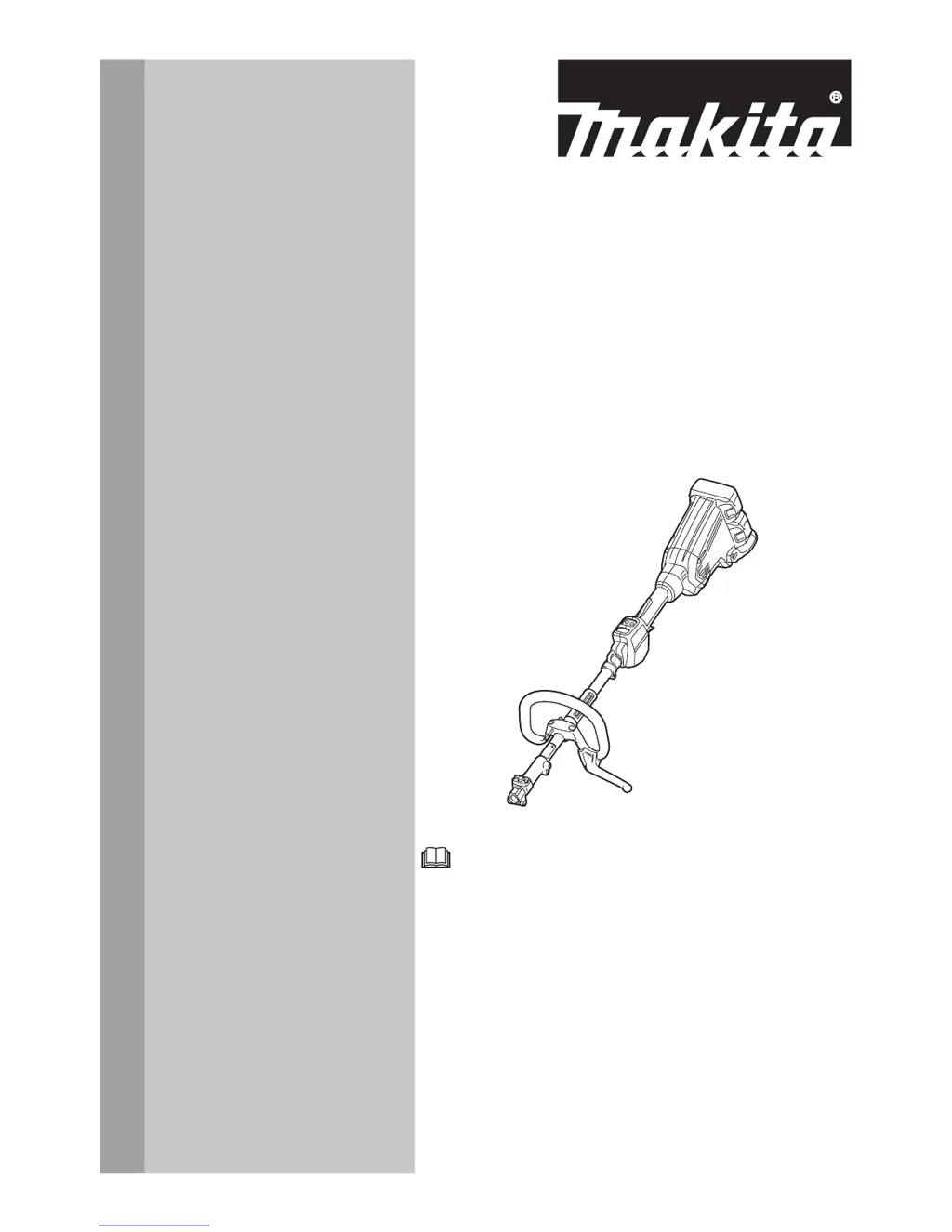
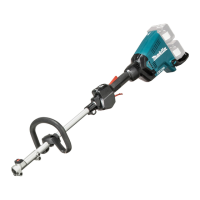
Cordless Multi Function Power
Head
DUX60
ENGLISH: Original instructions
Read before use.

Questions and Answers

  • B
    Bradley ReeseAug 20, 2025
    Why won't my Makita Trimmer motor run?
    • J
      Jill WellsAug 20, 2025
      If your Makita Trimmer motor isn't running, first ensure the battery cartridge is correctly installed. If it is, the battery may be low or faulty; try recharging it, and if that doesn't work, replace the battery. If the issue persists, the drive system may not be working correctly.
  • A
    Anthony HerreraAug 21, 2025
    What to do if Makita DUX60 motor stops running after short use?
    • J
      James MilesAug 22, 2025
      If the motor stops running after a short period, the rotation direction might be set in reverse. Try changing the direction using the reversing switch. Alternatively, the battery's charge level could be low, so recharge the battery or replace it if necessary. Overheating could also be the cause; stop using the tool and allow it to cool down.
  • T
    Tony HernandezAug 23, 2025
    What to do if my Makita Trimmer does not reach maximum RPM?
    • P
      patricia30Aug 25, 2025
      If your Makita Trimmer isn't reaching its maximum RPM, start by checking if the battery is installed correctly as described in the manual. A dropping battery power could also be the cause, so recharge or replace the battery. If neither of these steps resolves the issue, the drive system may have a problem.
  • R
    Robert MatthewsAug 26, 2025
    How to fix Makita DUX60 Power Tool that does not reach maximum RPM?
    • J
      Joseph LewisAug 26, 2025
      If your power tool isn't reaching its maximum RPM, first check if the battery is installed properly as described in the manual. If not, install the battery cartridge correctly. Also, the battery power may be dropping. Try recharging the battery; if that doesn't work, replace it. If the issue persists, the drive system may not be working correctly.
  • C
    Cynthia AyalaAug 28, 2025
    What to do if Makita Tools motor stops running after a little use?
    • J
      Joseph HodgesAug 28, 2025
      If the motor stops after a short period, the rotation might be in reverse; try changing the direction with the reversing switch. Alternatively, the battery's charge level may be low, so recharge it, or replace it if recharging isn't effective. Overheating can also cause this issue, so allow the tool to cool down.
  • C
    Cory BrownAug 29, 2025
    How to fix Makita Tools that does not reach maximum RPM?
    • J
      John OrtegaAug 30, 2025
      If your tool isn't reaching its maximum RPM, first ensure the battery is correctly installed as described in the manual. A dropping battery power could also be the cause, so try recharging the battery, or replace it if necessary. Lastly, the drive system might not be working correctly, and you should ask your local authorized service center for repair.
  • R
    Randy Boyd DDSAug 31, 2025
    What to do if my Makita Power Tool motor does not run?
    • J
      james63Aug 31, 2025
      If the motor of your Makita Power Tool isn't running, there are a few potential causes. First, make sure the battery cartridge is properly installed. If it is not, install it. Second, the battery might be low. Try recharging the battery; if that doesn't work, replace it. Finally, there could be an issue with the drive system. In this case, you should ask your local authorized service center for repair.
  • B
    Brian ClarkSep 2, 2025
    Why does my Makita Power Tool motor stop running after a little use?
    • P
      paynejosephSep 2, 2025
      The motor of your Makita Power Tool might stop running after a short time for several reasons. Check if the rotation is in reverse and, if so, change the direction using the reversing switch. Also, the battery's charge level could be low, so try recharging it, and replace it if recharging isn't effective. Overheating can also cause this issue; stop using the tool and allow it to cool down.
  • B
    Bradley HopkinsSep 5, 2025
    What to do if my Makita DUX60 Power Tool does not reach maximum 530?
    • E
      Erin JamesSep 5, 2025
      If your Makita Power Tool isn't reaching its maximum speed of 530, it could be due to a few reasons. Ensure the battery is correctly installed as described in the manual. Also, the battery power might be dropping, so recharge it, and replace the battery if recharging doesn't solve the problem. If these steps don't help, the drive system may not be working correctly, and you should ask your local authorized service center for repair.
  • C
    Courtney OwensSep 7, 2025
    Why does my Makita Trimmer motor stop after a little use?
    • M
      marynelsonSep 7, 2025
      If your Makita Trimmer motor stops shortly after starting, it could be due to several reasons. Check the reversing switch to ensure the rotation isn't in reverse, and correct it if necessary. Also, the battery's charge level might be low, so try recharging or replacing the battery. Overheating can also cause this issue; if so, stop using the tool and allow it to cool down.

Summary

SPECIFICATIONS

Applicable battery cartridge

Lists compatible battery cartridge models for the power tool.

No load speed with attachment

Details rotation speeds for various attachments.

Approved attachment

Lists compatible attachments for the power tool.

Symbols

Intended use

Specifies the proper and intended applications for the power tool.

Noise

Vibration

EC Declaration of Conformity

SAFETY WARNINGS

General power tool safety warnings

Provides fundamental safety guidelines for operating any power tool.

Work area safety

Outlines precautions for maintaining a safe working environment.

Electrical Safety

Details safety measures related to electrical power and tool usage.

Power tool use and care

Battery tool use and care

Instructions for the safe and effective use and maintenance of battery-powered tools.

Important safety instructions for battery cartridge

Tips for maintaining maximum battery life

PARTS DESCRIPTION

FUNCTIONAL DESCRIPTION

Installing or removing battery cartridge

Step-by-step guide for safely inserting and removing the battery pack.

Tool; battery protection system

Explains the built-in safety mechanisms that protect the tool and battery.

Indicating the remaining battery capacity

How to check the remaining battery charge level using indicator lamps.

Main power switch

Instructions for operating the main power switch and understanding indicator lamps.

Switch action

Details on the switch trigger, lock-off lever, and safe operation.

Speed adjusting

How to adjust the tool's speed using the main power button.

Reverse button for debris removal

Instructions on using the reverse function to clear entangled debris.

Electronic torque control function

Describes the automatic stop feature to prevent kickbacks.

ASSEMBLY

Mounting the attachment pipe

Guide on how to securely attach the extension pipe to the power unit.

Mounting the handle

Instructions for assembling the main handle onto the tool.

Adjusting the handle;hanger position

Details on adjusting handle and hanger for optimal user comfort.

Attaching shoulder harness

Steps for correctly fitting and attaching the shoulder harness for support.

Hex wrench storage

MAINTENANCE

Battery guard

Information regarding the battery guard and its importance for safety.

TROUBLESHOOTING

OPTIONAL ACCESSORIES

Makita DUX60 Specifications

General IconGeneral
Power SourceBattery
Motor TypeBrushless
Battery Voltage18V
Battery TypeLithium-Ion
Overall Length317 mm
Voltage18 V
Length317 mm

Related product manuals