Using the system
38
1.
Select Tools-Options-Feature Keys.
2.
From the feature key selection drop-down menu, select AutoSampler Features.
3.
Click Install licence key. A message is displayed to confirm that the key has been
installed correctly.
4.
Click OK to close the Zetasizer Options window.
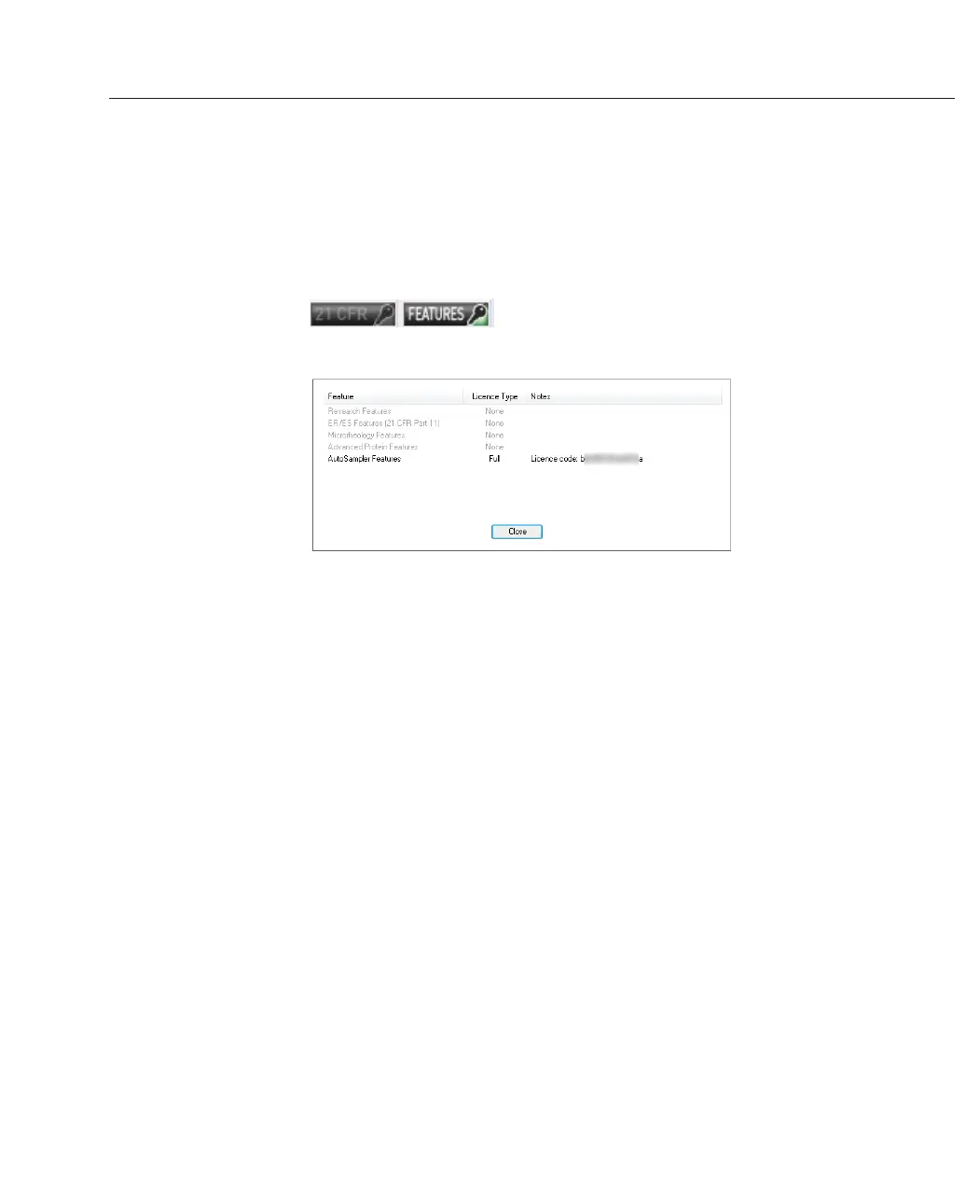
5. To confirm that the feature key is correctly installed, click the features button on
the status bar.
6. A summary of the installed feature keys is displayed:
Software configuration
This section covers in detail the steps required to make a measurement once the instru-
ment and sample have been prepared.
The NanoSampler is controlled by the SOP Playlist feature. The process involves setting up
a new measurement file, appropriate SOP and SOP playlist.
Defining SOPs for the NanoSampler
The SOPcreation step is the same as for a standard size measurement on the Zetasizer.
See the Zetasizer User Manual for more details. For a NanoSampler measurement, ensure:
l
The measurement type selected is Size.
l
The cell specified is the Quartz Flow Cell, ZEN 0023.
The process for creating SOPs is covered in detail in the Help system and the Zetasizer
Nano User Manual.



 To Next Page