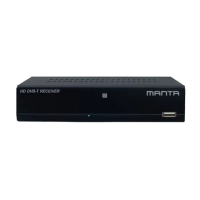
21DVBT024PRO - ENG
Make sure that all cable connections are made correctly and the power is connected, then turn on
the TV and set-top box.
Set the TV’s input mode to match the receiver’s video connection type (e.g. HD OUT or TV SCART).
*Your TV may have adierent name for these connections, please refer to your TV’s manual
for more information.
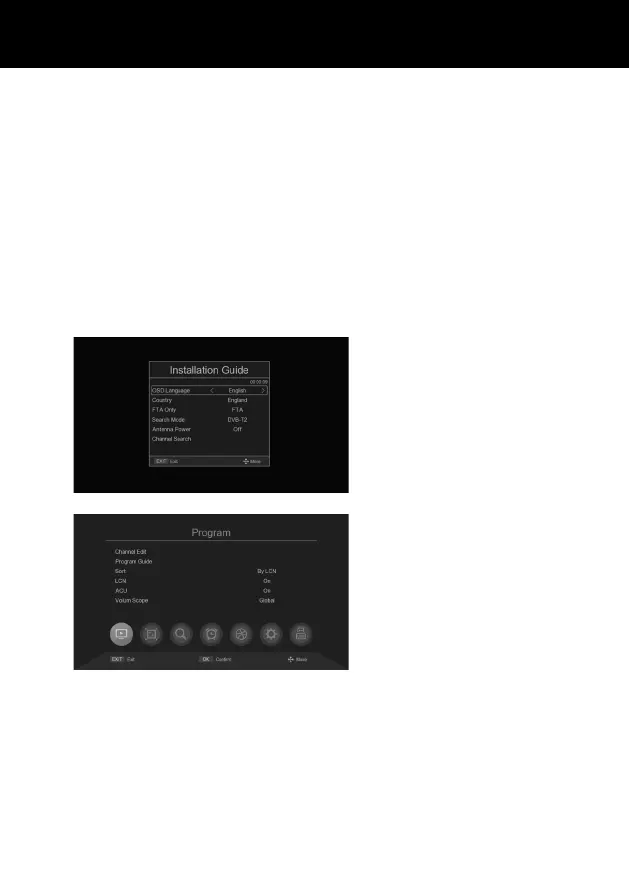
If you are using the device for the rst time or if it has been reset to factory settings, the installation
guide menu will appear on the TV screen. Follow the help information at the bottom of the window to
select your preferred menu language and country (region) and start searching for channels.
OSD Language: Sets the default langu-
age used for on-screen display.
Country: Set the country where you are
using the converter.
FTA only: FTA/ALL.
Search mode: DVB-T2/DVB-C.
Antenna Power: O/ On.
Channel Search: Automatically search
for channel signals within reception ran-
ge and save them in the default channel
list. This list determines which channels
are available after pressing CH- or CH+.
You MUST perform this channel search
before watching TV.
MENU
Press MENU on the remote control to ac-
cess the system menu.
INSTALLATION GUIDE



 To Next Page