27DVBT024PRO - ENG
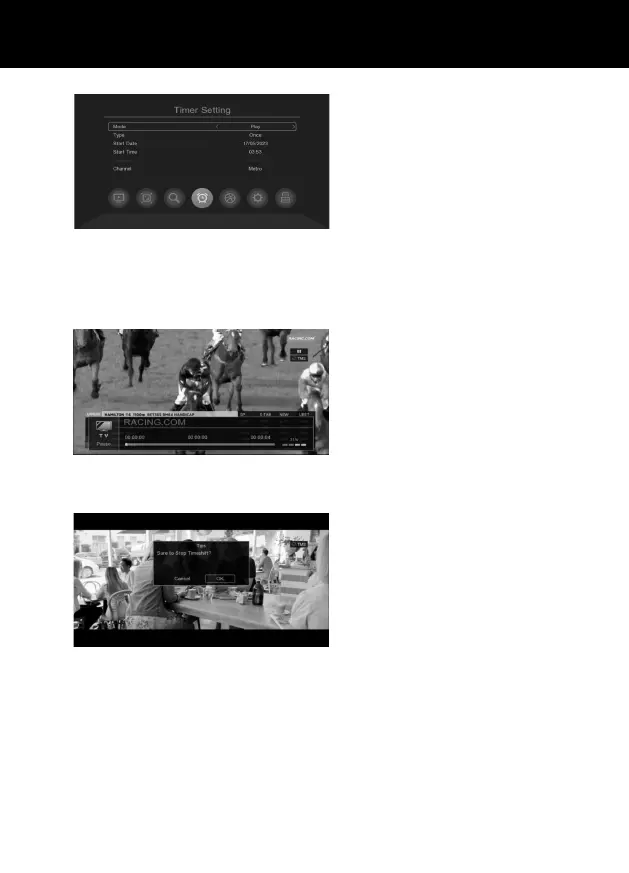
Select Play Mode, it Plays the program accor-
ding to your settings.
Select PVR Mode, will record the program ac-
cording to your settings.
Press [ BLUE ] the Stop Button, to delete all
the scheduled recording lists.
Press [ RED ] the Play/Pause Button, to delete
one scheduled recording.
Press [ Yellow ] the Media Button, to edit
scheduled recording.
TIME SHIFT FUNCTION
Start Timeshift
When you watch a program, press PAUSE
on the remote control, it will enter Timeshift
mode , then press PAUSE on the remote con-
trol again to activate Timeshift , the timeshift
options bar will appear on the screen.
When Timeshift is active, you can pause the
program or fast forward and rewind, just like
playing avideo.
Exit Timeshift
If you want to exit Timeshift , press STOP and
then select OK.



 To Next Page