USER’S MANUAL
26
Note:
The DV will turn off automatically if it is idle for 5 minutes.
Start to Use
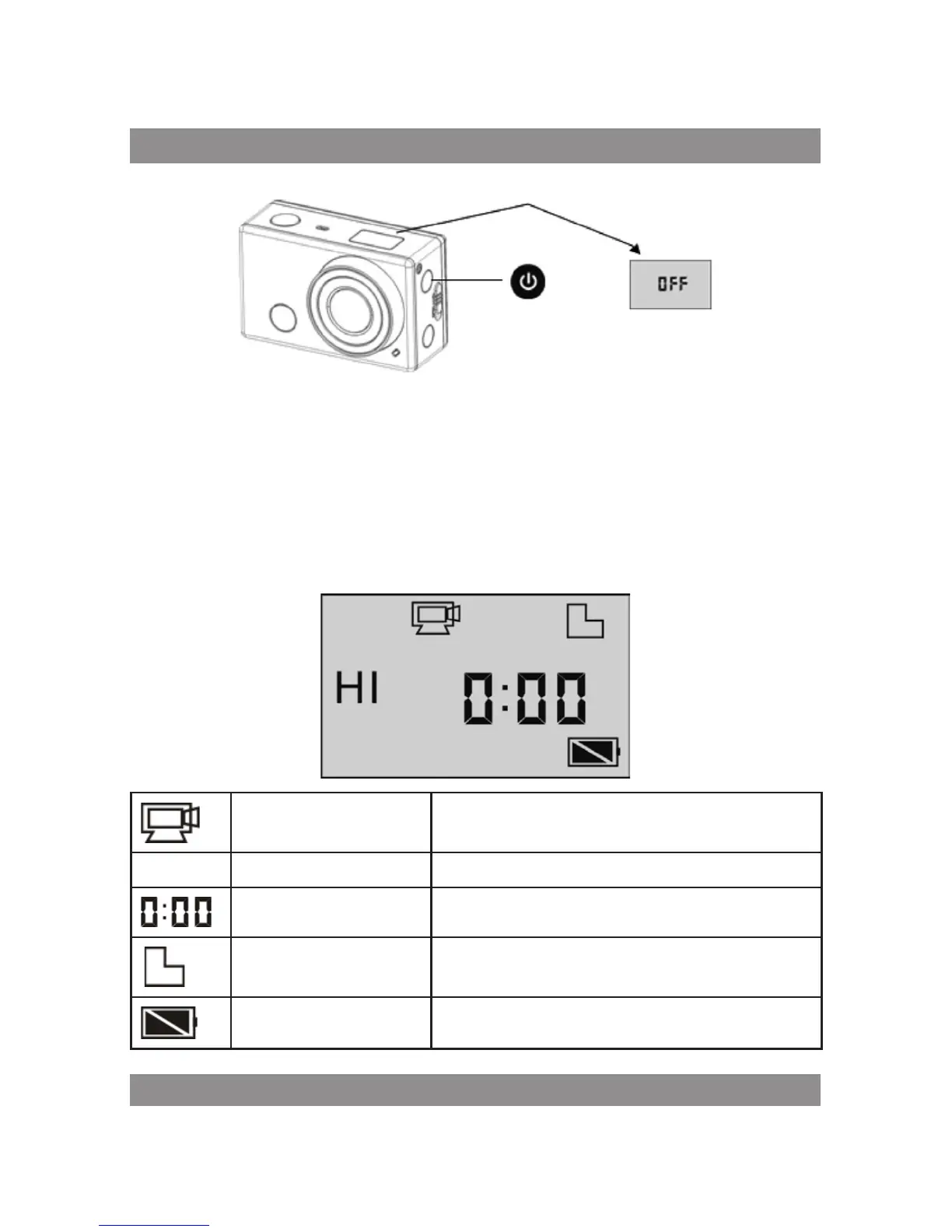
Default setting: After turn on the DV, the default setting is as below:
Video recording mode
icon
The DV is in video recording mode.
HI Video resolution FHD: 1080p@30fps
Recording time Stands for 0 hour and 00 minute.
Micro SD card icon
Display when a Micro SD card is inserted,
otherwise no display.
Battery level Battery is full



 To Next Page