USER’S MANUAL
27
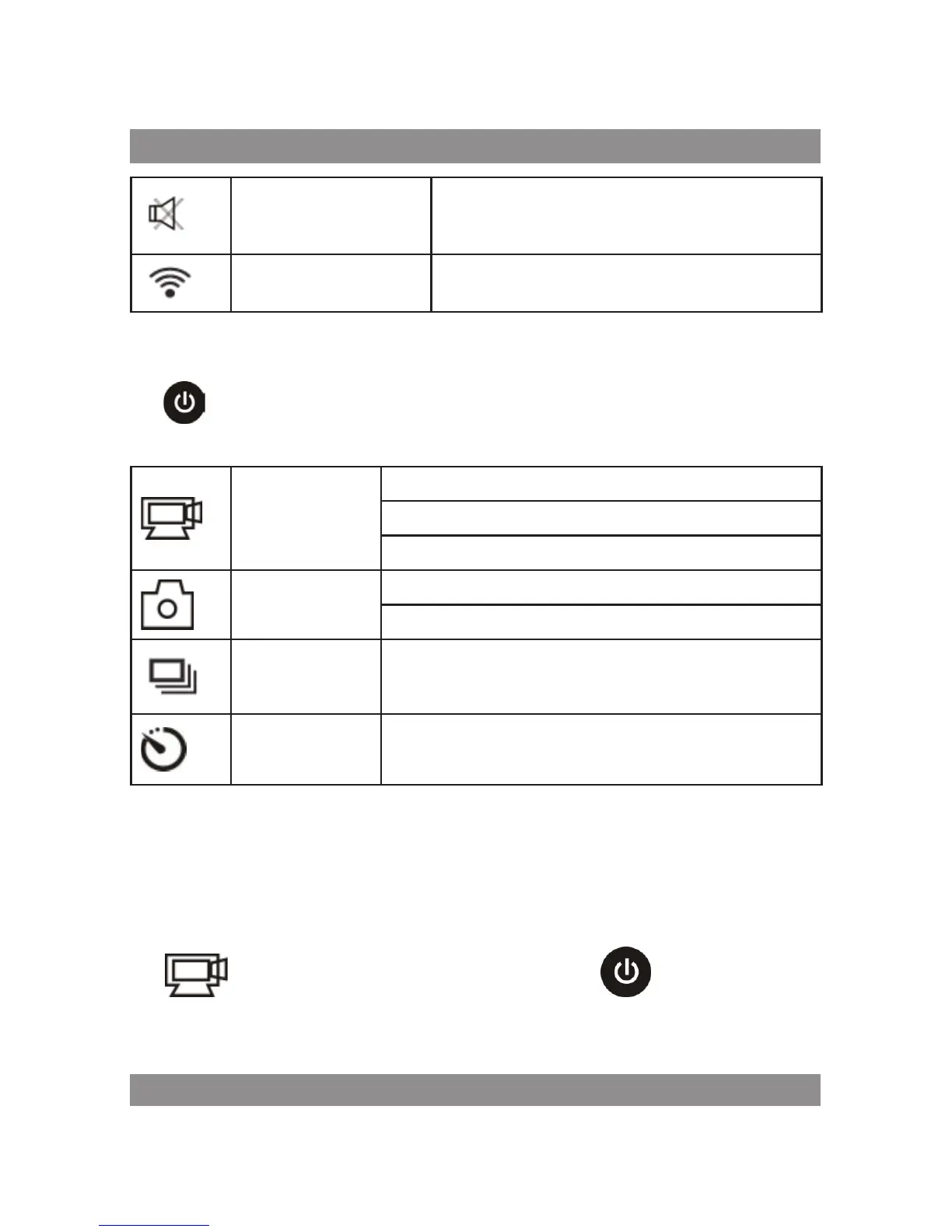
Mute icon
The DV is in Mute mode, no Beep will be heard
when pressing the buttons. It displays only
when Mute mode is activated.
Wi-Fi icon Display when activated.
Shooting modes. The DV provides different shooting modes. Press the
button
repeatedly, the following first two modes will show on the DV screen,
and other models display on the APP operation.
Video
HI stands for FHD (1920x1080,30 fps) video
Lo stands for 720P (1280x720,30 fps) video
HILO stands for 720P (1280x720,60 fps) video
Photo
HI stands for 8M (3264 x 2448) resolution
Lo stands for 5M (2592 x 1920) resolution
Continuous shot
The DV supports taking 3 photos continuously (only
via App)
Self-timer
In self-timer mode , you can set 0s, 2s or 10s (only
via App)
Video
To record a video, please check whether the DV is under Video mode.
If the icon
is not displayed on the screen, press the button repeatedly
until it appears. Start recording: Press and release the



 To Next Page