USER’S MANUAL
32
Connecting to PC
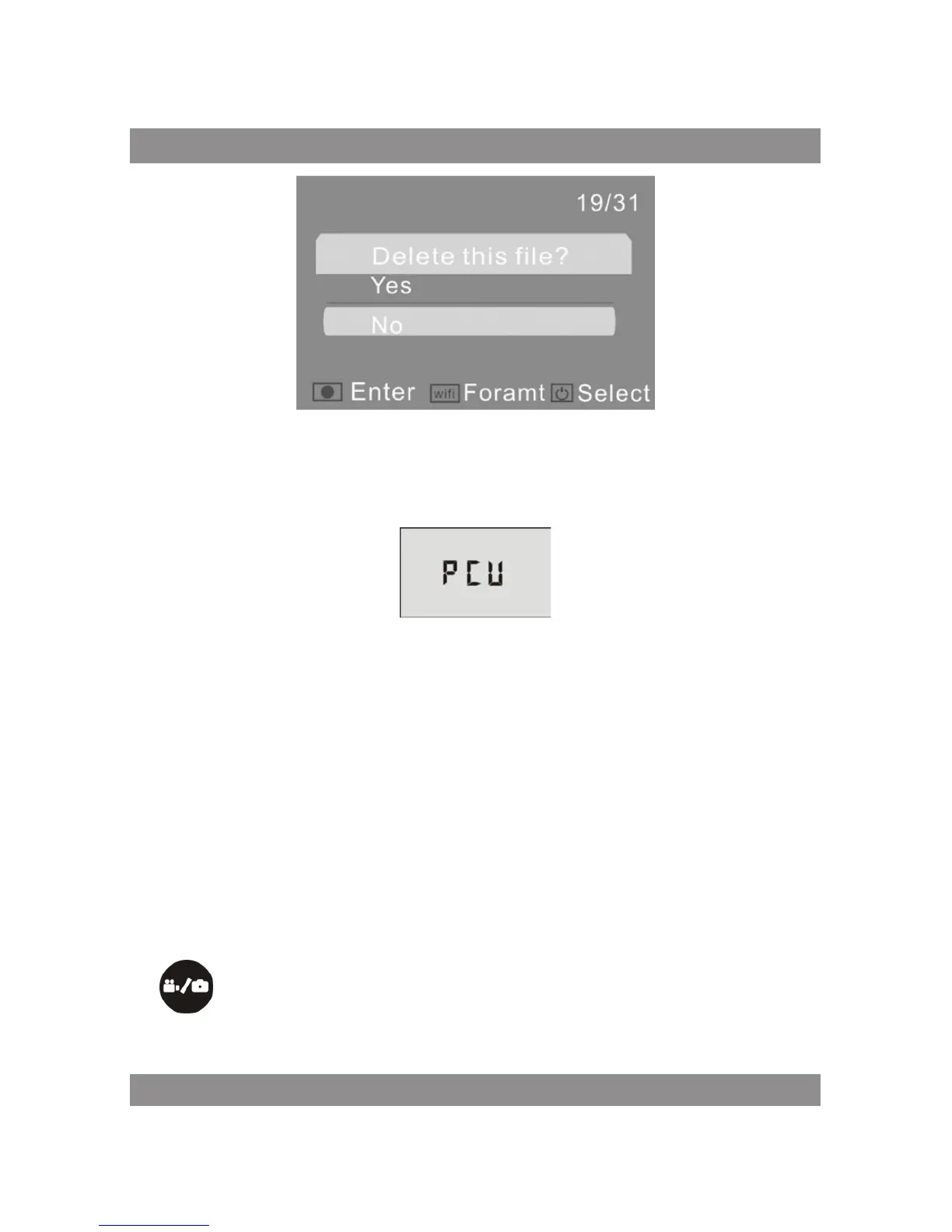
Turn on the DV and connect it to the USB port of the PC via the attached
USB cable. The DV will enter U-disk mode and the LCD will display as below
after connection:
Now you can view the photos or videos taken by DV on PC.
Note:
After the DV connecting to PC to enter U-disk mode, you will see two
removable disks displayed in My computer of Windows, one is the Micro
SD card, storing all the photos taken and video recorded by users; the other
one stores the system file information, including a file named SSID_PW.CFG,
containing the AP ID of the DV and the password for AP login. Users can view
these information but cannot modify, delete or format them.
In U-disk mode (PCU mode), press the Shutter button
to switch to web cam mode (PCC mode), and the LCD will display
as below:



 To Next Page