USER’S MANUAL
30
Connecting to HDTV
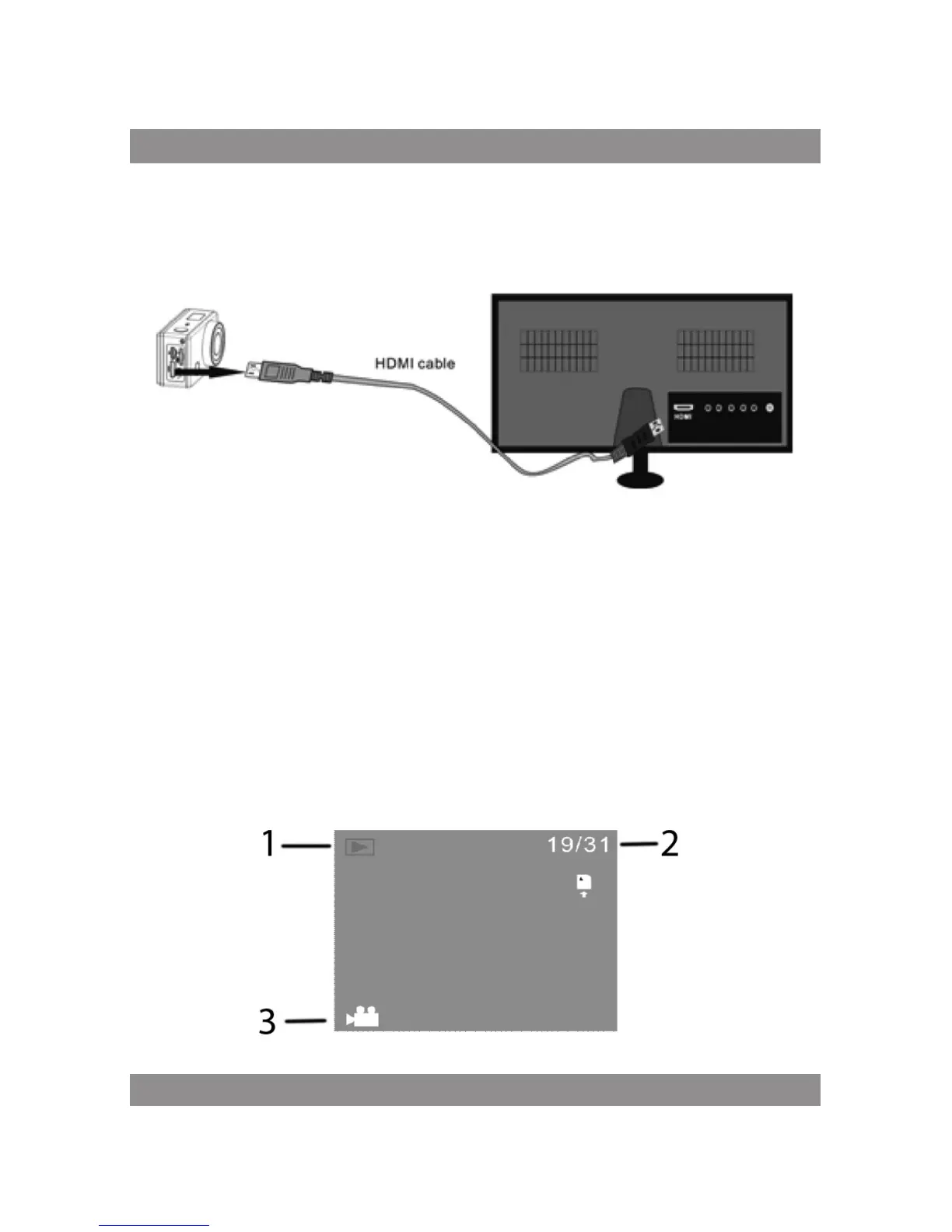
Connect the DV to HDTV via HDMI cable
If you need to transfer the image and audio to an HDTV for playback, insert
the Com end of the HDMI cable to the DV, and the other end (output) to the
HD input of the HDTV, as shown in the following figure:
Note:
Before connecting or removing the HDMI cable, please stop video record-
ing, playback and disconnect Wi-Fi first.
When HDTV is connected, it enters Playback mode, the LCD displays
as below:



 To Next Page