USER’S MANUAL
34
Instruction
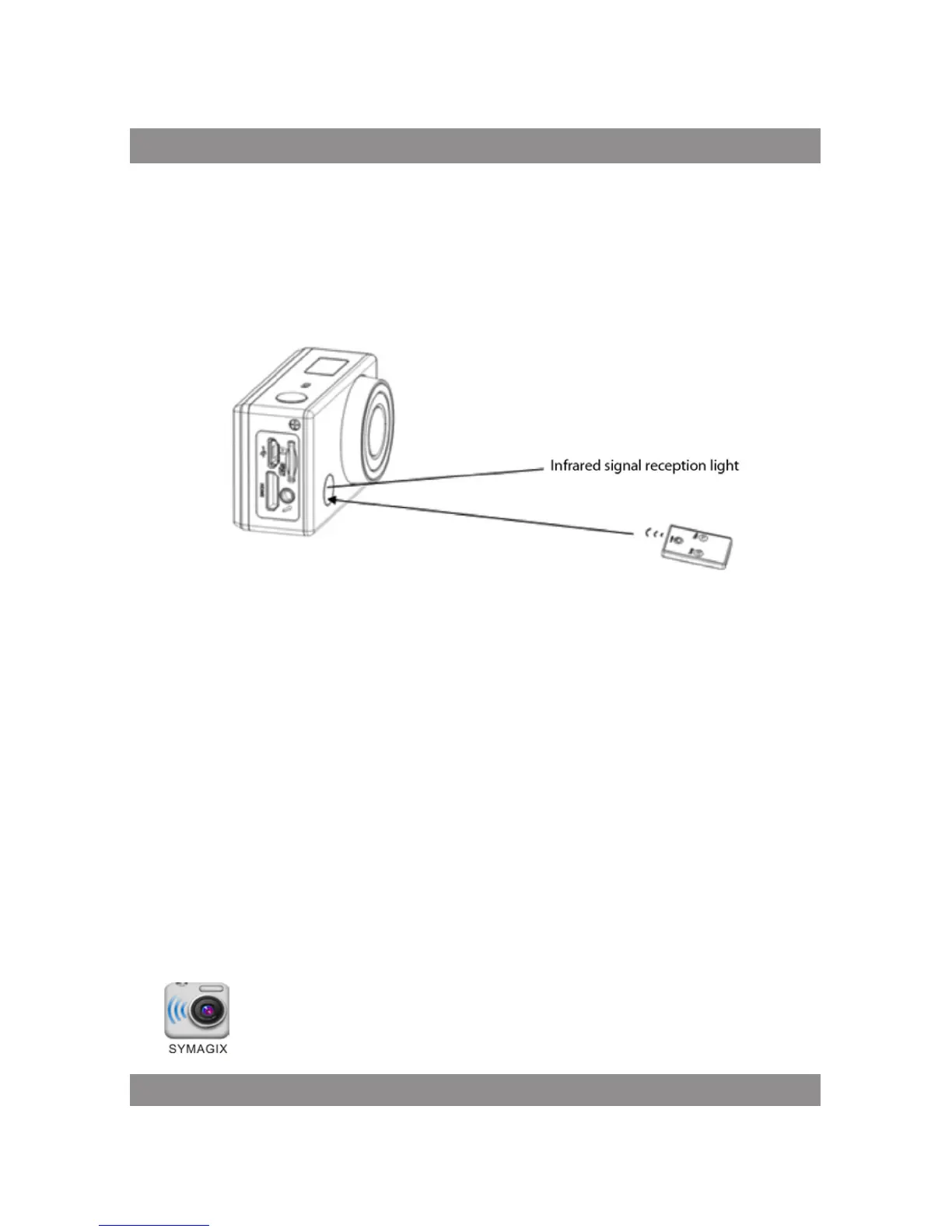
You can use the remote controller to record videos, take photos and shut
down the DV. When using the remote controller, aim the signal emission port
to the infrared signal reception light of the DV, and press the video button,
photo button or power off button.
APP (support Android and iOS)
How to install an APP
1. Search for ”SYMAGIX” in Google Play (for Android OS),or scan the QR
code printed on the gift box to find the APP and install it according to the
instruction.
2. Search for ”SYMAGIX” in APP Store (for iOS) or scan the QR code
printed on the gift box to find the APP and install it according to the
instruction.
Android APP
1. Install SYMAGIX APP (provided by dealer or via internet) on smartphone
or tablet. When installation completes, the LCD will display icon
.



 To Next Page