1600/1800 Manual
10
【
SET
】
to make choice.
【
SET
】
【
RETURN
RETURNRETURN
RETURN
】
Fig.7
Use
【
】
and
【
】
to move the cursor on ●
●●
●Abs. , then press
【
ENTER
】,
If the icon
“ √
√√
√ ” appears at the end of ●
●●
● Abs. , you have selected successfully. Press
【
RETURN
RETURNRETURN
RETURN
】
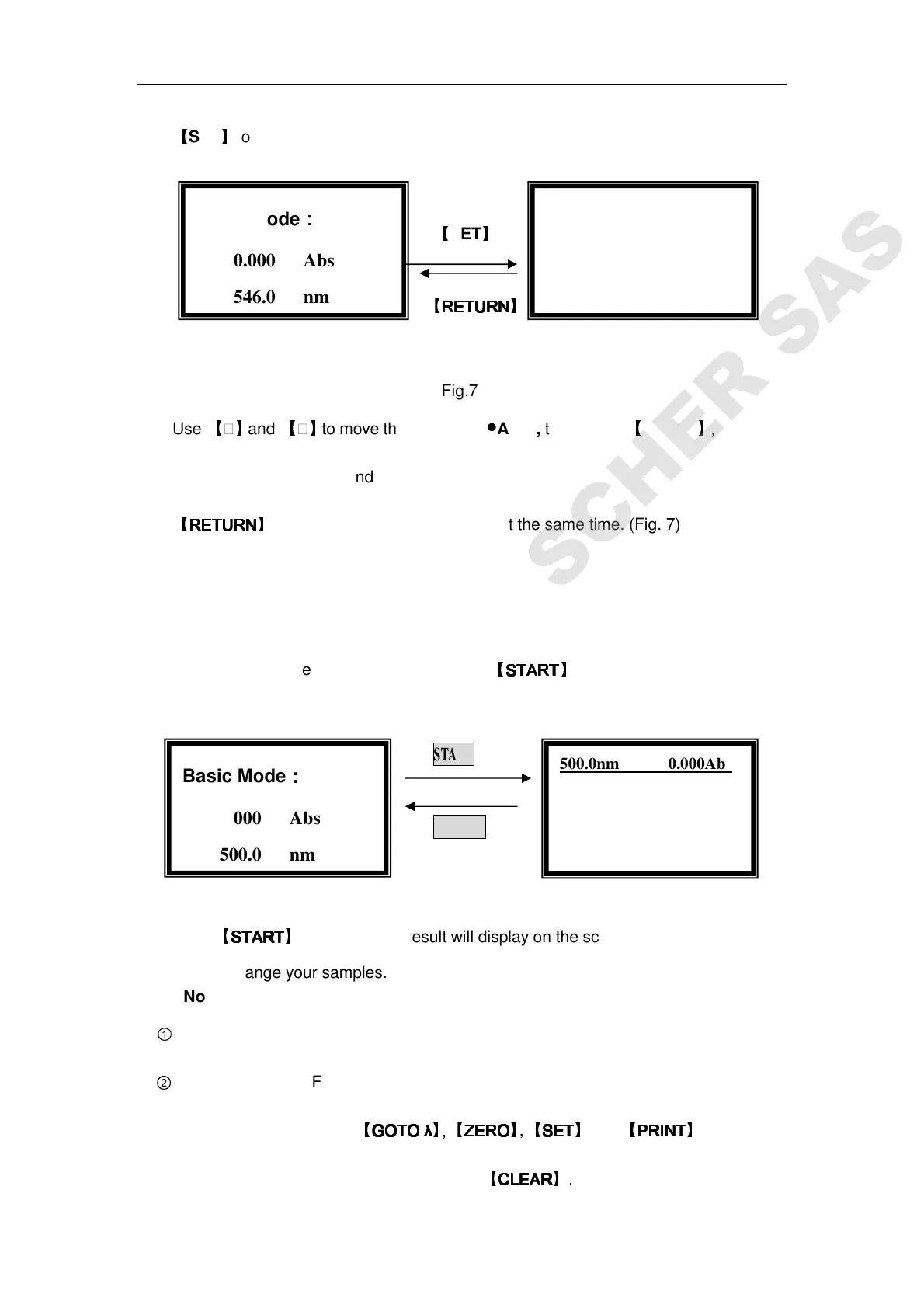
to exit to the left of Fig.4, blank at the same time. (Fig. 7)
The operation is the same as Abs test mode to
select T% mode and Energy mode.
Begin to Test
Push the sample into light path, press
【
START
STARTSTART
START
】
to go into basic mode test
interface.(Fig. 8)
START
RETURN
Fig. 8
Press
【
START
STARTSTART
START
】
again, the test result will display on the screen. The operation is the
same if you change your samples.
Note:
①
5 groups of test data can display per screen, total 200 groups of data can be saved.
②
In the right one of Fig. 8, you can change your test wavelength, blank, change test
mode and print by press
【
GOTO
GOTO GOTO
GOTO λ
λλ
λ
】, 【
ZERO
ZEROZERO
ZERO
】
,
【
SET
SETSET
SET
】
and
【
PRINT
PRINTPRINT
PRINT
】
respectively.
You can also clear the test data by press
【
CLEAR
CLEARCLEAR
CLEAR
】.
√
√√
√Basic Mode:
●
●●
●Abs. √
√√
√
Basic Mode:
::
:
0.000 Abs
546.0 nm
Basic Mode:
::
:
0.000 Abs
500.0 nm
500.0nm 0.000Abs
No. WL Abs
1 500.0 0 .000



 To Next Page