1600/1800 Manual
【
PRINT
】
Print test results
【
0
】-【
9
】
Input number or menu select.
【
.
】
Input dot;
【
-
】
Input minus symbol;
【
】
,
【
】
Scroll items for selecting; Browse the items for selection;
Turn on spectrophotometer
Turn on spectrophotometer by pressing the Power Switch (IO). The instrument starts to
initiate and the steps are as below:
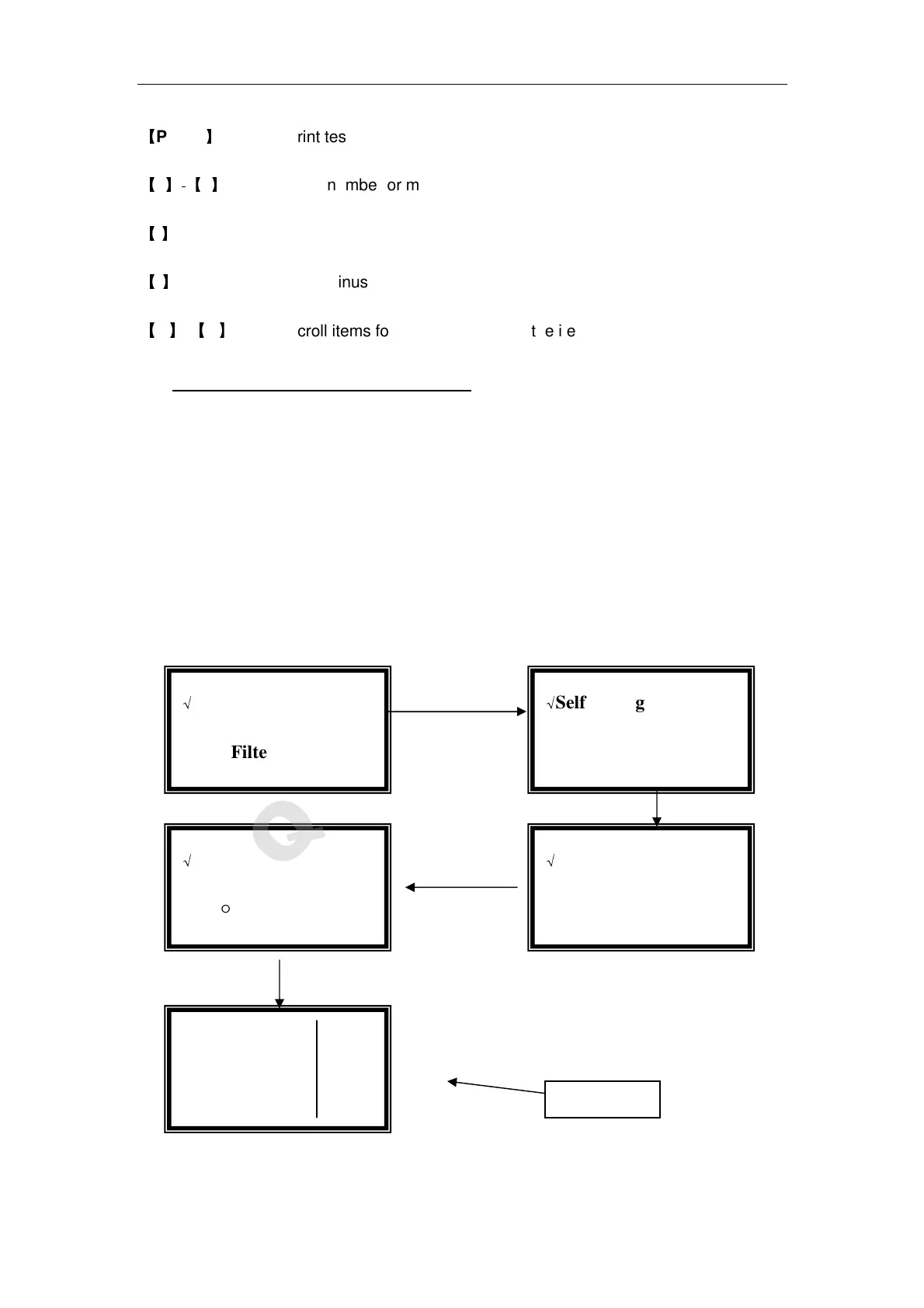
1.The instrument will position filter first, then initialize lamp position and AD
converter, then D2 / W lamps warm up, then Wavelength reset and get dark current, After
initializing printer, checking battery and setting up system, the screen display the main
menu. And the self-testing process display as fig 3.
2 .If the data in memory has been lost, the instrument will directly calibrate system
without any choice for you.
Note: DO NOT OPEN SAMPLE COMPARTMENT LID DURING SELF-TESTING.
Fig 3
√
Self-testing
●
●
●
●Filter √
√
Self-testing
○
○
○
○D2 Lamp √
●
●●
●Basic Mode
○
○○
○Quantitative
√
Self-testing
○
○○
○Dark Current √
√
Self-testing
○
○○
○System √
Main Menu



 To Next Page