1600/1800 Manual
Operation:
Prepare the spectrophotometer
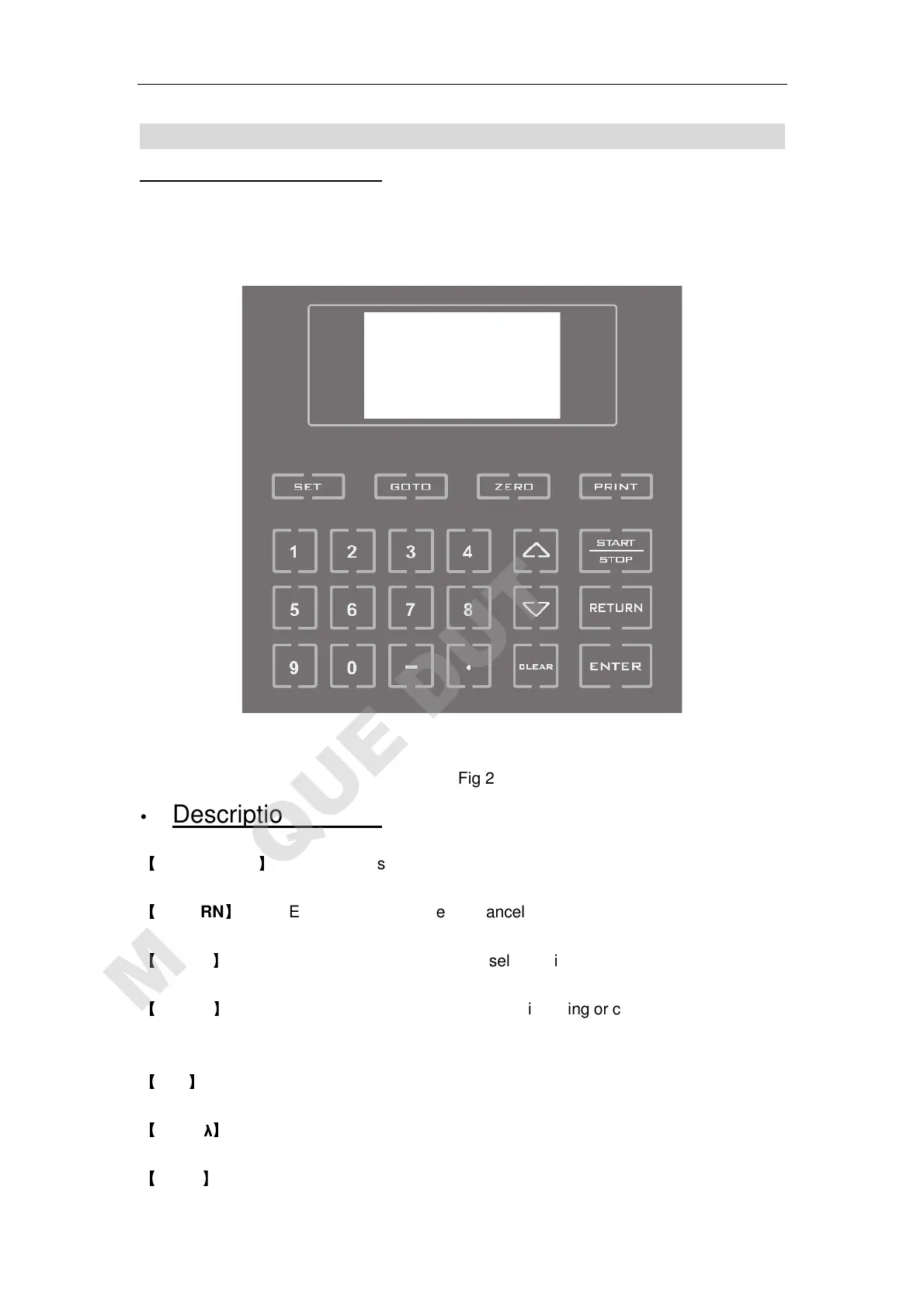
Fig 1-2 is the control panel. User can perform all operations by pressing the keys and all
the results and operation information are displayed on the LCD.
Fig 2
Description of keys
【
START/STOP
】
Start/stop testing
【
RETURN
】
Exit to previous screen or cancel the operation;
【
ENTER
】
Confirm the inputted data or selected item;
【
CLEAR
】
Clear all characters when you are inputting or clear test results display
on the screen;
【
SET
】
Parameter set
【
GOTO
λ
λλ
λ
】
Set wavelength;
【
ZERO
】
Blank



 To Next Page