1600/1800 Manual
20
Fig. 29
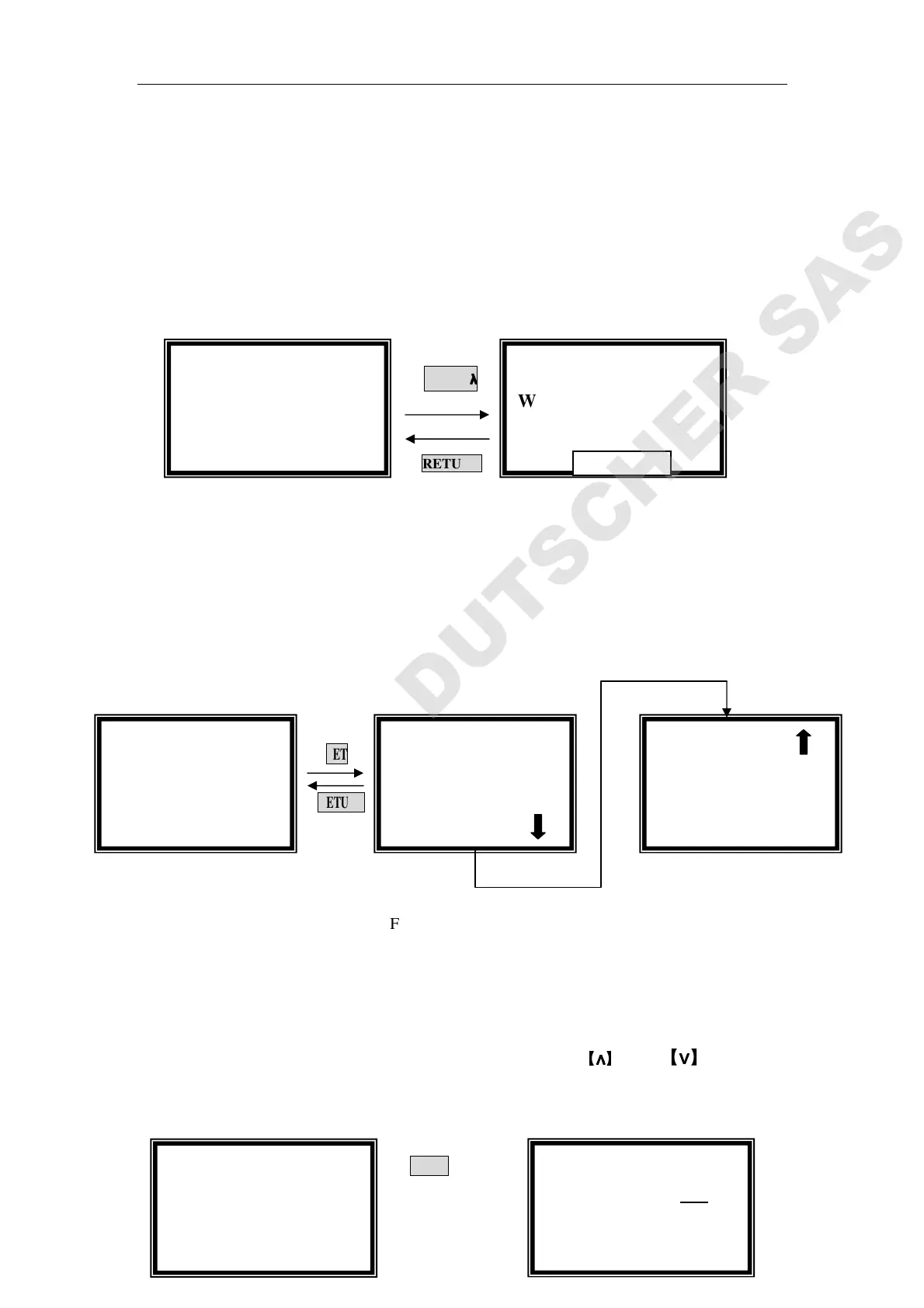
Set Wavelength
Press【GOTO λ】in the kinetics pre-testing interface, input the testing
wavelength by pressing the numeric keypad. (Fig.30). Reference Page
7, you’ll get a detailed instruction.
GOTO
λ
λλ
λ
RETURN
Fig. 30
Set Parameters
Press 【SET】in the kinetics pre-testing interface, 5 parameters should be
set before testing.(Fig. 31)
SET
RETURN
Fig. 31
Set Time Interval
Move the cursor on “Time Interval” by pressing
【
∧
∧∧
∧
】
and 【∨
∨∨
∨】, followed
by【ENTER】. (Fig.32)
ENTER
Kinetics
100.0 T%
546.0 nm
√ Kinetics
●
●●
●Time Interval
○
○○
○Total Time
√ Kinetics
●
●●
●Time Interval
○
○○
○Total Time
Kinetics
Time Interval = 1 S
Please Input New:
::
:
√ Kinetics
●
●●
●Upper Limit
○
○○
○Lower Limit
Kinetics
100.0 T%
546.0 nm
Kinetics
WL=
==
=546.0nm
Please Input New:
::
:



 To Next Page