1600/1800 Manual
19
Press
【
RETURN
】
to go back to pre-testing interface.
Blank
Pull the blank solution cuvette into the light path, then press
【
ZERO
】
.
Test and Print
Pull the unknown concentration sample in the light path, then press
【
START
】
, now it enters the testing interface. Press
【
START
】
again, you’ll get
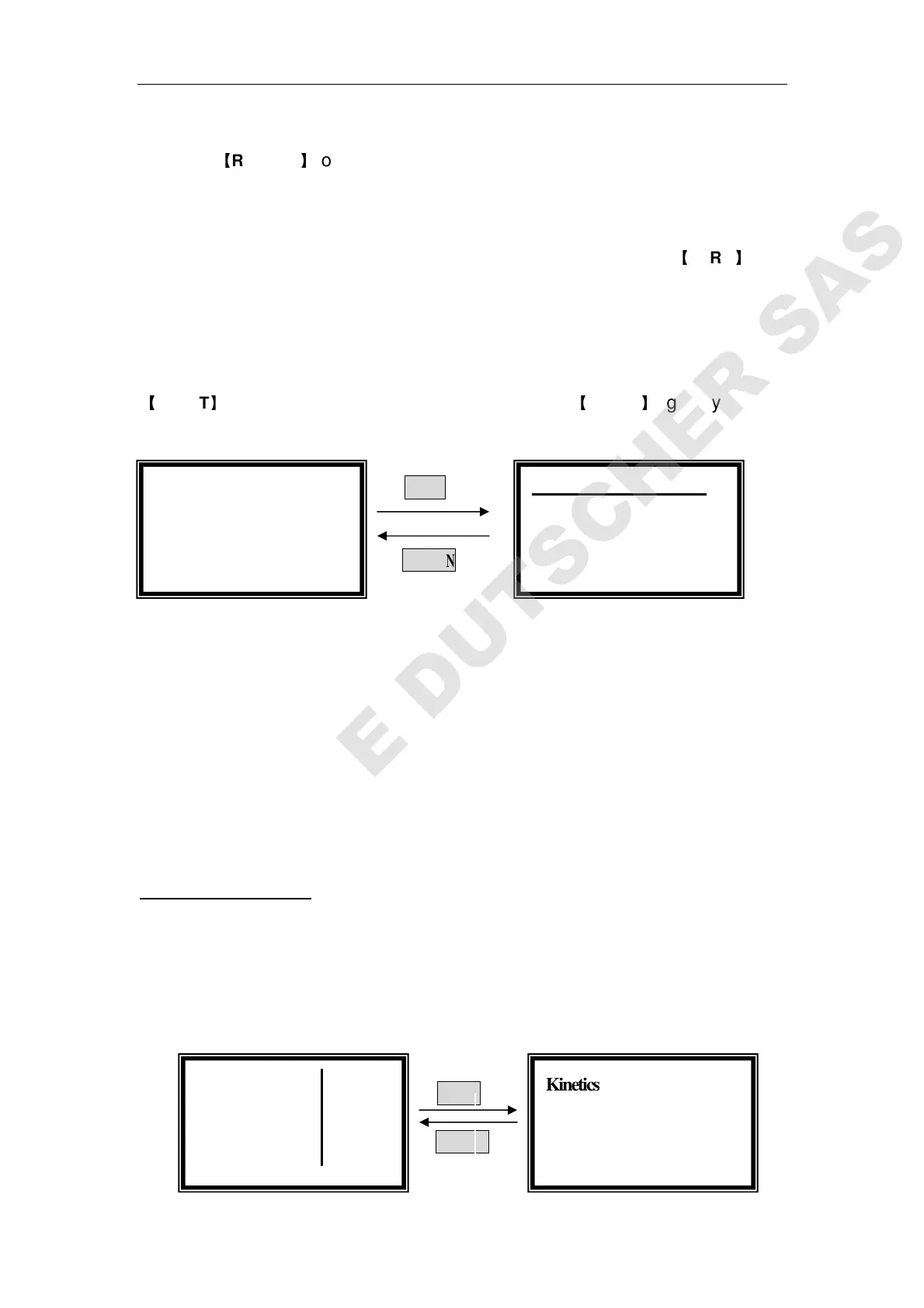
the concentration of the sample.(Fig. 28)
START
RETURN
Fig. 28
The operation is the same if you have more samples to test.
Press 【PRINT】to print the test results. All the data will be deleted after
printing.
You can also delete the test results by pressing 【
CLEAR】.
3. Kinetics Mode
Move the cursor on “Kinetics” by pressing【∧
∧∧
∧】and 【∨
∨∨
∨】 in the main menu,
then press 【ENTER】to go into kinetics pre-testing interface. (Fig.29)
ENTER
RETURN
Coefficient: A=KC+B
0.001 Abs
1.200 mg/l
546.0 nm
546.0nm -0.000Abs
No. WL Abs Conc
1 546.0 0.001 1.0 g/l
○
○○
○Basic Mode
○
○
○
○Quantitative
Kinetics
100.0 T%
546.0 nm



 To Next Page