1600/1800 Manual
21
RETURN
Fig. 32
Input the new interval time by pressing the numeric keypad followed by
【
ENTER
】
, it will return the kinetics setting interface.
Note: 1. The range of time interval is 1-200, other value is invalid.
2.
If you don’t want to change the value, press
【
RETURN
】
directly.
Set Total Time
Move the cursor on “Total Time” by pressing
【
∧
∧∧
∧
】
and 【∨
∨∨
∨】, followed by
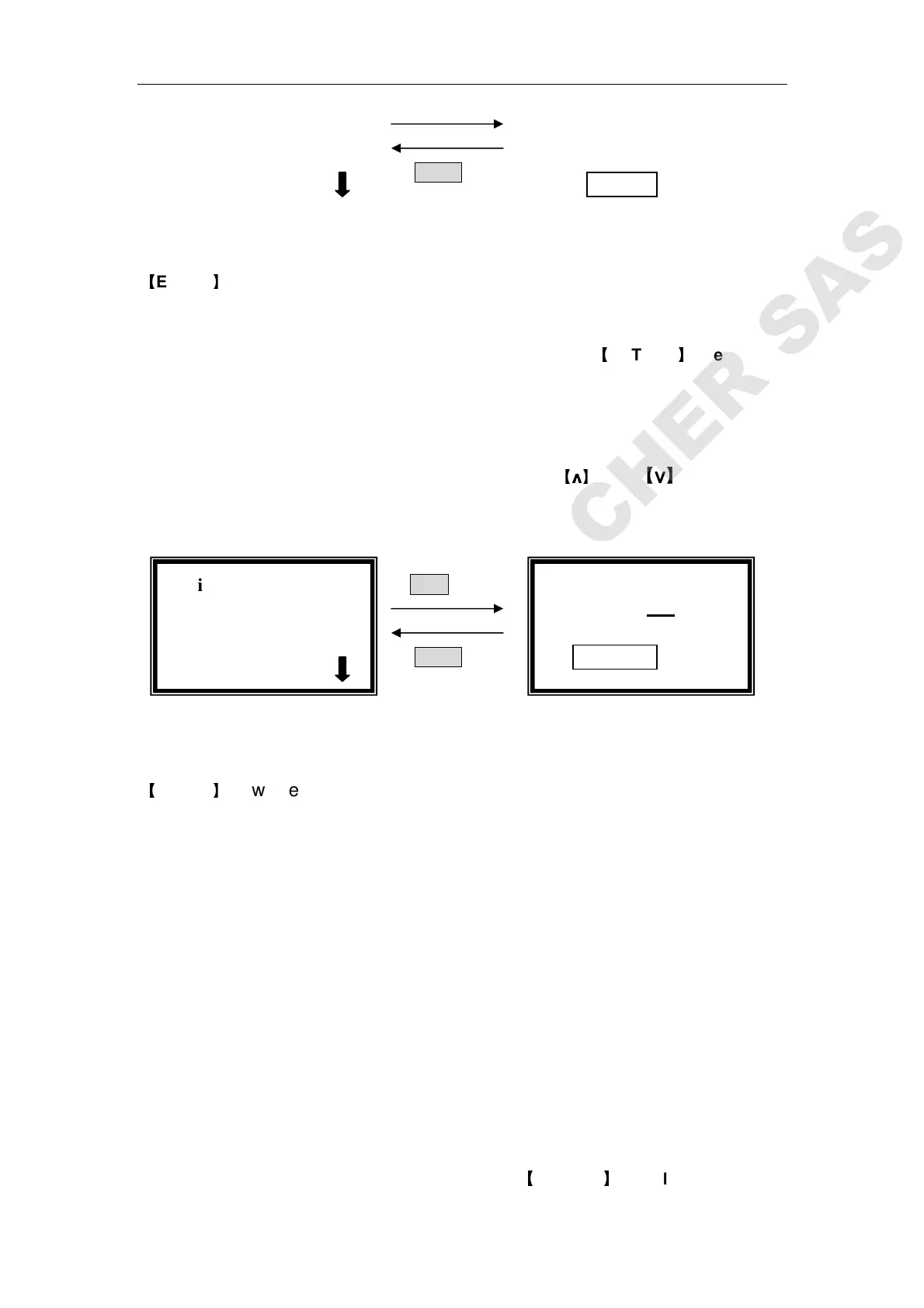
【ENTER】. (Fig.33)
ENTER
RETURN
Fig. 33
Input the new total test time by pressing the numeric keypad followed by
【
ENTER
】
, it will return to the kinetics setting interface.
Note:
1. The range of total test time is 1-120,000, other value is invalid.
2. The maximum value of total time is correlative to the interval time,
because system only permits 1000 dots be adopted at most. For
example:
if the interval time is 1s, then the maximum total test time is:
1 X 1000=1000s;
if the interval time is 20s, the maximum total test time is:
20 X 1000=20,000s;
if the interval time is 200s, the maximum total test time is NOT:
200 X 1000=200,000s
Because the range of total time is 1-120,000, when the interval time is
200s, the maximum test time is 120,000!
3.
If you don’t want to change the value, press
【
RETURN
】
directly.
√ Kinetics
○
○○
○Time Interval
●
●●
●Total Time
Kinetics
Total Time= 100 S
Please Input New:
::
:



 To Next Page