1600/1800 Manual
22
Set Test Mode
Move the cursor on “Test Mode” by pressing
【
∧
∧∧
∧
】
and 【∨
∨∨
∨】in setting
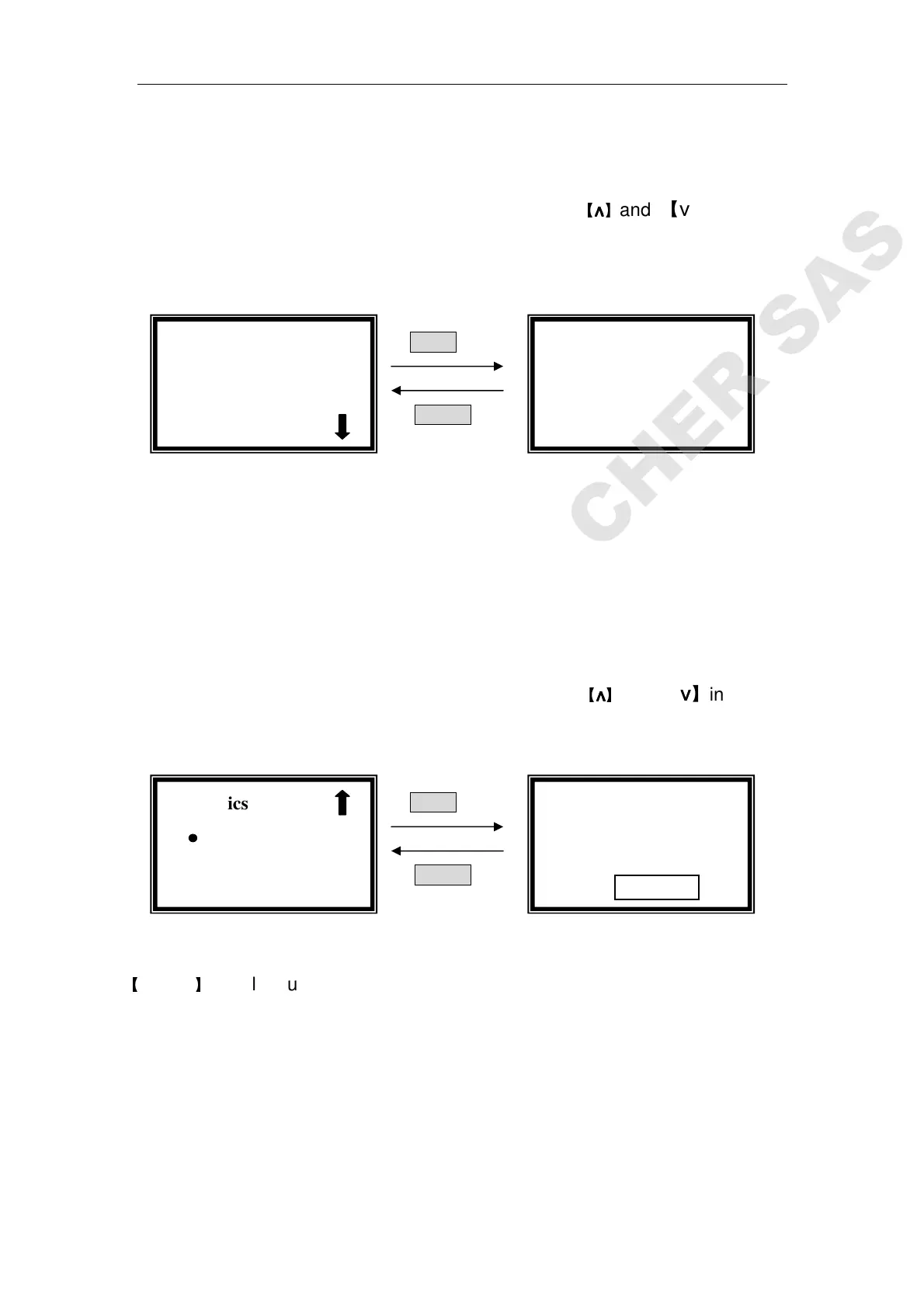
interface, followed by【ENTER】.(Fig. 34)
ENTER
RETURN
Fig. 34
Move the cursor on the test mode by pressing【∧
∧∧
∧】and 【∨
∨∨
∨】, then press
【ENTER】to select. Press 【RETURN】to go back to the kinetics setting
interface.
Set Upper Limit
Move the cursor on “Upper Limit” by pressing
【
∧
∧∧
∧
】
and 【∨
∨∨
∨】in setting
interface, followed by【
ENTER】.(Fig. 35)
ENTER
RETURN
Fig. 35
Input the new upper value by pressing the numeric keypad followed by
【
ENTER
】
, it will return to the kinetics setting interface.
If you don’t want to change the value being set last time, press 【ENTER】
or【RETURN】directly .
Note: the range or A is -0.3-3, the range or T is 0-200, other value is invalid.
Set Lower Limit
√ Kinetics
○
○○
○Time Interval
○
○○
○Total Time
√
√√
√Kinetics
●
●●
●Abs. √
√√
√
√ Kinetics
●
●●
●Upper Limit
○
○○
○Lower Limit
Kinetics: Abs.
Upper=3.000
Please Input New
Upper=



 To Next Page