1600/1800 Manual
17
RETURN
+B
RETURN
Fig. 22
Note: The two formulas can be converted each other, it’s up to your habit to
choose anyone of them, but the operation is the same. C=KA+B is an example.
Set Wavelength
Press【GOTO λ】in the pre-testing interface, input the testing wavelength by
pressing the numeric keypad. (Fig.23). Reference Page 7, you’ll get a detailed
instruction.
GOTO
λ
λλ
λ
RETURN
Fig. 23
Set Parameters
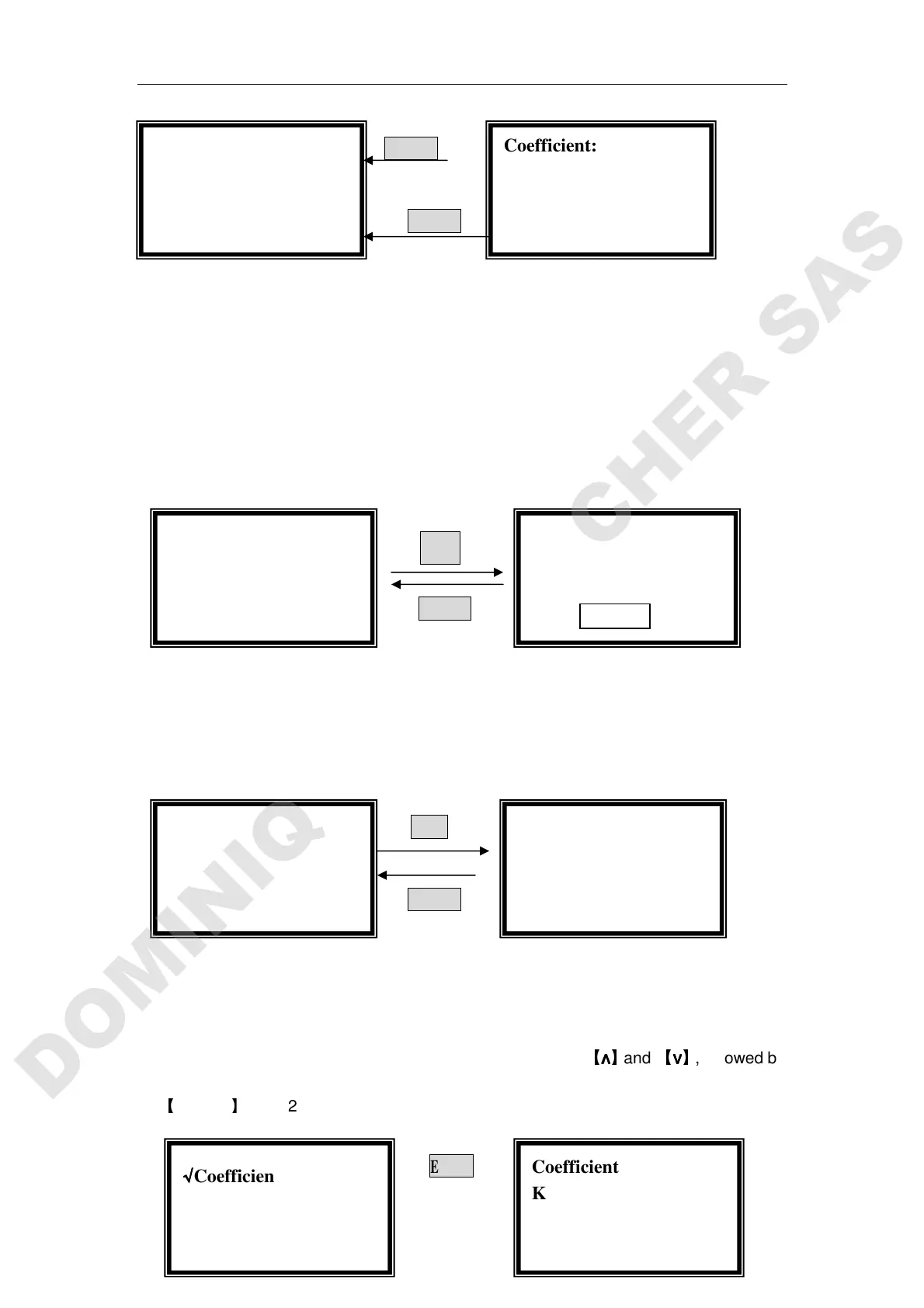
Press 【SET】in the coefficient method pre-testing interface, 3 parameters
should be set before testing.(Fig. 24)
SET
RETURN
Fig. 24
Set Coefficient K
Move the cursor on “Coefficient K” by pressing
【
∧
∧∧
∧
】
and
【
∨
∨∨
∨
】
, followed by
【
ENTER
】
.(Fig. 25)
ENTER
√
√√
√Quantitative:
::
:
○
○○
○Standard Curve
Coefficient: C=KA+B
0.001 Abs
1.000 mg/l
546.0 nm
Coefficient: A=KC+B
0.001 Abs
1.200 mg/l
546.0 nm
√
√√
√Coefficient
●
●●
●Coefficient K
√
√√
√Coefficient
●
●●
●Coefficient K
Coefficient
K=4.000
Please Input New
K=
Coefficient: A=KC+B
0.001 Abs
1.200 mg/l
546.0 nm
Coefficient:
::
:
WL=546.0nm
Please Input New:
::
:


 To Next Page